How to create a private room for people you know
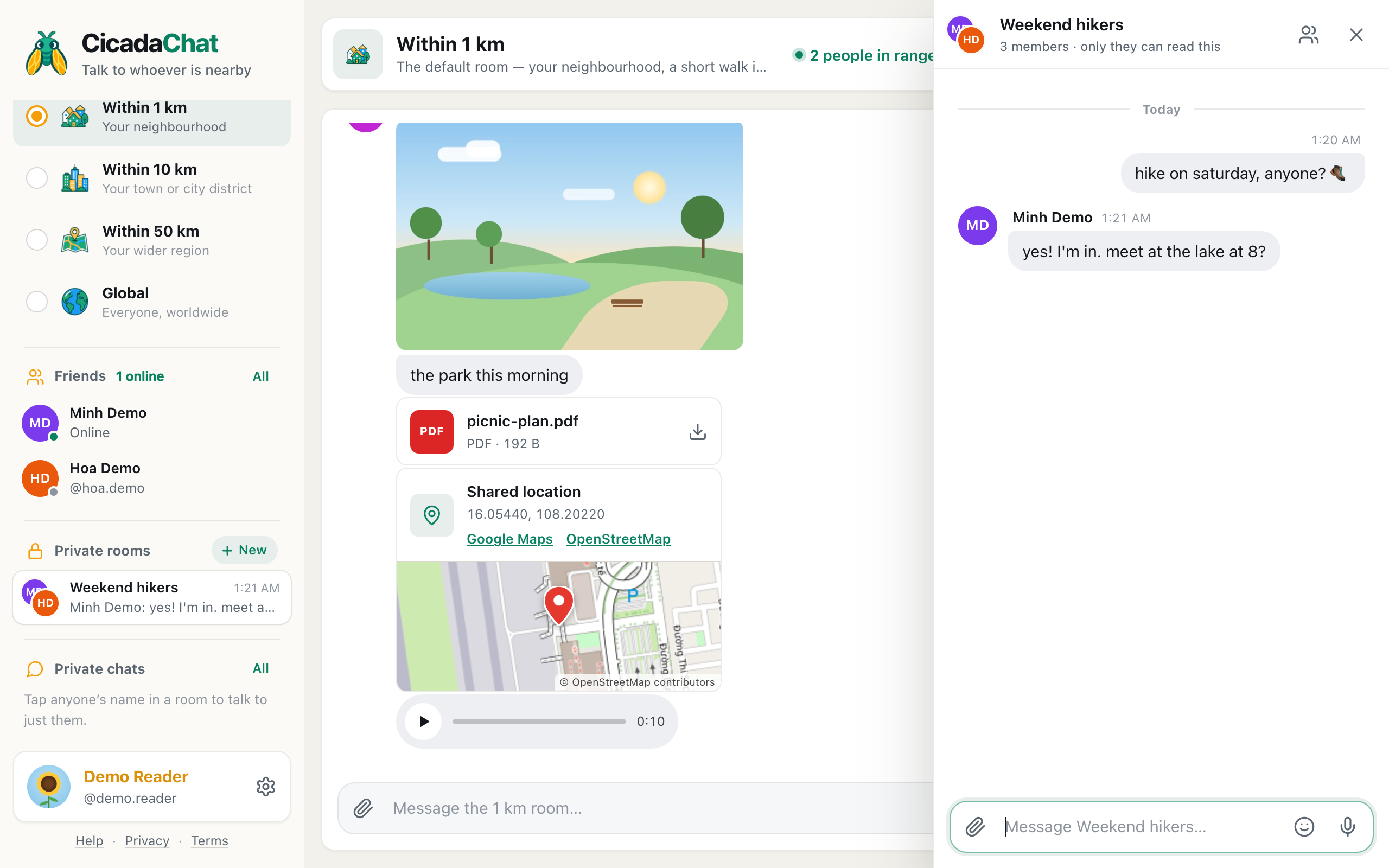
Private rooms are group chats for friends you choose, wherever they are. How to create one, who you can add, what chatting in one is like, and how it compares with a private chat.
Tag
12 articles
Private rooms are group chats for friends you choose, wherever they are. How to create one, who you can add, what chatting in one is like, and how it compares with a private chat.
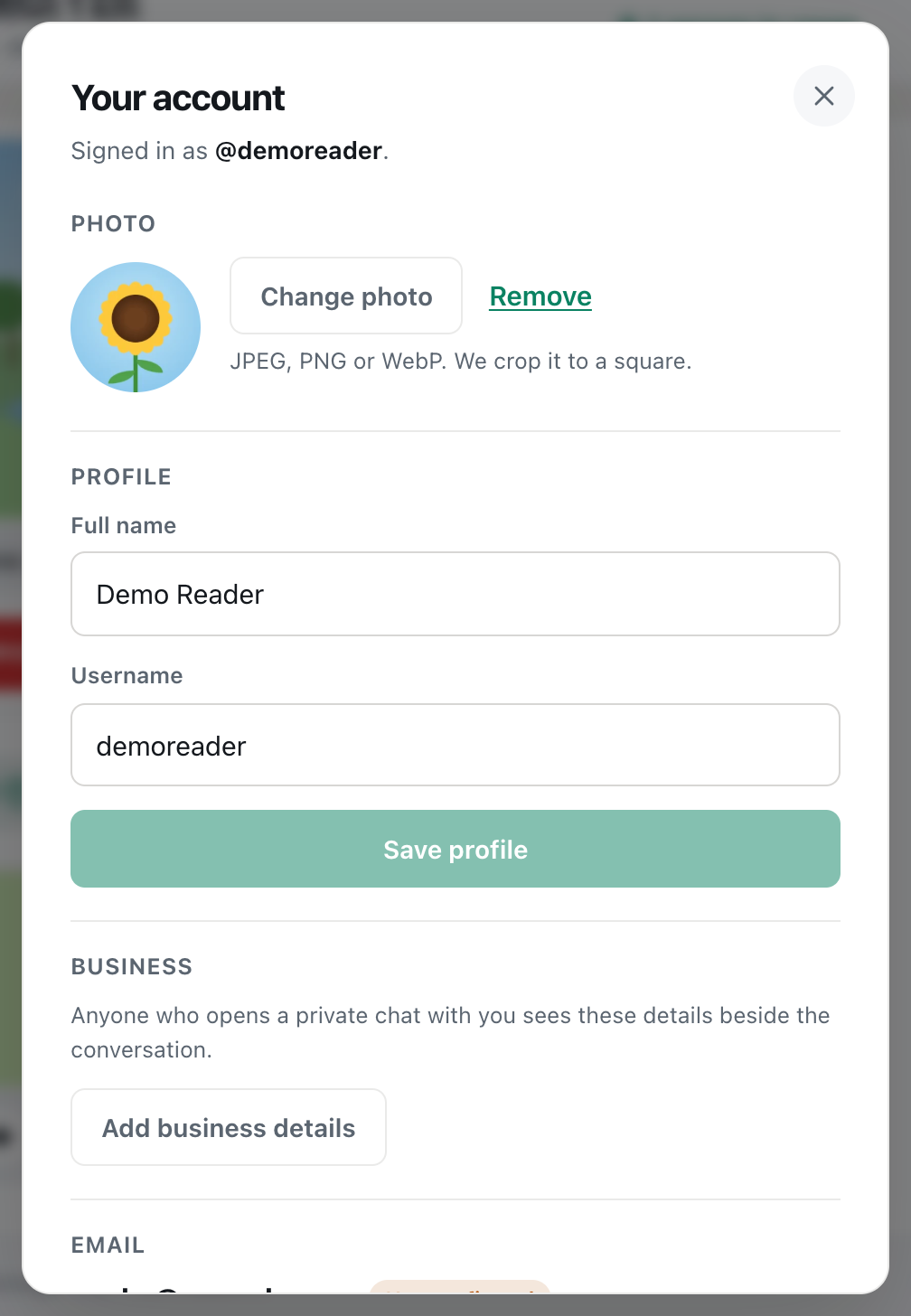
Add friends on CicadaChat by username, from a room or from a private chat. Accepting and declining requests, seeing who's online, and removing a friend.
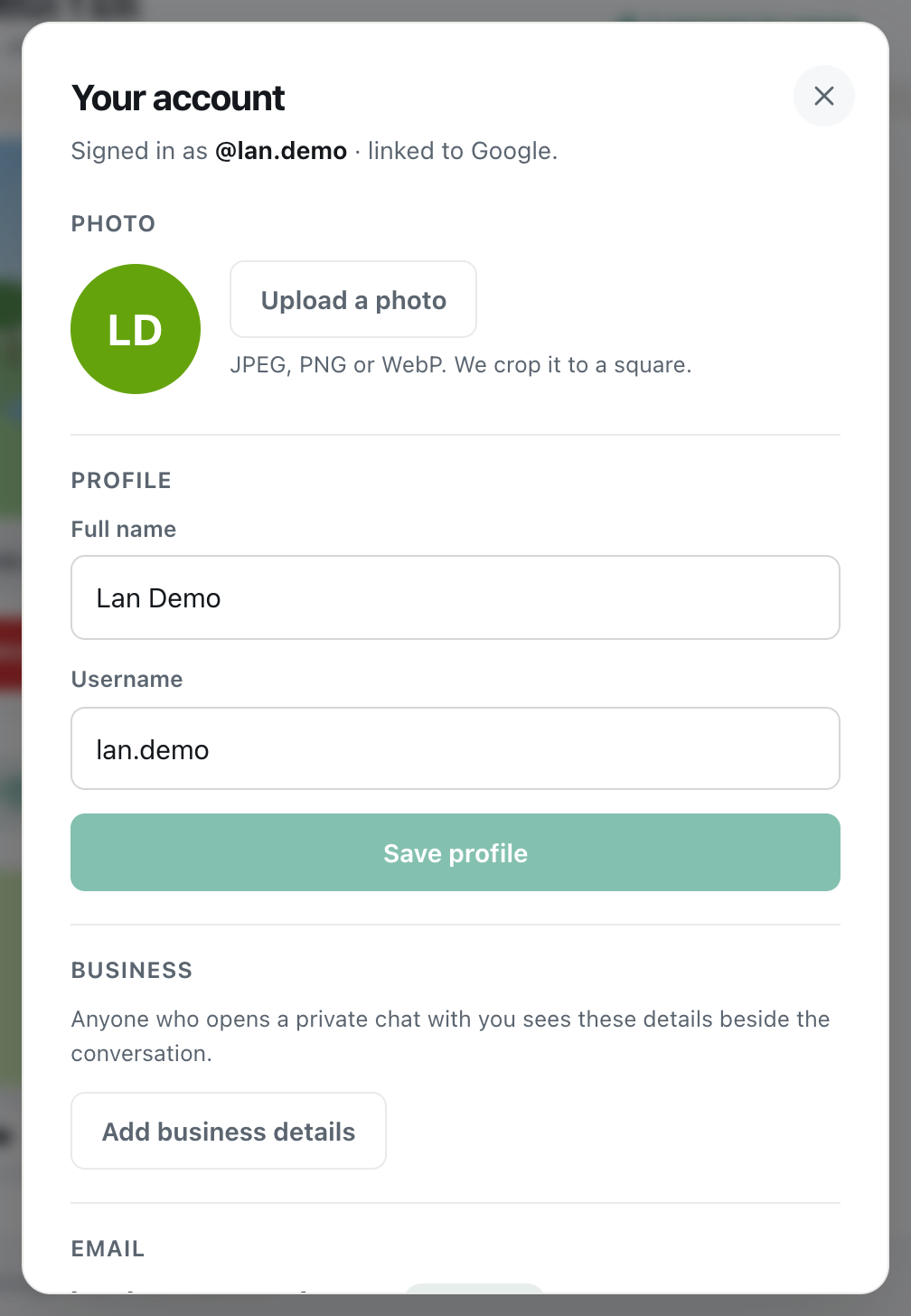
Set your CicadaChat profile photo, full name and username in Your account. What each is for, who sees it, the rules, and what to do when a change won't save.
Confirm your CicadaChat email address, or change it to a new one safely in two steps. What changes afterwards, and what to do when a link or email doesn't work.
Change your CicadaChat password in Your account, which also signs out every other device. Setting a first password for Google accounts, and what to do if it fails.
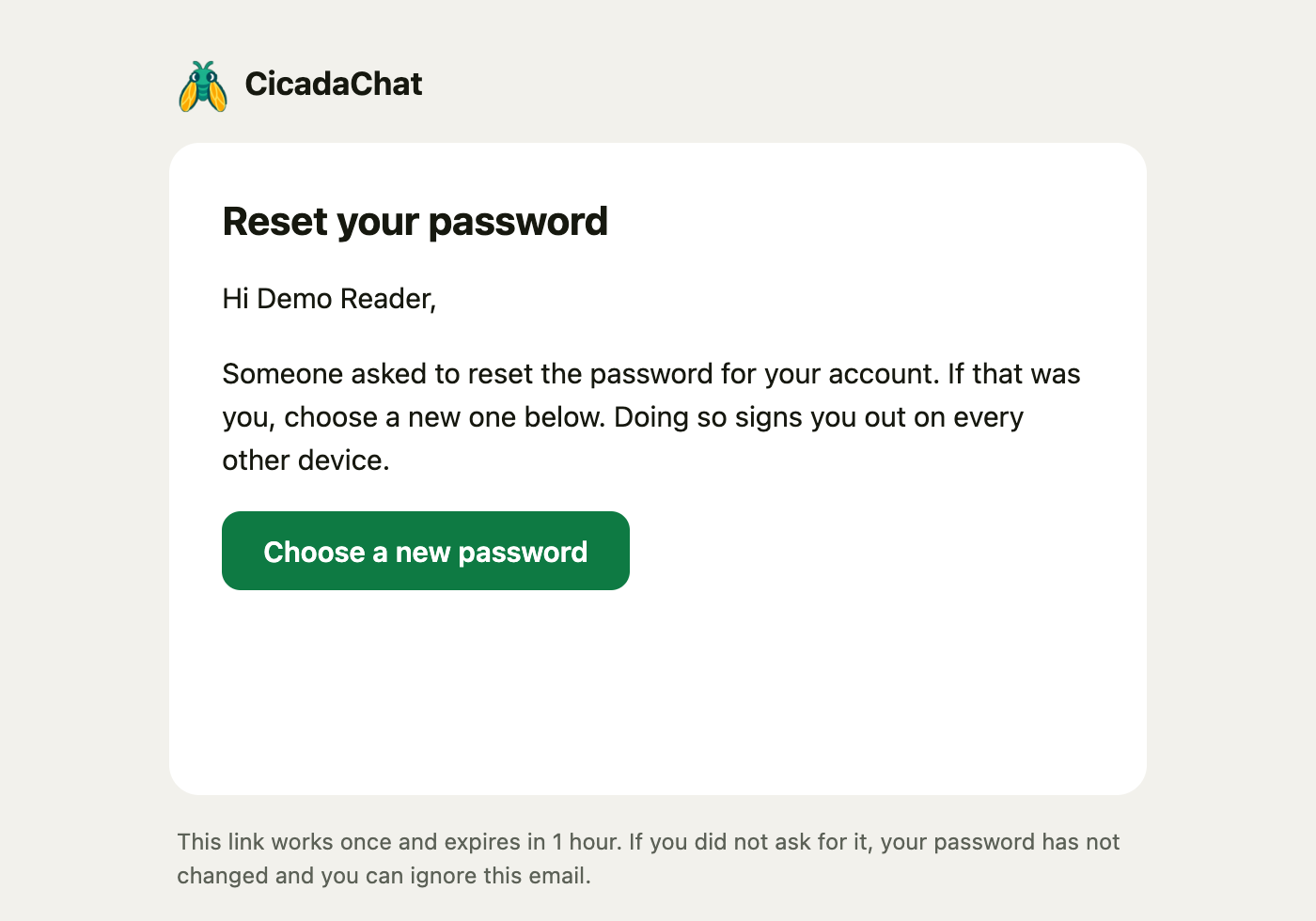
Forgot your CicadaChat password? Ask for a reset link, choose a new password and log back in. What the email looks like, and what to do if it doesn't arrive.
What the Keep me signed in for a year checkbox does, when to untick it on shared computers, and how to sign out of one device or every device at once.
Sign in to CicadaChat with your Google account: what happens the first time, Google-only accounts, adding a password, linking Google to an existing account, and fixes.
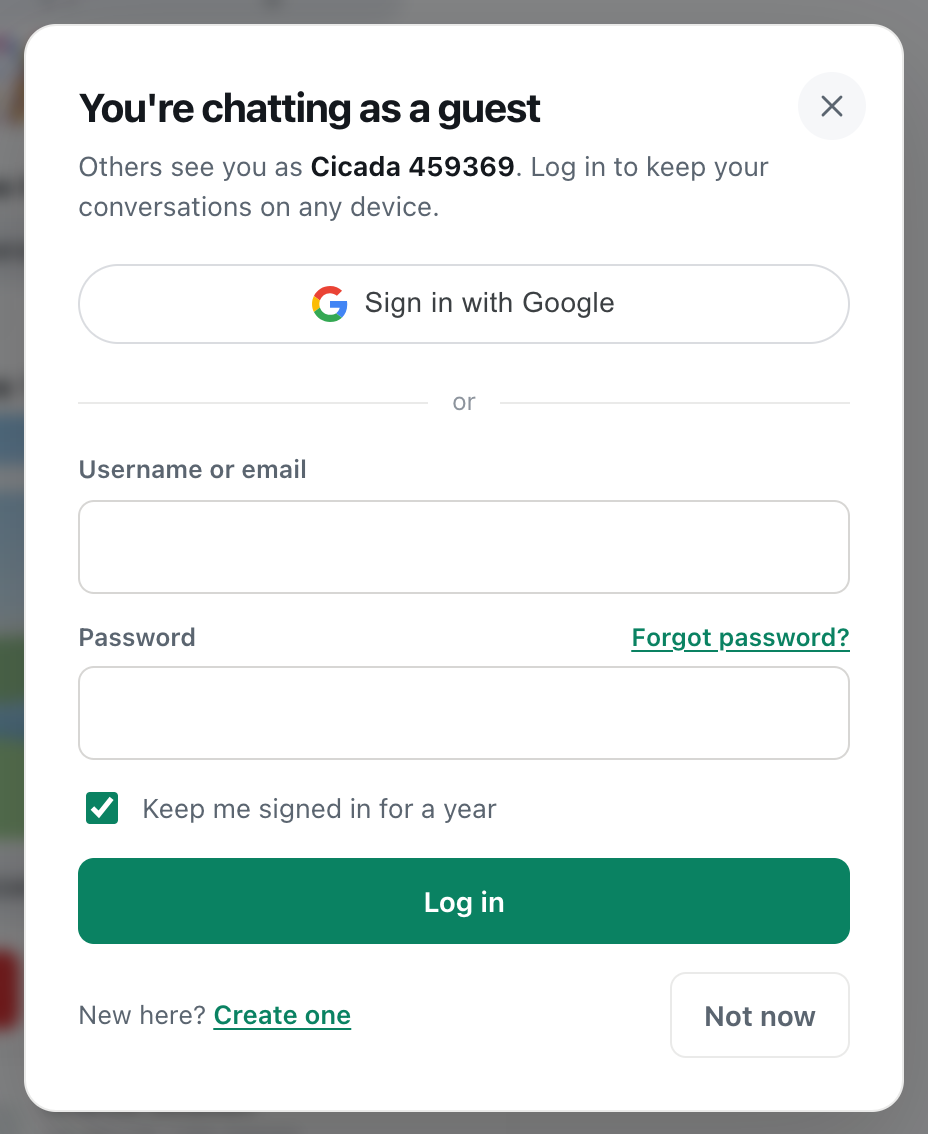
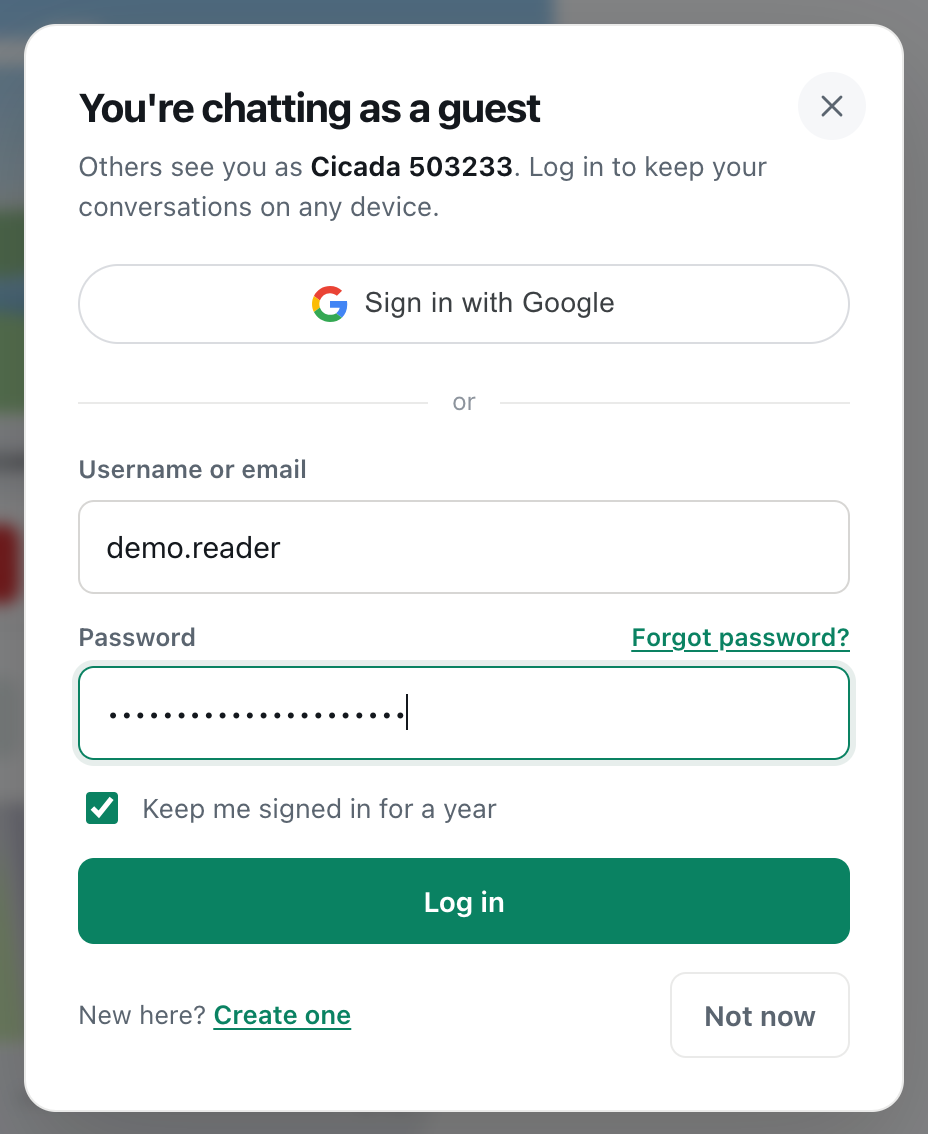
Log in to CicadaChat with your username or email on any device. Keep me signed in, signing out, and what to do when logging in doesn't work.
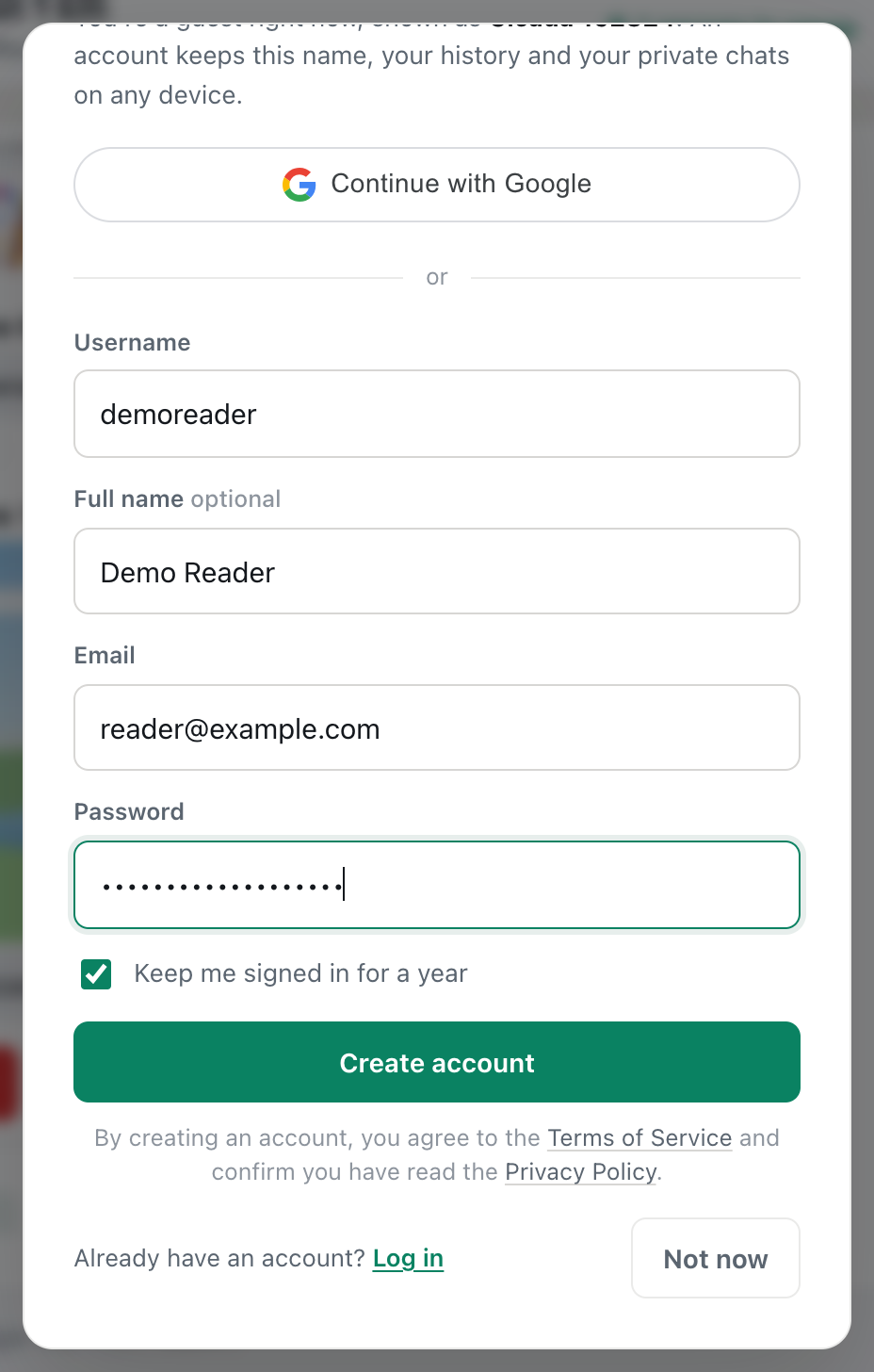
Create a CicadaChat account in under a minute without losing anything from your guest account. Each field explained, the welcome photo, and confirming your email.