
The Hot view: finding a room's best messages from the past week
The flame in CicadaChat's room header shows a room's most-reacted messages from the past week. How it ranks them, what it counts, and how to use it.
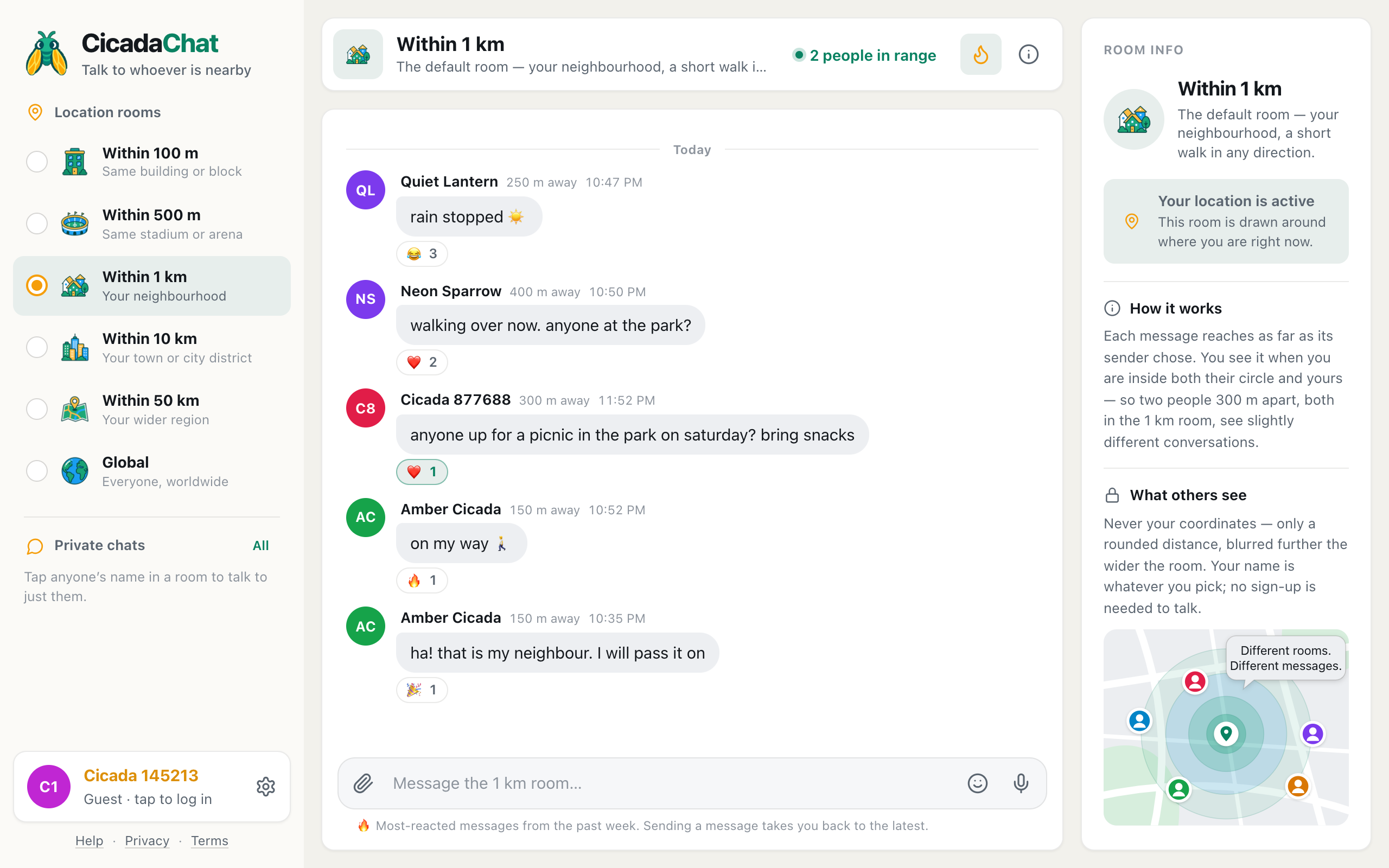
A busy room can have hundreds of messages in a week, and a quiet one can look empty when you open it. The Hot view helps with both. One tap on the flame shows a room's best messages from the past week, ranked by how many people reacted to them. This guide explains how the Hot view works, what it counts, and how to use it to find what people nearby have been enjoying.
A screenshot of Hot in the 1 km room. The flame is highlighted, and the line under the message box explains the view.
How to open the Hot view
- Open the room you're interested in: any location room, or Global.
- Click or tap the flame in the room header. On a computer it's between people in range and the i button. On a phone it's at the right of the room name. Pointing at it on a computer shows Hot: the most-reacted messages this week.
- The flame is highlighted, and the conversation is replaced by the room's hot messages, the most-loved at the top.
A line under the message box reminds you where you are: 🔥 Most-reacted messages from the past week. Sending a message takes you back to the latest.
To go back to the normal conversation, press the flame again. On a computer, pointing at it now says Back to the latest messages.
The Hot view: how a room's best messages are chosen
Hot isn't a separate room. It's another way of looking at the room you're in, so it follows all the same rules. A message appears in Hot when:
- It was sent in the past seven days. Older messages drop out, so Hot always reflects this week.
- At least one person has reacted to it. A message with no reactions is never hot, however long it is.
- You would see it in the conversation anyway. Hot uses the same distance rule as the room: the message must have been sent close enough to you, with enough reach to get to you. That's why your Hot view of the 1 km room can differ from a friend's a few streets away: see why two people in the same room can see different messages.
The messages are then ranked by how many different people reacted. If three people each added a ❤️, that message has three people. If one person added 👍, ❤️ and 😂, that's still one person. So Hot measures how many people enjoyed a message, and one enthusiastic reactor can't push something to the top alone. When two messages have the same number of people, the newer one comes first.
Hot shows at most the top 50 messages. Beyond that, you're better off reading the room itself.
An example of the ranking
Say these four messages were sent in your 1 km room this week:
| Message | Reactions | People who reacted | Place in Hot |
|---|---|---|---|
| "free piano in the square, come play" | ❤️ 3, 🎉 2 | 4 (one person added both) | 1st |
| "rain stopped ☀️" | 😂 3 | 3 | 2nd |
| "bakery on the corner has fresh bread" | 👍 1, ❤️ 1, 🔥 1, 👀 1 | 1 (the same person each time) | 3rd |
| "anyone seen a grey cat?" | None | 0 | Not in Hot |
The bakery message has four reactions, more than the others, but they all came from one person, so it ranks below messages that more people enjoyed. The cat message has no reactions, so it isn't in Hot at all, however useful it is. That's worth remembering: Hot shows what people liked, not everything that matters. Read the conversation too.
Reading the Hot view
- The best message is at the top. Unlike the normal conversation, where the newest message is at the bottom, Hot reads like a chart: first place first.
- Each message shows its author, distance and time, as usual. Every message shows its author's name, even when the same person has several in a row.
- Reactions are shown under each message, so you can see what people made of it.
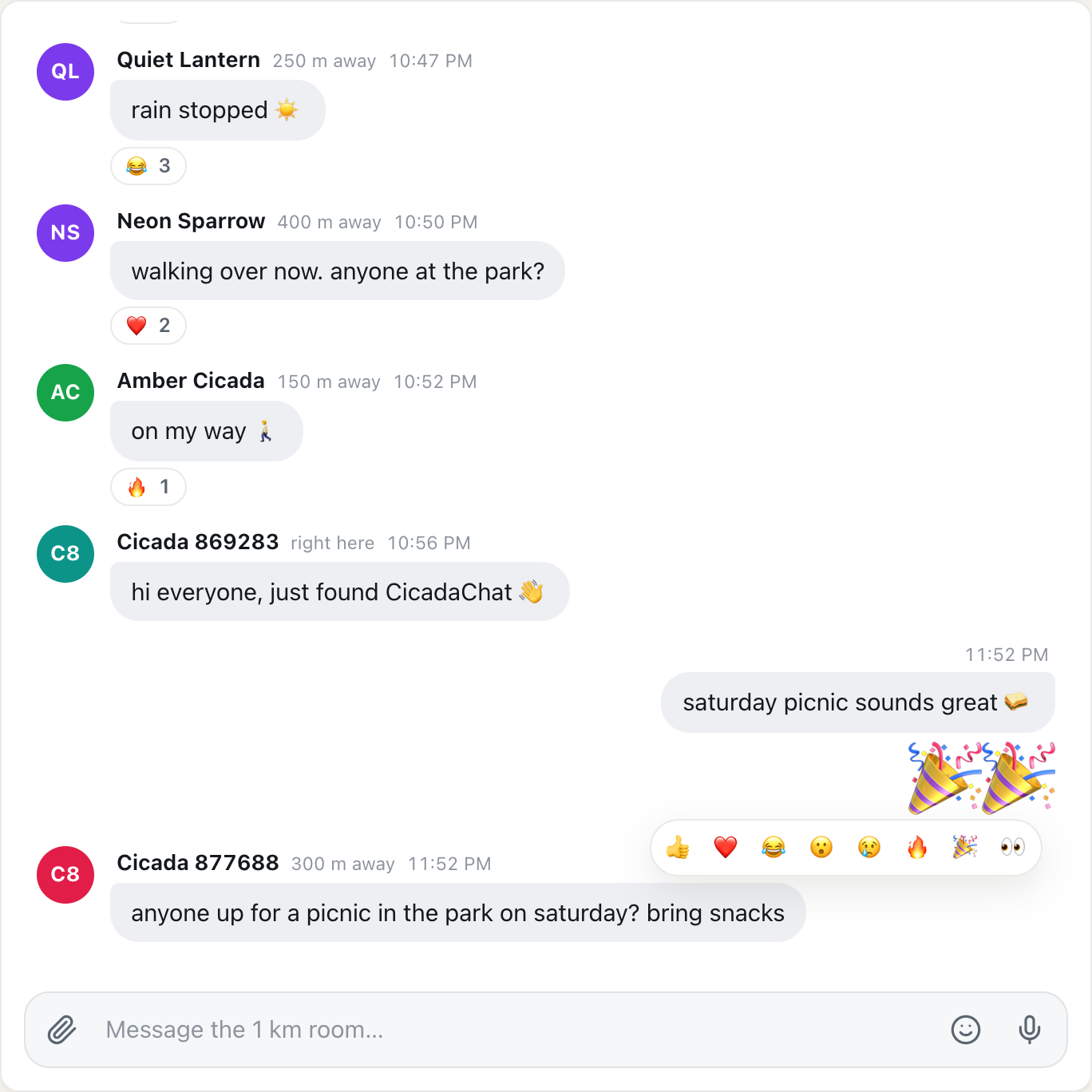
- You can react here too. Point at or tap a message and pick a reaction, or click an existing one to add yours.
- Tap a name to talk privately, the same as in the conversation.
In the picture at the top of this article, the 1 km room's Hot view is led by "rain stopped ☀️", which three people reacted to, followed by a message two people reacted to, then three with one reaction each.
Hot is a snapshot
The ranking is worked out when you open Hot. New messages don't appear in it while you're looking, because a brand-new message has no reactions yet. When people react, the counts under messages update, but the order stays as it was. To see a fresh ranking, press the flame twice: once to go back to the conversation and once to open Hot again.
When nothing is hot yet
If nobody in range has reacted to anything in the past week, Hot says Nothing is hot yet and Messages land here once people react to them. React to something you like to get it going.
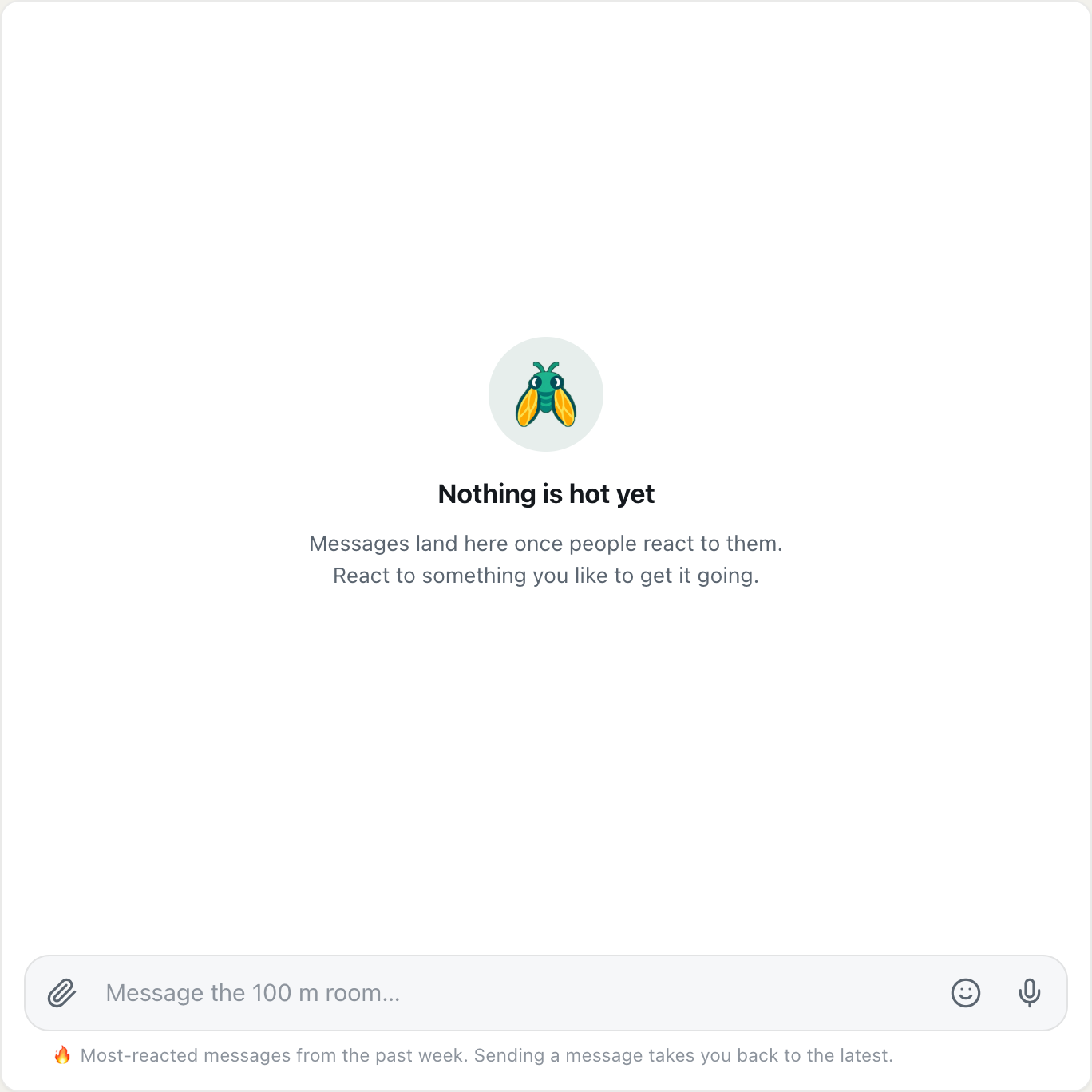
A screenshot of Hot in a room where nobody has reacted to anything this week.
That's common in the smaller rooms, like Within 100 m, and in places where few people use CicadaChat yet. Try a wider room, where more messages and more people are in range. Or go back to the conversation and react to the messages you like. Every reaction helps the next reader find the good stuff.
Sending a message from Hot
You can write in the message box while looking at Hot. Your message is sent to the room as normal, with the same reach as always. As soon as it's delivered, CicadaChat switches you back to the latest messages, because that's where your message actually is. It won't appear in Hot until people react to it.
Switching rooms
Hot applies to one room at a time. When you switch rooms, the new room opens on its latest messages, not its Hot view. That's deliberate: you usually want to see what's being said now in a room you've just arrived in. Press the flame again for that room's hot messages.
Ways to use Hot
- Catching up. Back from a trip or a busy week? Hot in your 1 km room shows what the neighbourhood talked about most, without scrolling through every message.
- Getting a feel for a new place. Arriving in a new town, open the 10 km room's Hot view. The week's most-loved messages tell you a lot about the place and the people.
- Finding the room's character. Before posting in a room for the first time, Hot shows you what people there enjoy: jokes, local tips, photos of sunsets.
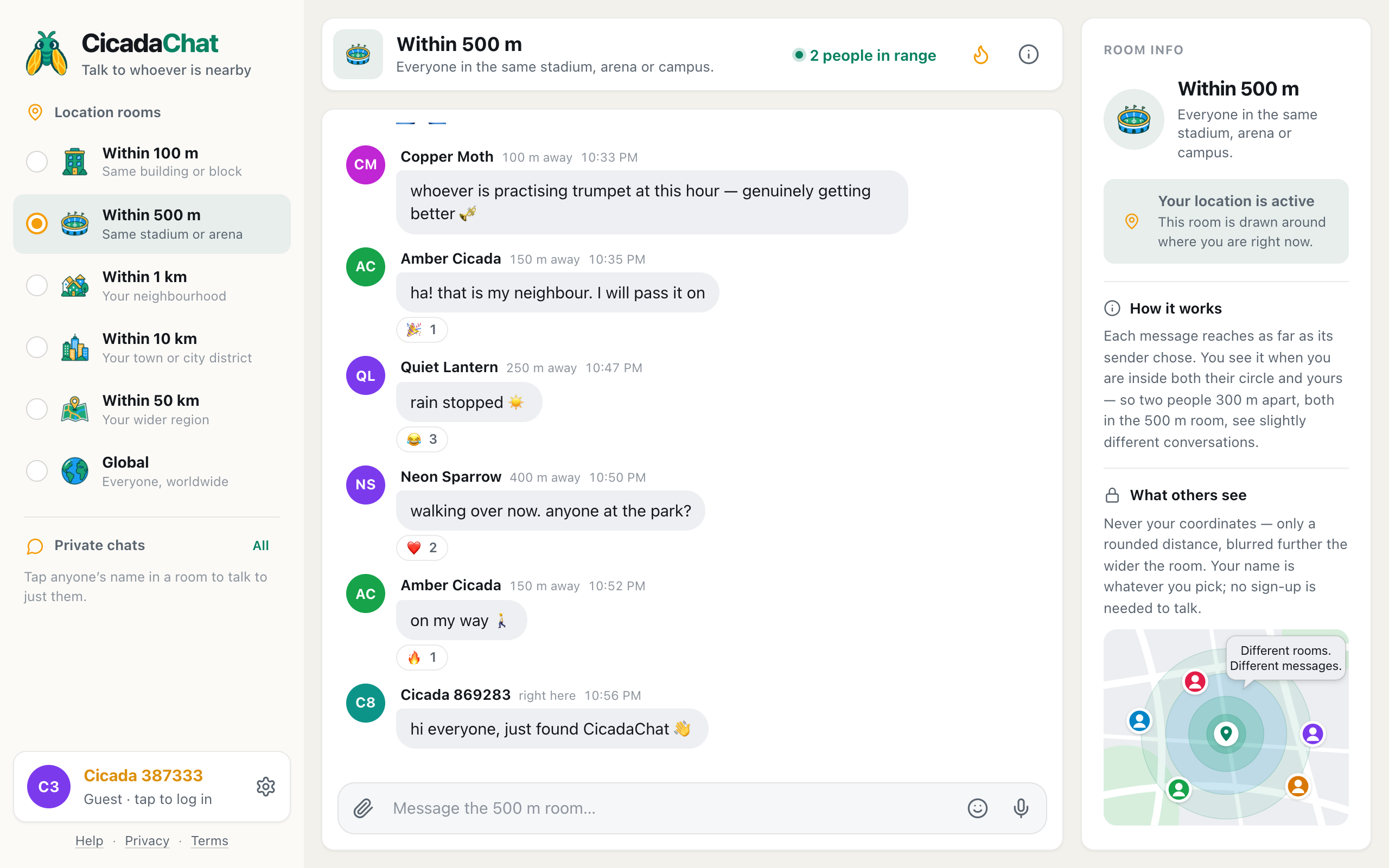
- At an event. In the 500 m room at a festival, Hot surfaces the best messages from the crowd over the whole week, from the first day onwards.
- In Global. Global moves fast. Its Hot view picks out what people around the world enjoyed most this week.
Hot in each room size
Because Hot follows the room, what you find there depends on the room's size:
- Within 100 m: often empty. Only messages sent within 100 m of you count, and few of them get reactions. When something is hot here, it's usually about your building.
- Within 500 m: lively during events. At a match or a festival, the crowd's favourite moments of the week collect here.
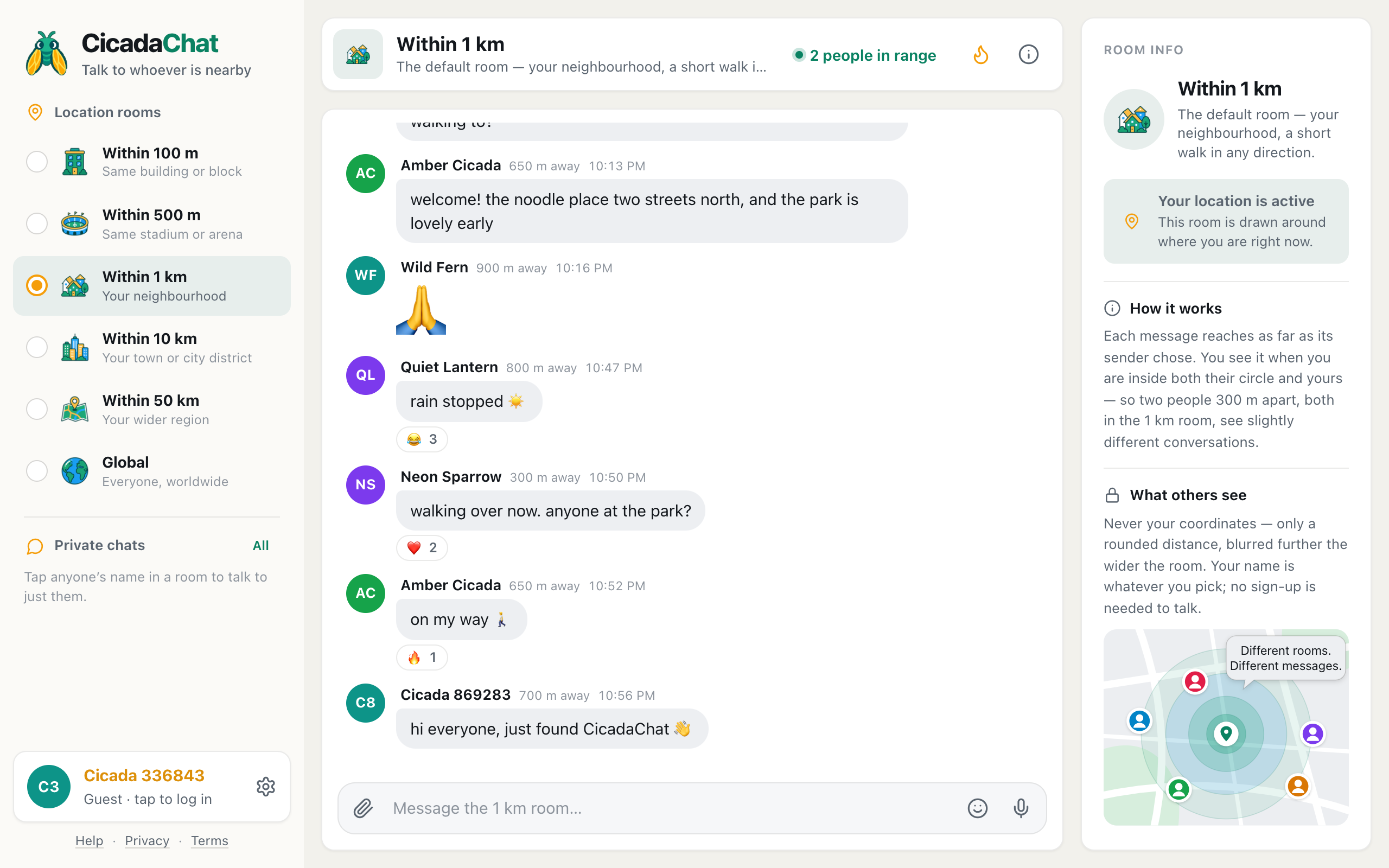
- Within 1 km: your neighbourhood's highlights, such as tips, jokes and news from the streets around you.
- Within 10 km and Within 50 km: a much bigger pool of messages, so the top messages usually have more reactions, and a message needs more people to get near the top.
- Global: the whole of CicadaChat, with no distances.
Reactions stay anonymous
Reacting doesn't reveal who you are. Under each message, people see which emoji were used and how many times, and their own reactions highlighted, but never who reacted. That applies in Hot as well. So you can ❤️ a neighbour's message without anyone knowing it was you.
Helping good messages rise
Hot only works if people react. A few habits that help everyone:
- React to what you like. It takes one tap and costs nothing, and it's the only thing Hot counts.
- React instead of replying "+1". A ❤️ or 👍 says the same thing without adding a message, and it lifts the original in Hot.
- Pick the reaction that fits. 😂 for a joke, 😮 for news, 👀 for "tell me more". Any reaction counts the same for Hot, but the right one tells the author more.
Questions about Hot
Why is a message with lots of reactions below one with fewer?
Hot counts people, not reactions. A message with six reactions from two people ranks below one with three reactions from three people.
Why does my friend's Hot view look different from mine?
Hot follows the same distance rule as the conversation, measured from each person. If you're in different places, or in different room sizes, you see different messages, and so different hot messages.
Where did a message go?
Messages leave Hot seven days after they were sent. They're still in the room's conversation, as long as you're within their reach.
Does reacting in Hot count?
Yes. A reaction added in Hot is the same as one added in the conversation. It shows up for everyone and counts toward the next ranking.
No comments yet. Start the conversation.