
Why the 100 m room is quiet sometimes, and how to start a conversation there
An empty 100 m room usually means quiet right now, not unused. What the empty room, the people in range count and Hot are telling you, and how to start a conversation that gets answered.
You open the 100 m room, and nothing. No messages, one person in range, and that person is you. It's the most common first impression of CicadaChat's smallest room, and it's easy to read as "nobody uses this here". Usually it means something else: the room is quiet right now, and it's waiting for someone to start a conversation there. This article explains why the 100 m room is quiet sometimes, what the app is really telling you, and how to start a conversation that people actually answer.
Why the 100 m room is quiet sometimes
The 100 m room is a circle with a 100 m radius, drawn around wherever you're standing. That's roughly your building and the ones next to it. The numbers are simply small. A 1 km circle covers about a hundred times the area of a 100 m one, so for every person within 100 m of you, there may be dozens within 1 km. On a quiet street at midnight, it's normal for nobody else within 100 m to have CicadaChat open.
Three more things make the room feel emptier than it is:
- "In range" means online now. The count in the header only includes people who have CicadaChat open at this moment. Your neighbours may read the room twice a day, just not while you're looking.
- The room is centred on you. A conversation 150 m down the road doesn't reach you in the 100 m room, even though it would in the 500 m room. You're not missing it because it's hidden; it's simply outside your circle.
- History depends on where you stand. Messages stay at the spot they were sent from. If you're at the far end of the block from where people usually chat, you'll see less of it than someone in the middle.
Reading the signs: what the app tells you
CicadaChat doesn't pretend a room is busy. Each part of the screen tells you something specific.
The empty room
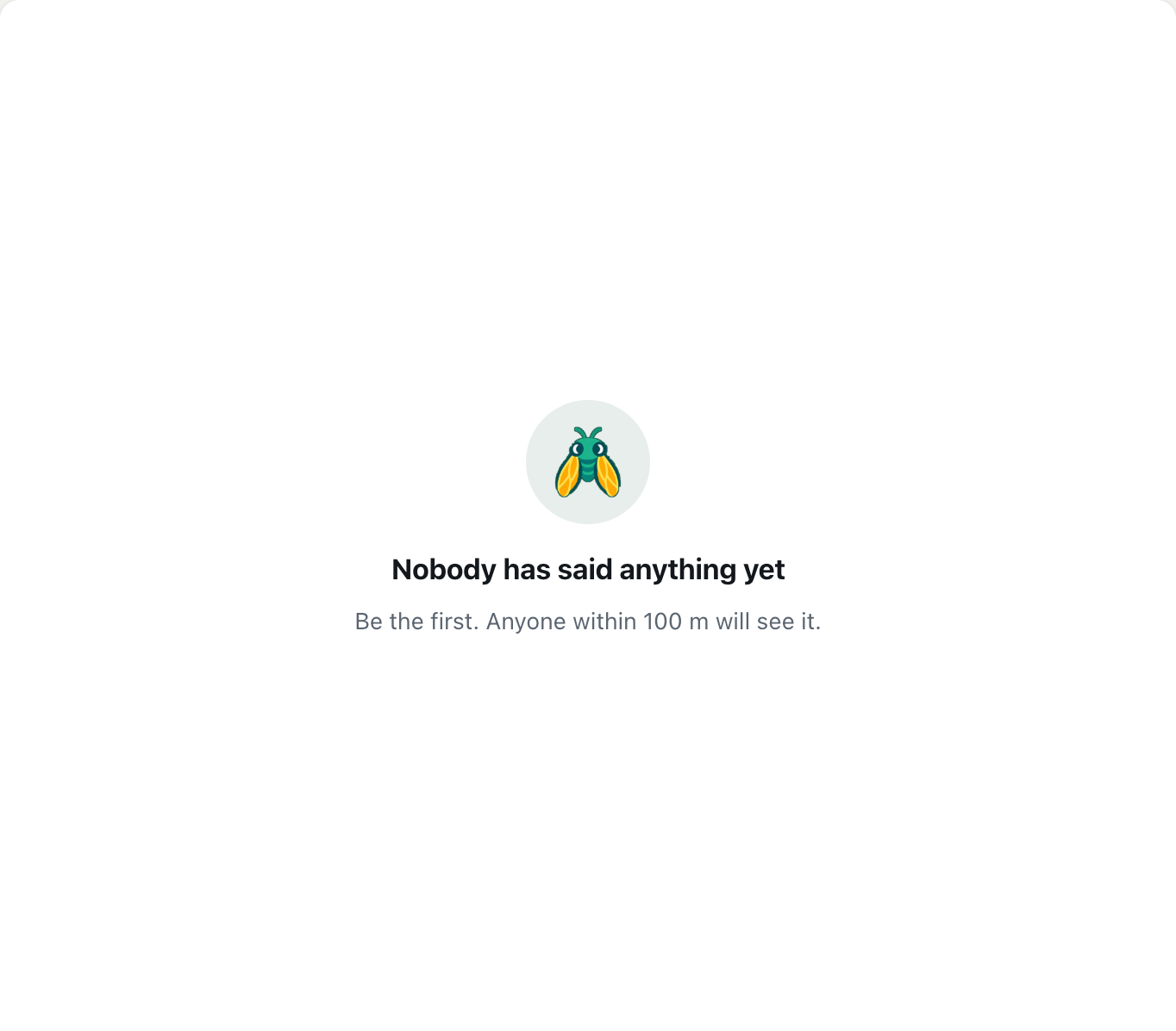
If nothing has been said within 100 m of you, the message area shows Nobody has said anything yet, with Be the first. Anyone within 100 m will see it. underneath. That second line is literal. Whatever you write next reaches everyone within 100 m of you who opens a local room, now or later.
A screenshot of an empty 100 m room. The line under the heading is literal: whatever you write next reaches everyone within 100 m.
The people in range count
The header shows a green dot and a number, such as 1 person in range. That number counts the people online now who would see your message if you sent it, and it includes you. So 1 person in range means you're the only one here right now. 3 people in range means two others would see your message the moment you send it.
Tap the count to open People in range. Its first line says who it's counting: Online now and able to hear you within 100 m. When it's just you, it says Nobody else is in range right now. Try a wider room. The help article who's around? Using the People in range list explains everything else the list can do, including starting a private chat with someone in it.
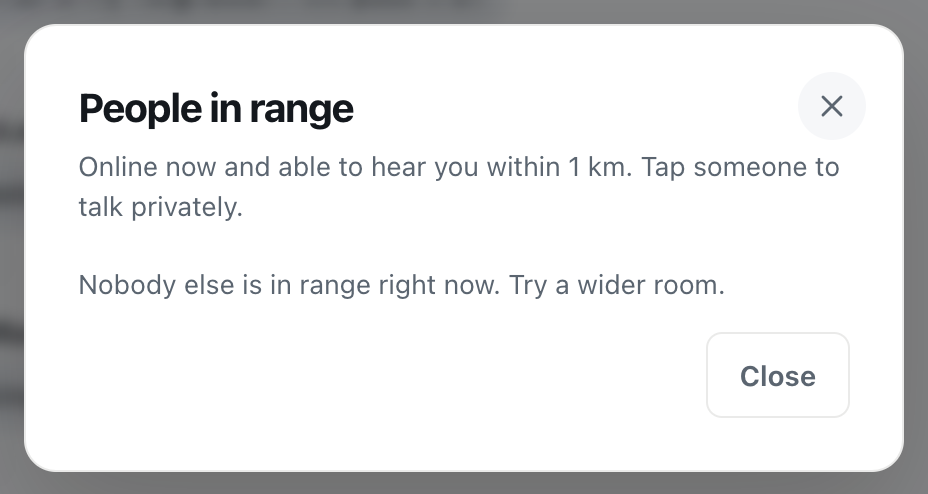
A screenshot of People in range when you are the only one online nearby. It counts people online now, not people who read the room later.
One detail matters here: the people counted aren't only those sitting in the 100 m room. Someone within 100 m of you who's reading the 1 km room would also see your 100 m message, so they're counted too. The count is about who would hear you, not about which tab they have open.
The Hot view
The flame button next to the count opens Hot, the room's most-reacted messages from the past week. In the 100 m room it's a quick way to find out whether the room is quiet right now or quiet in general. If Hot shows a handful of messages with reactions, people nearby do use the room; you've just arrived between conversations. If it says Nothing is hot yet, nobody within 100 m has reacted to anything this week. How it ranks messages is explained in the Hot view: finding a room's best messages from the past week.
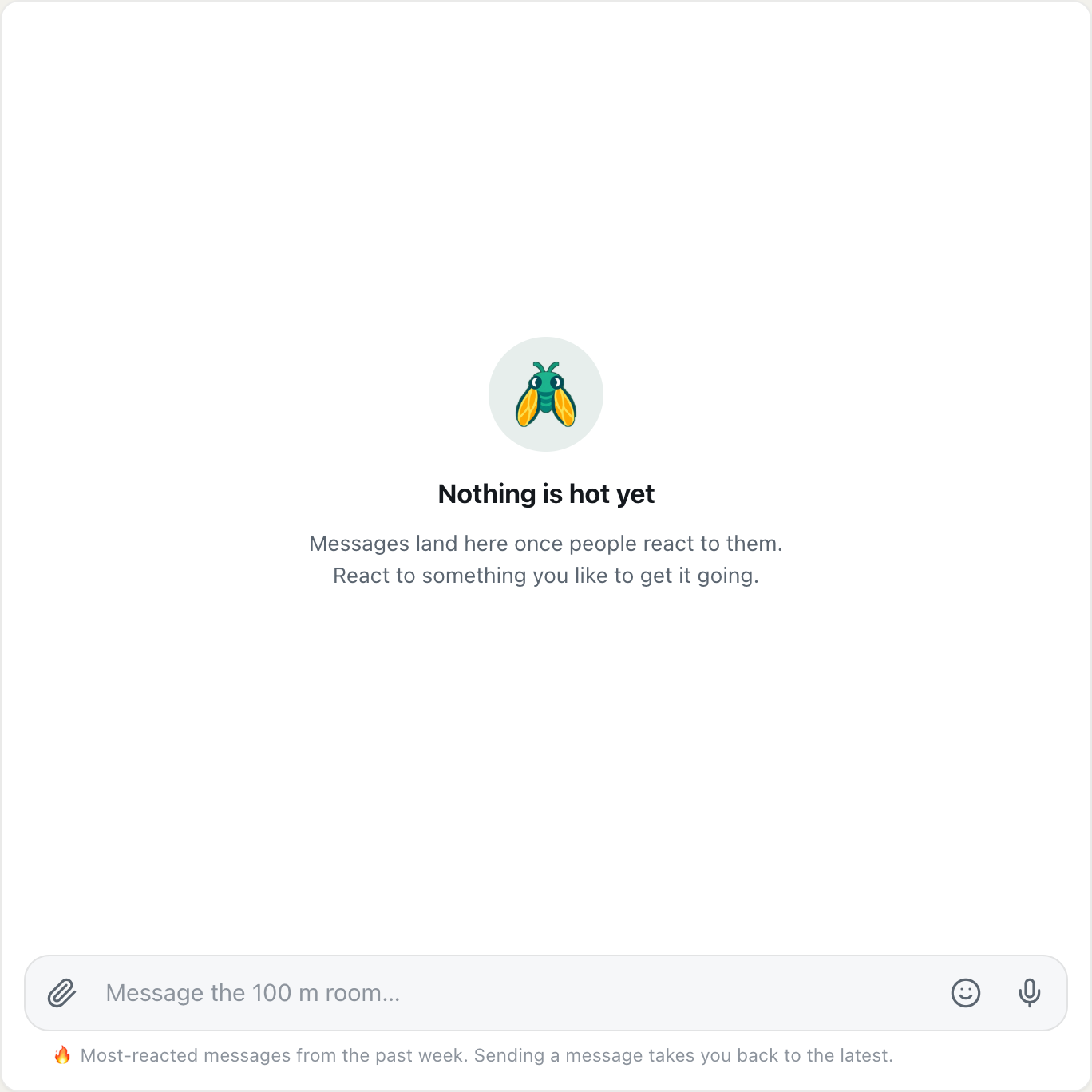
A screenshot of the Hot view in a new 100 m room. Once people react to messages, the most-reacted ones from the past week appear here.
How to start a conversation in the 100 m room
A quiet room isn't a closed one. Messages stay where they were sent, so a question you ask at lunchtime is still there for the neighbour who opens CicadaChat after work, as long as they're within 100 m of the spot you asked from. Starting a conversation is less about catching people online and more about leaving something worth answering.
Ask something only a neighbour can answer
The best first messages are questions that make sense only to people within 100 m. They're easy to answer, and they tell the reader exactly why they're in this room and not a wider one:
- "Is the lift working on the east side, or is it just me?"
- "Does anyone know what the drilling on the second floor is?"
- "Is the corner shop open on Sundays?"
- "Anyone else's internet down since this morning?"
Compare that with "Hi, anyone here?" It's friendly, but there's nothing to answer, and someone reading it three hours later has no reason to reply.
Give a little context
Nobody in the room knows which building you're in, and that's how it should be. A rough pointer helps people understand you without pinning you down: "second floor", "the building with the green door", "near the bus stop". Leave out anything that would lead someone to your front door, such as a flat number.
Keep it short, and keep it local
Messages can be up to 2,000 characters, but the ones that get answered are a sentence or two. If you have a lot to say, a photo often says it faster: the attach button offers Photo, Document and Location.
Answer when someone answers
The first reply is the fragile moment. If someone answers and hears nothing back, the room goes quiet again. Reply, or at least react: a 👍 or 🙏 from the row of quick reactions tells them you saw it. Reactions also feed Hot, so the next person who opens the room sees a conversation instead of an empty room.
Timing: when neighbours are around
Because "in range" means online now, when you post changes who sees it live. In a residential building, the busiest times tend to be the same as for everything else at home: before work, the early evening and late in the evening. In an office, it's the working day. In a café or at a station, it's whenever the crowd is there.
You don't have to chase the right moment, though. The message stays. A good habit is to post, then check back later rather than waiting with the room open.
Step one rung wider
If the 100 m room is quiet and your question can't wait, move up the ladder. Tap Within 500 m in the room list, or the 500 m tab on a phone, and look at the count again. It's often higher. Your message there reaches everyone within 500 m of you, which still covers your block, and the people within 100 m still see it too, because they're inside your wider circle.
The trade is privacy of audience. A 100 m message stays on your block. A 500 m message reaches the whole area. For "is the corner shop open?" that doesn't matter. For "the front door of our building doesn't lock properly", it does, and that one is better waiting in the 100 m room.
You can also listen from a wider room. Anything said within 100 m of you appears in every local room you might be in, so sitting in the 1 km room doesn't mean you miss what the neighbours say. It means you hear them along with everyone else.
Why GPS can make the room look emptier
100 m is a small circle, and phones are least accurate indoors. If your phone places you 40 m from where you really are, your circle moves 40 m too. People at the far edge may drop out of it, and messages sent from near the edge may disappear. Opening CicadaChat by a window, or stepping outside for a moment, usually gives a better fix.
The app also doesn't redraw your position for tiny changes. It updates once you've moved about 25 m, which keeps things calm while you walk around a flat but means a short hop down the corridor won't change your room.
Helping the room grow
Every busy 100 m room started as an empty one. A few things help it along:
- Be the first, more than once. One message is easy to miss. A useful message every few days turns into a habit for the people nearby.
- Tell people it exists. A note in the lobby or a word in the lift ("we've been using the 100 m room on CicadaChat for building stuff") works better than anything on the screen. There's nothing to install and no group to join, so it's just a link: cicadachat.com.
- Welcome newcomers. When someone's first message appears, answer it. Nothing keeps a room alive like a reply.
- Keep it useful. The rooms people return to are the ones where they learn something: the water's off, the parcel's at the desk, the shop's closed on Monday.
For ideas on what building conversations can look like, see talking to your neighbours: an apartment building chat without a group to join.
Quick checklist
- Empty message area: nobody has written within 100 m of you yet. Be the first.
- 1 person in range: that's you. Others will see your message when they open the app.
- Hot has messages: the room is used; you've just arrived between conversations.
- Hot says Nothing is hot yet: the room is new. Your message may be its first.
- Question can't wait: step up to the 500 m room.
- Things look wrong for where you are: check your location fix by a window.
No comments yet. Start the conversation.