
Who's around? Using the People in range list
The people in range count shows who is online now and would see your message. What it counts, what the list shows, and how to start a private chat or a friendship from it.
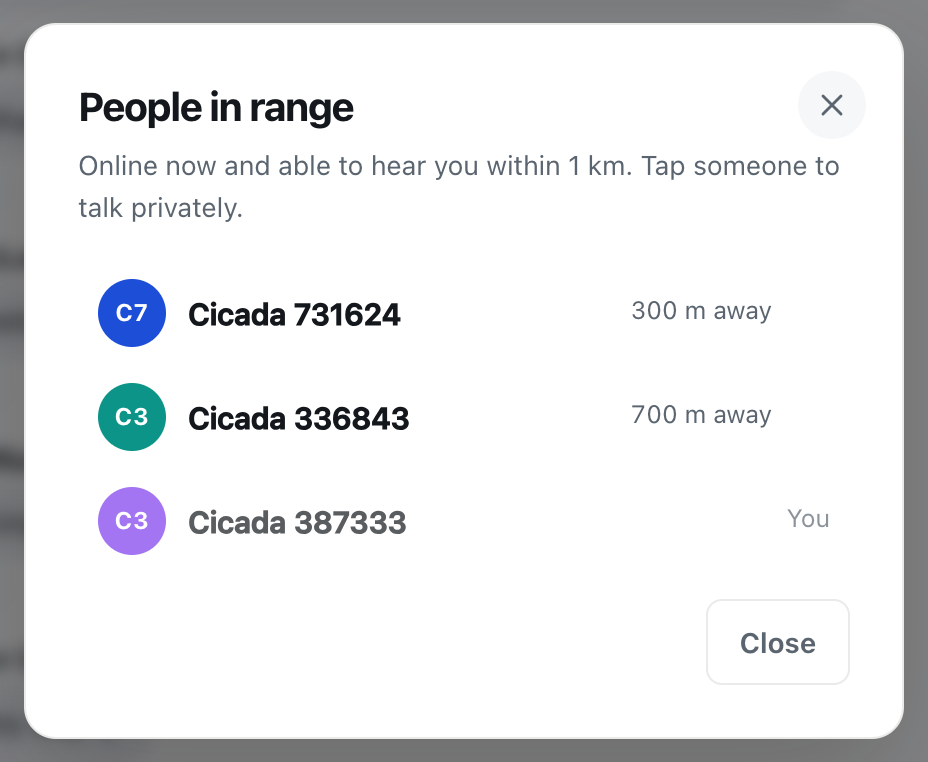
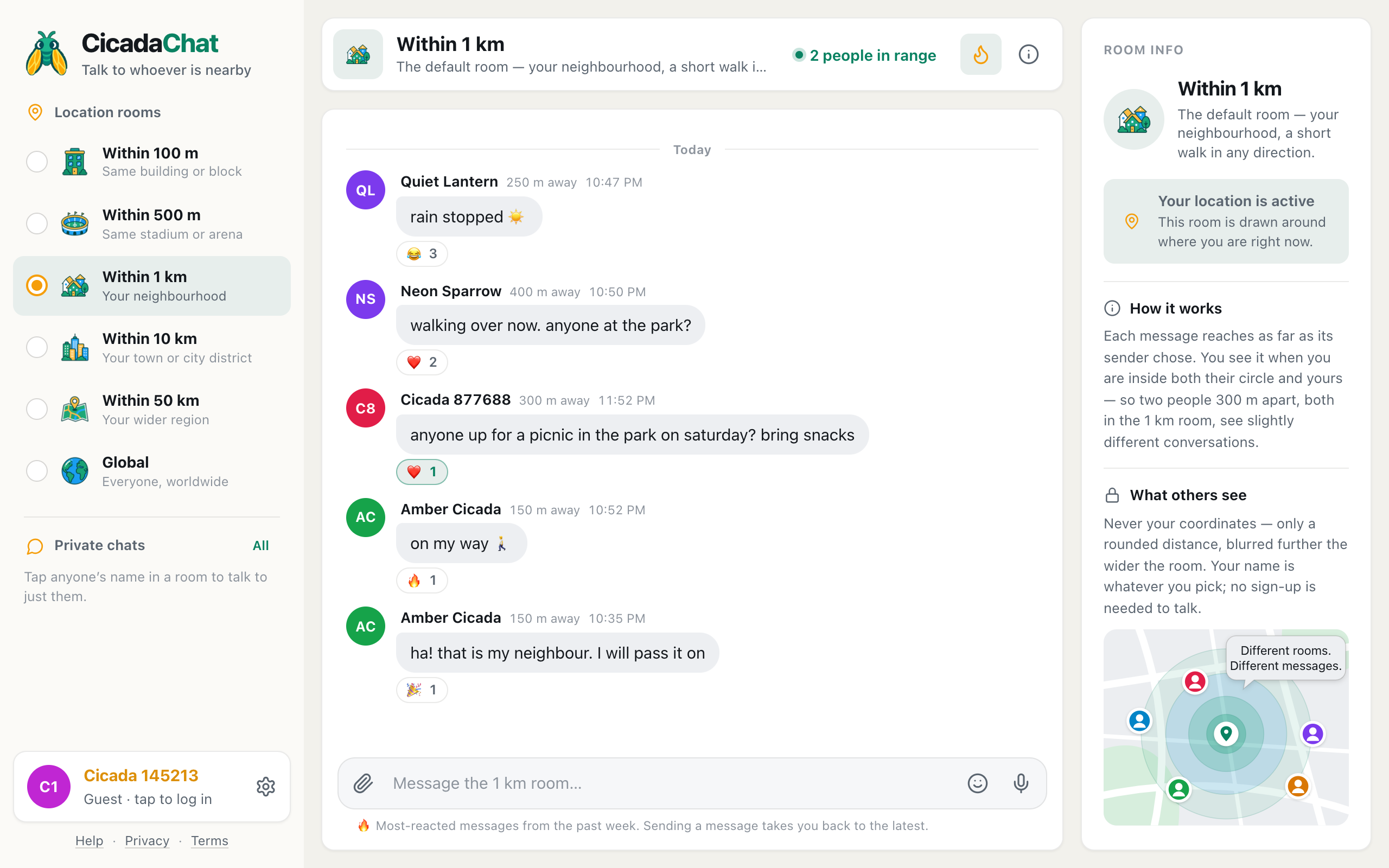
Before you say something in a CicadaChat room, it helps to know who's around to hear it. The people in range button in the room header answers exactly that: how many people are online right now and would see a message if you sent one. Open it for the list. This article explains what the count means, who's in the People in range list and who isn't, what the distances tell you, and how to start a private chat or a friendship from it.
A screenshot of People in range in the 1 km room. The nearest person is first, and you're always last.
Where to find People in range
The count sits in the room header, next to the room's name, with a small green dot:
- On a computer it reads, for example, 3 people in range, or 1 person in range when it's just you.
- On a phone, where space is tight, only the dot and the number are shown, next to the flame.

A screenshot of the room header on a computer. Click the green count to open the list.
Click or tap it to open the People in range list. The count updates live: when someone opens CicadaChat nearby, closes it, switches rooms or walks into range, the number changes without a refresh. While CicadaChat is still finding your location, the button is disabled, since there's no room to count yet.
What "in range" means
The list's own description is precise: Online now and able to hear you within 1 km. Each part of that sentence matters.
Online now
Only people with CicadaChat open at this moment are counted. Someone who read the room an hour ago and closed the app isn't. That's why the count can say 1 person in range in a room full of messages. The room's history is from everyone who has passed through, while the count is only who's here now.
Able to hear you
This is the part people miss. A person is counted when a message from you, sent right now from your current room, would appear on their screen. That depends on their room as well as yours:
- They must be within your room's radius. In the 1 km room, someone 1.5 km away isn't counted.
- Their own room must be big enough to include you. A neighbour 300 m away who is reading the 100 m room isn't counted in your 1 km room, because your message wouldn't appear in their 100 m room.
- They must be in a local room if you are, or in Global if you are. People reading Global are never counted in a local room, and the other way round.
So the list is an honest answer to "who would see this if I sent it now?". It isn't a list of everyone physically nearby.
Reading the People in range list
Each row shows a person's picture (or coloured initials), their name and a distance. The list is sorted nearest first, and you're always at the bottom, marked You, because you're always in your own range.
The distances work exactly like the ones on messages. They're measured between you and each person, rounded before they leave CicadaChat's server, and rounded more roughly in wider rooms: to 10 m in the 100 m room, 25 m in the 500 m and 1 km rooms, 250 m in the 10 km room and 1 km in the 50 km room. Then they're shown in words: right here, 300 m away, 2.5 km away. Nobody's coordinates are ever shown, including yours on other people's lists.
In Global, the list shows names with no distances, since Global has no location. If the room is very busy, the list shows the nearest 100 people.
Example: the same people, two rooms
Three people have CicadaChat open. You're at the park. Cicada 731624 is 300 m to the north, and Cicada 336843 is 700 m to the east. All three of you are in Within 1 km, so the list at the top of this article shows both of them: 300 m away and 700 m away, with you at the bottom.
Now you switch to Within 500 m. The person 700 m away drops out, because a message from your 500 m room would never reach them. The header count goes from 3 to 2.
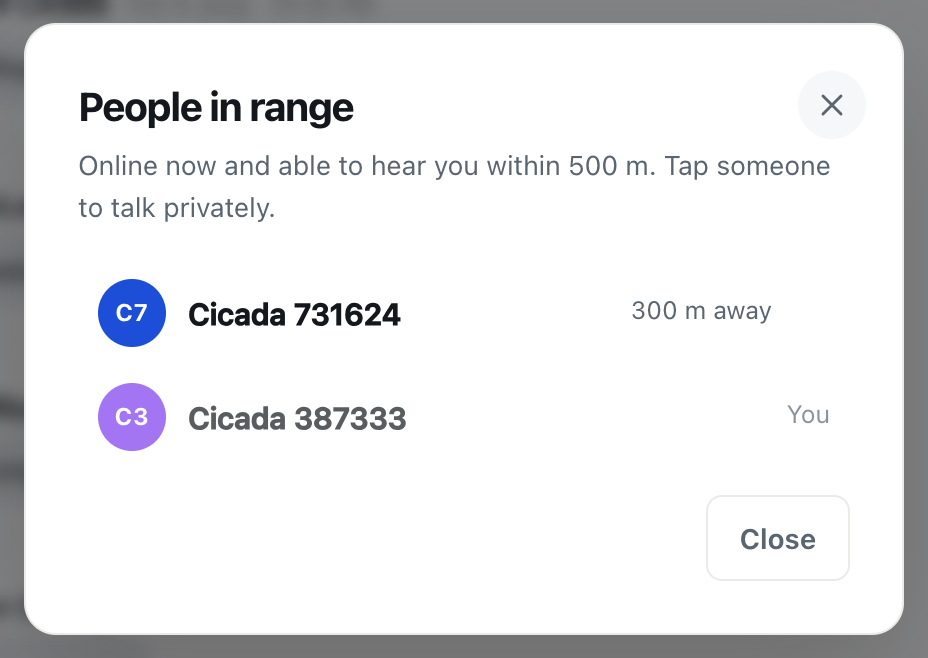
A screenshot of the same list after switching to the 500 m room. The person 700 m away is no longer in range.
Nothing changed for the other two. They're still in their 1 km rooms, still able to see each other's messages. Only your view of who could hear you changed, because you changed how far your voice carries.
Using the count before you post
The count is most useful just before you write something. A few habits that help:
- Check each room's count in turn. Switch rooms from the smallest upwards and watch the number in the header. It's a quick way to find the smallest room where someone is listening right now.
- Match the room to the question. If the 100 m room shows 1 person in range, your question about the building's lift will wait for a neighbour to open the app. If it's urgent, the 500 m room may reach someone sooner, at the cost of a wider audience.
- At an event, read the room first. The count in the 500 m room gives you a feel for how many people at the venue have CicadaChat open before you say anything.
When nobody else is in range
If you're the only one online in range, the list says Nobody else is in range right now. Try a wider room.
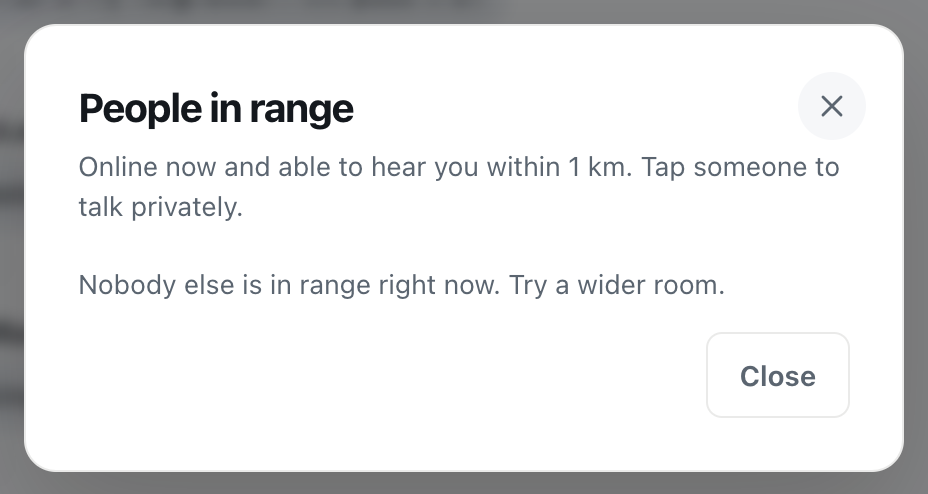
A screenshot of People in range when you're the only one online in range.
That doesn't mean your message is wasted. Messages stay in the room's history, and the next person to open CicadaChat nearby will see what you wrote, as long as they're within your message's reach and their room includes you. A few ways to find people:
- Step one room wider. See choosing a room. Each size up covers a much bigger area: the 10 km room covers a hundred times the area of the 1 km room.
- Look at the history. Even with nobody online, the messages in the room tell you whether people nearby use CicadaChat, and when.
- Try again at a busier time. Evenings, weekends and events bring more people online.
- Visit Global. It's shared by everyone on CicadaChat, so it's the room most likely to have someone in it.
Starting a private chat from the list
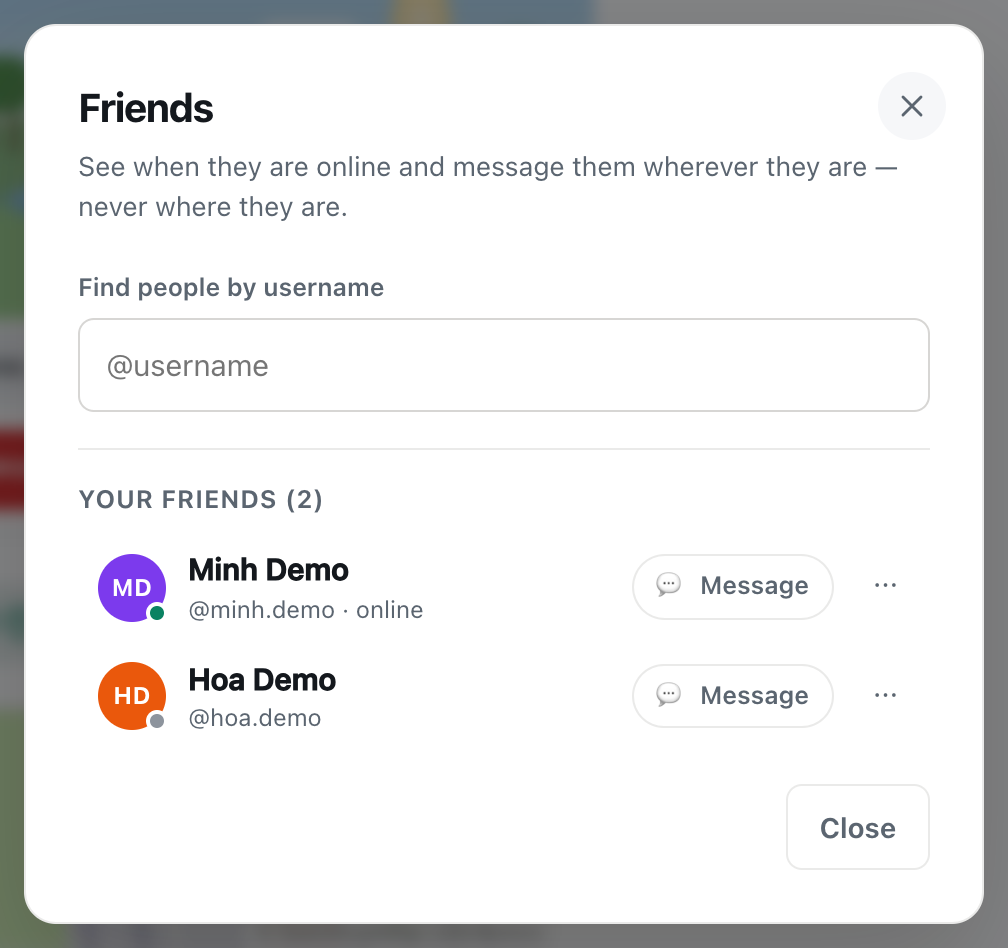
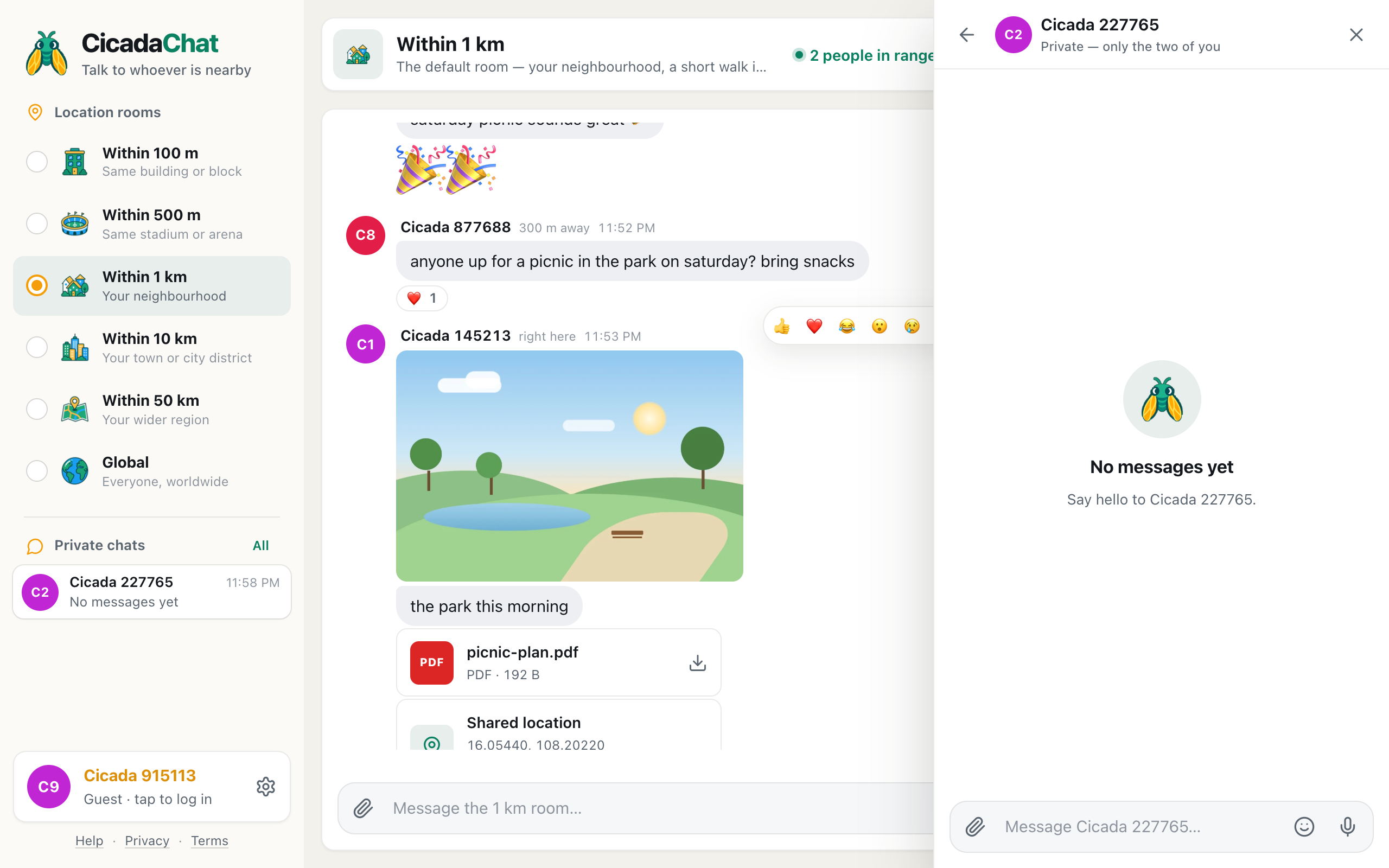
As the description says, Tap someone to talk privately. Click or tap anyone in the list, and a private chat with them opens, just the two of you. The speech bubble at the end of each row is a reminder of that.
Opening the chat is enough for it to show up on their side: it appears in their Private chats list, marked No messages yet, before you've typed a word. So tap a name when you mean to say hello.
A private chat isn't tied to distance, so once it's started it keeps working after either of you moves away. It's listed under Private chats in the sidebar. Guests can start private chats too. No account is needed.
Adding friends from the list
If you have an account, the list shows a small friend button next to each person who has an account too. Guests can't have friends, because a guest account can disappear with a cleared browser, so neither guests nor guests' rows get the button. The button's icon shows where you stand with that person. Point at it on a computer to see its label:
| Button | What it means |
|---|---|
| Add friend | Send them a friend request. |
| Requested | You've asked and they haven't answered yet. Press it again to withdraw the request. |
| Accept | They've asked to be your friend. Press it to accept. |
| Friends | You're already friends. |
Friends can see when each other are online and find each other in any room, but friendship never shares a location. Friends don't see each other's distance unless they happen to be in range in the same room, like anyone else.
Privacy: what being in range reveals about you
When you have CicadaChat open, you appear in the People in range list of anyone whose room includes you and whose message would reach you. They see your name, your picture and a rounded distance. That's all. They can't see where you are, which room you're reading, or how long you've been online. When you close CicadaChat, you drop out of everyone's list and their counts go down.
If you'd rather not appear with a distance at all, use the Global room without sharing a location. You'll still show up in Global's list, by name only.
Questions about People in range
Why does my friend next to me see a different count?
Each count is worked out from the person looking: their position and their room. If your friend is in a different room size, or even a few hundred metres away in the same room, their count can differ from yours.
Why does it say 1 person in range when the room is full of messages?
The count includes you and covers only people online right now. The messages are the room's history.
Does opening the list tell people I looked?
No. Nobody is told when you open the list. Tapping a name is different: it opens a private chat, and that conversation appears in the other person's Private chats straight away, marked No messages yet, even before you write anything.
No comments yet. Start the conversation.