Help
The Hot view: finding a room's best messages from the past week
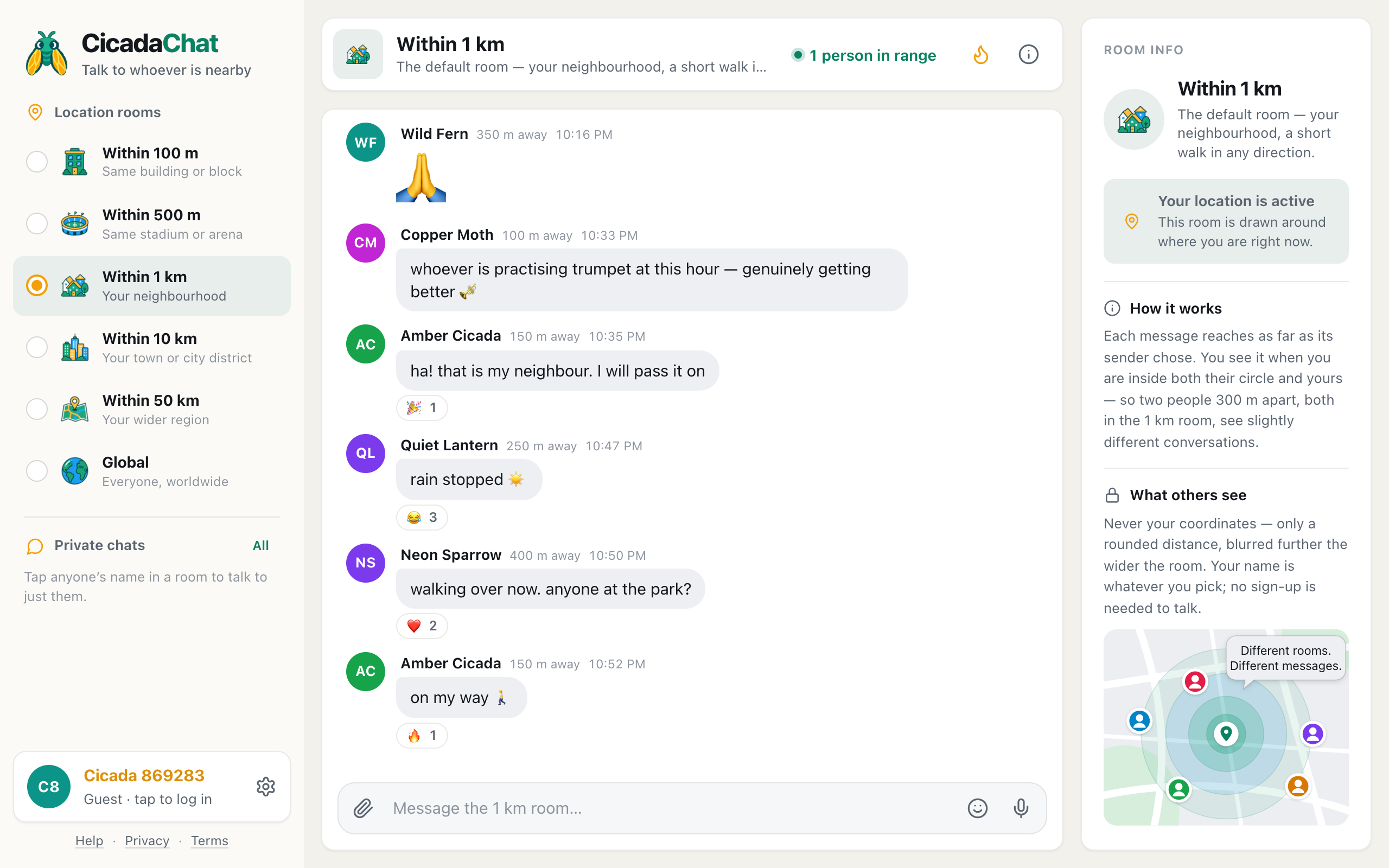
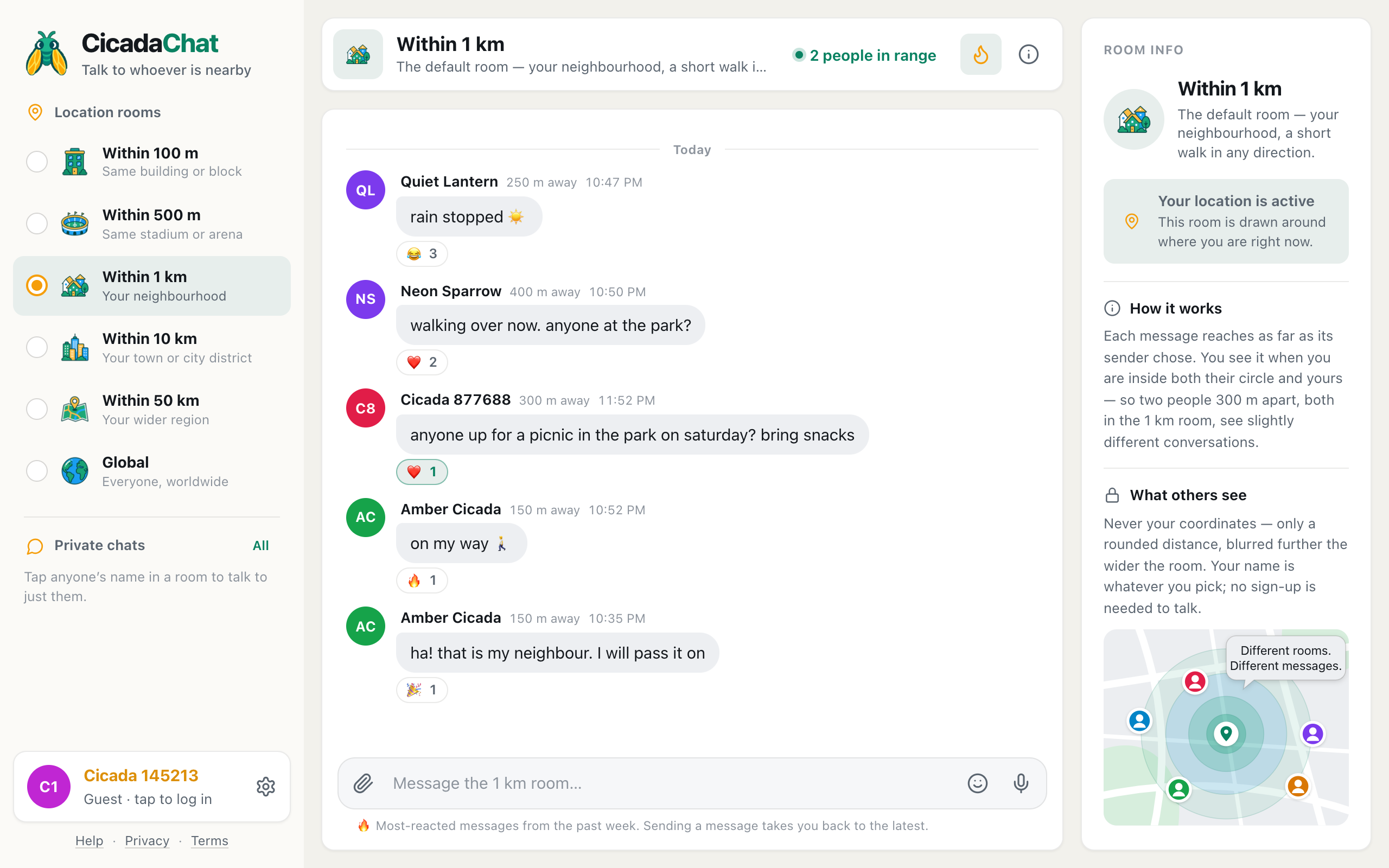
The flame in CicadaChat's room header shows a room's most-reacted messages from the past week. How it ranks them, what it counts, and how to use it.
Tag
7 articles
The flame in CicadaChat's room header shows a room's most-reacted messages from the past week. How it ranks them, what it counts, and how to use it.
A CicadaChat room isn't a place you join. It's a circle drawn around you. Here's how that decides who reads your messages, what you see and what others learn about you.
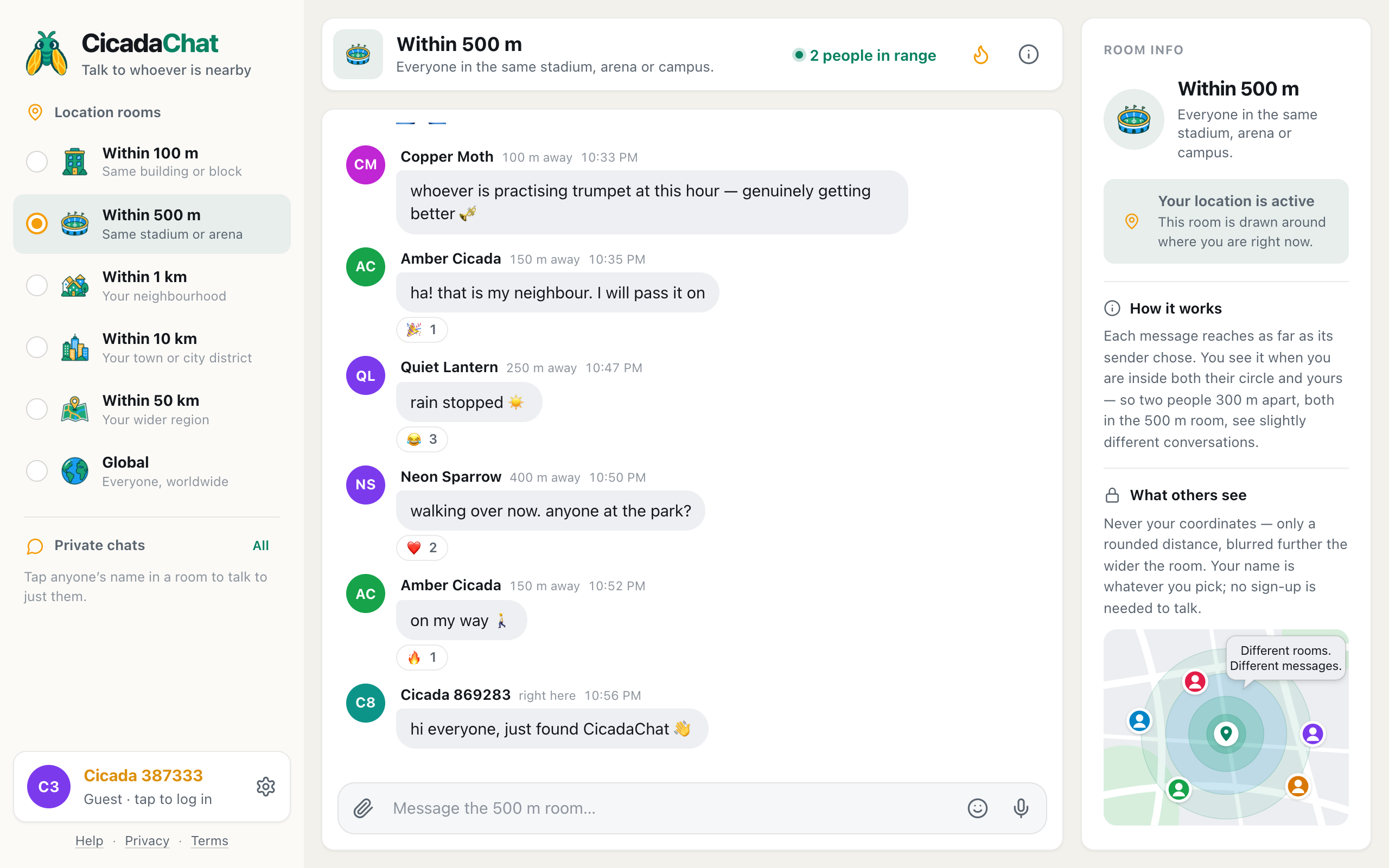
What each of CicadaChat's six rooms is good for, how to switch between them on a computer or phone, and how to pick the right one before you speak.
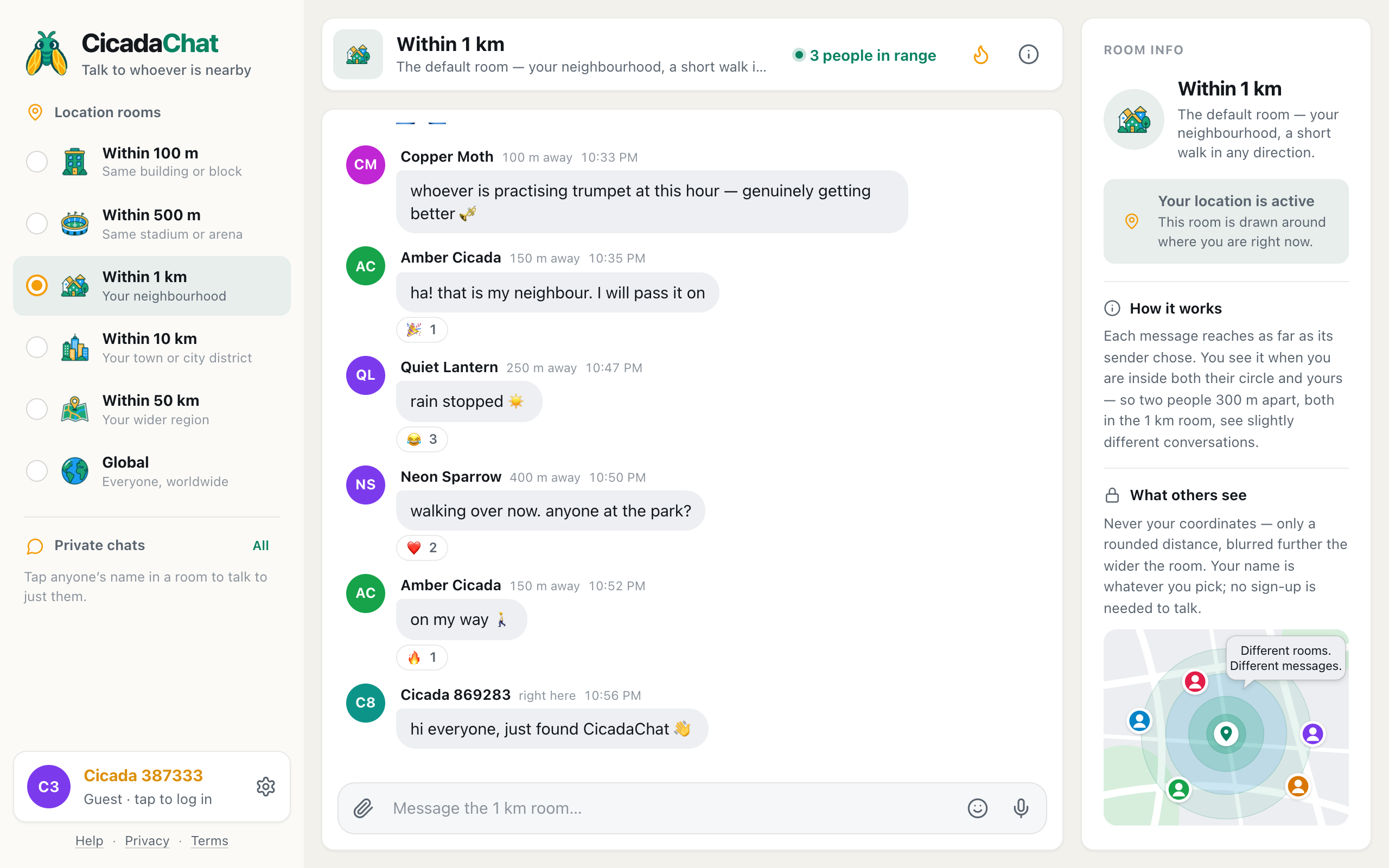
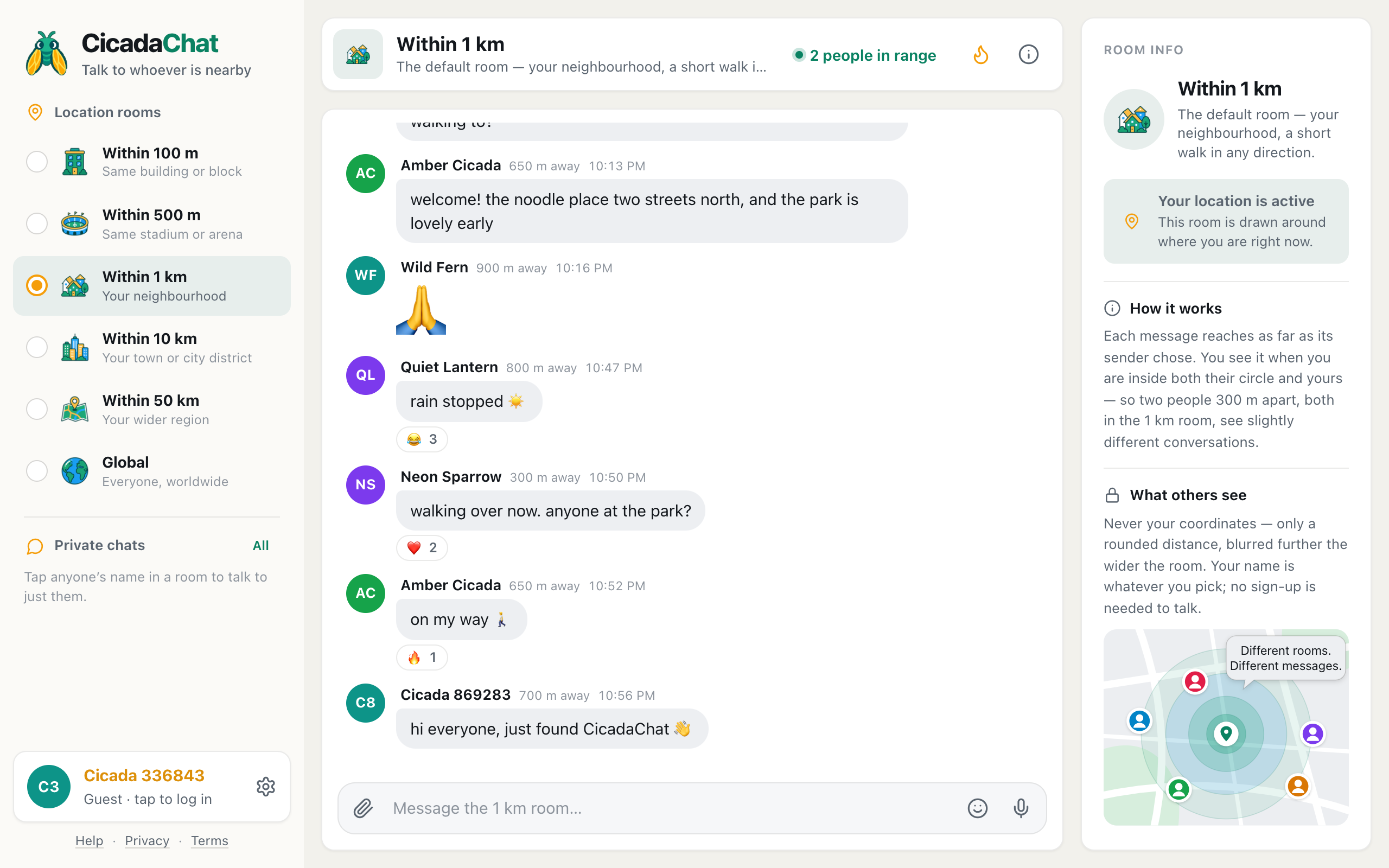
Each CicadaChat room is centred on the person reading it, and each message reaches only as far as its sender chose. Real examples, and a checklist for when a message doesn't arrive.
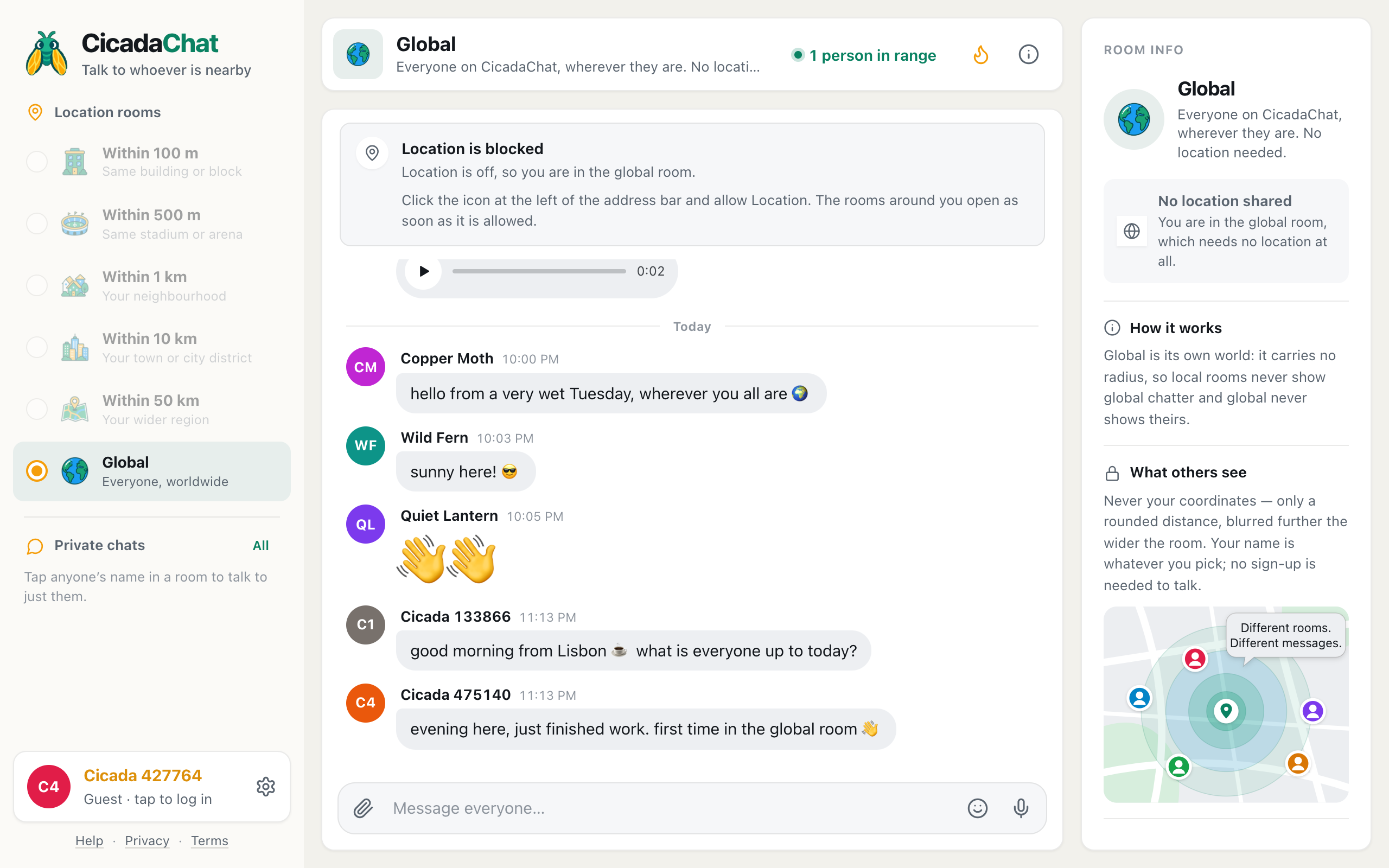
Decline the location prompt and CicadaChat puts you in Global, one room for everyone. What the Global room is like, what works without a location, and how to open the local rooms later.
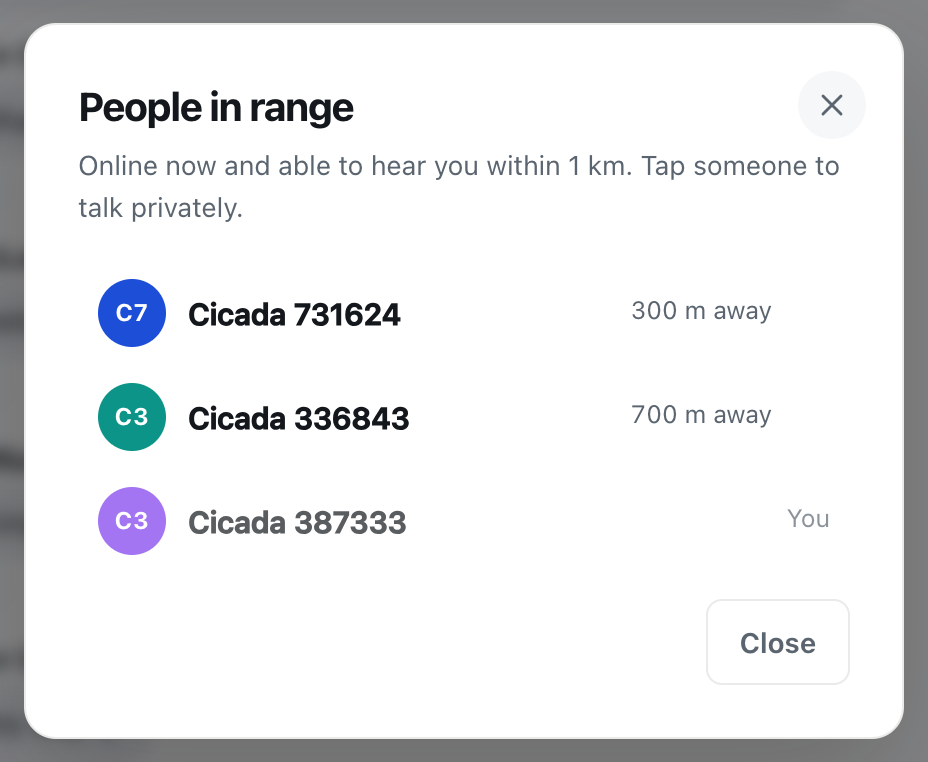
The people in range count shows who is online now and would see your message. What it counts, what the list shows, and how to start a private chat or a friendship from it.
Open CicadaChat, answer the location prompt and send your first message to the people around you. What each part of the screen does, and when an account is worth it.