
Privacy across town: what the people within 10 km can and can't see
In the 10 km room, people see your name and a distance rounded to 250 m, never your coordinates. What else they see, what never reaches them, and why the room blurs distances more.
The 10 km room is the biggest local audience CicadaChat has short of the 50 km room: potentially everyone in your town or a whole city district. That makes it natural to ask what all those people can find out about you. This article is about privacy in the 10 km room: what the people within 10 km can see, what they never see, why the room shows distances the way it does, and a few habits that keep you comfortable talking to a whole town.
The short answer
People in the 10 km room see your name, your profile picture or initials, what you write, when you wrote it, and roughly how far away you were: a distance rounded to the nearest 250 m, like 2.8 km away. They never see your coordinates, your street, your address, your username or your email. The one exception is a location you choose to share in a message, and CicadaChat warns you before you do.
What the people within 10 km can see
Your name and picture
Every message shows the name you go by. For a guest, that's a generated name like Cicada 559902. A registered account shows its full name, which you choose. Next to it is your profile photo if you've added one, or your initials on a coloured circle. The name is whatever you pick, so it doesn't have to be your real one, and in a room this size many people prefer a first name or a nickname.
What you write, and when
Messages, reactions, photos, documents and voice notes are seen by everyone in range, with the time they were sent. A message can't be edited or deleted after it's sent, so it's worth a second read before you press send in a room that reaches thousands of people.
A rounded distance
Every message shows how far away its sender was when they sent it, measured from the person reading. In the 10 km room it's rounded to the nearest 250 m before it ever leaves CicadaChat's server. Anything closer than about 125 m shows as right here. Below a kilometre you'll see 250 m away, 500 m away or 750 m away. Above that, it's kilometres with one decimal, like 4.3 km away.
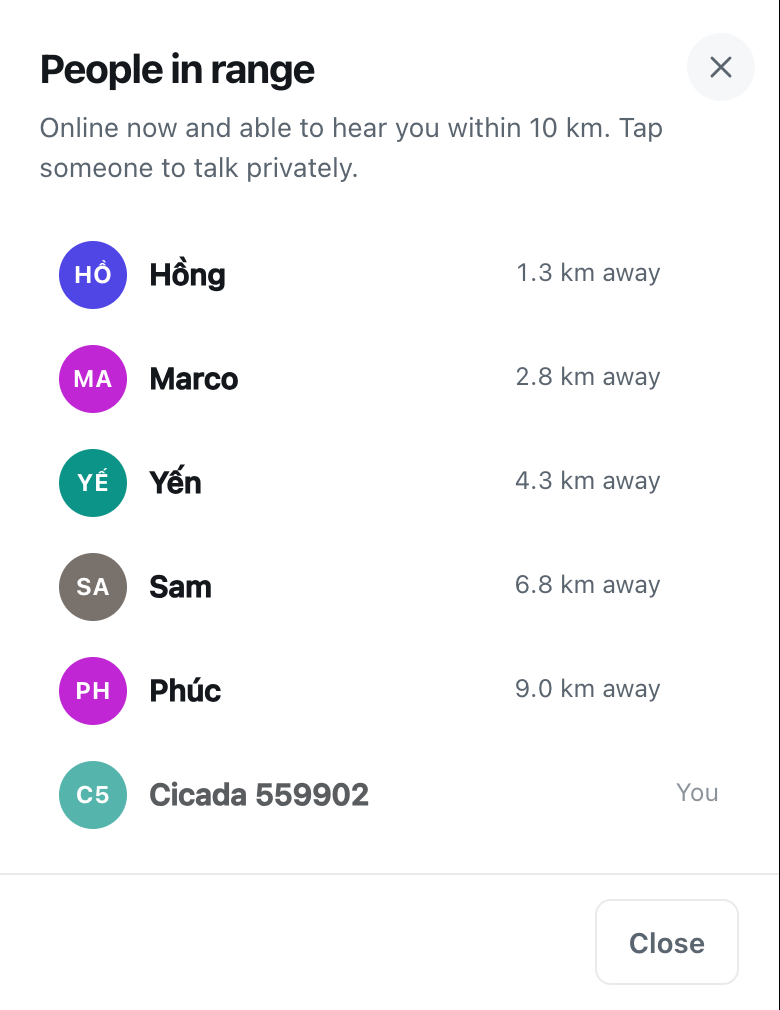
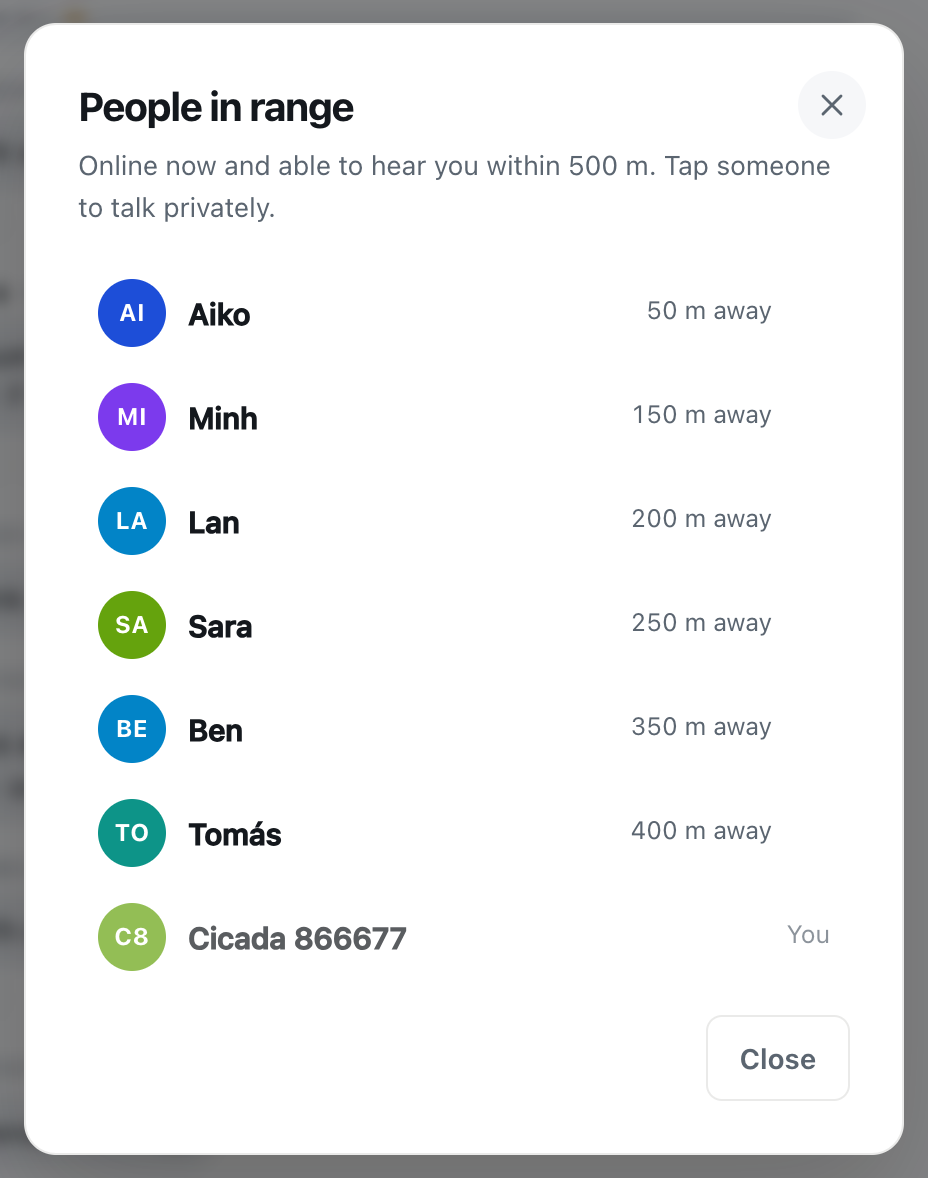
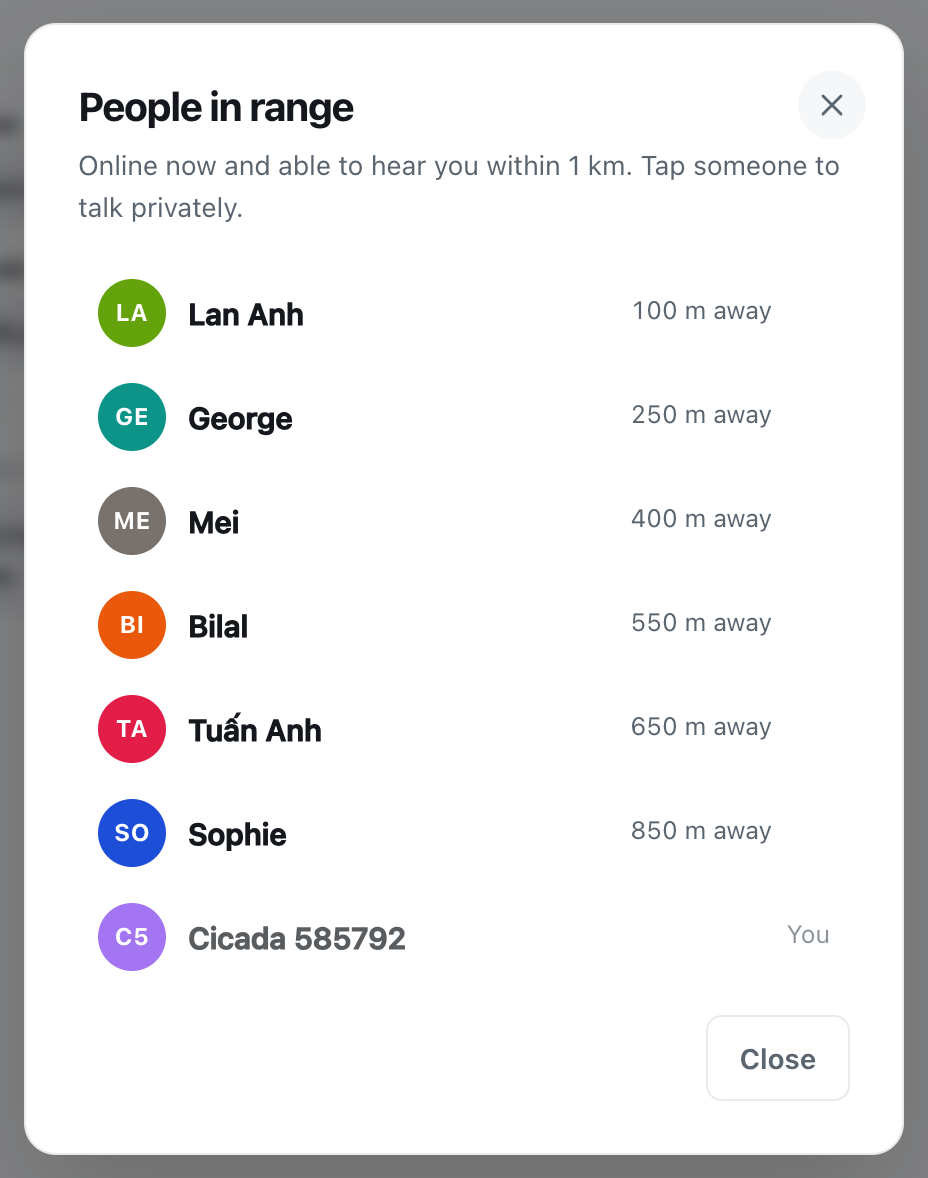
The People in range list uses exactly the same rounding. Tap the green number in the header to open it: it lists the people who are online now and would hear you, nearest first, each with the same rounded distance.
A screenshot of the People in range list in the 10 km room. Every distance is rounded, so someone about 1.2 km away shows as 1.3 km away, and you appear at the bottom as You.
That you're online and nearby
Being in the list, or in the number beside the room name, tells people that someone is online within range. It says nothing about where in that 20 km circle you are, beyond the rounded distance from them.
What they never see
- Your coordinates. CicadaChat uses your position to work out who's in range, and stores where each message was sent, but it never sends anyone else your latitude and longitude. Other people's devices only ever receive the rounded distance.
- Your street or address. There's no map of people in any public room, and no field for an address on your profile.
- Your email and username. A registered account's email address is shown only to you, in Your account. Your sign-in username is shown to your friends and to the members of private rooms you're in, but never in a public room like this one, where people see only your full name.
- Which direction you're in. A distance has no direction. "3.5 km away" could be north, south, east or west.
- The location hidden in photos. Many phone cameras store where a photo was taken. CicadaChat resizes and re-encodes photos on your device before they're sent, which strips that data.
- Your location, even to friends. If you have a registered account and add friends, they can see when you're online, but never where you are or how far away.
Why distances are blurrier in the 10 km room
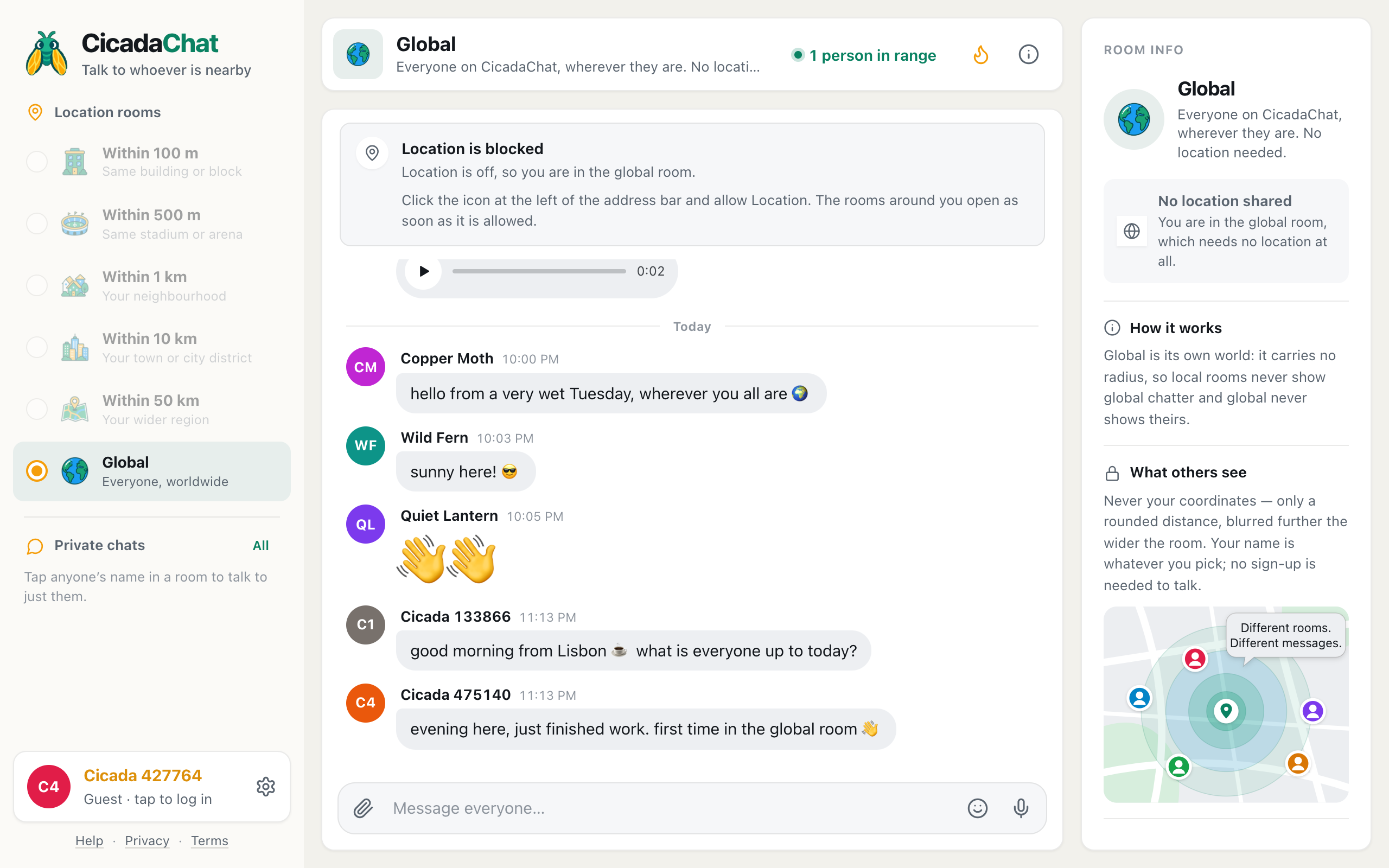
CicadaChat rounds distances more coarsely the wider the room. In the 100 m room, distances go to the nearest 10 m. In the 1 km room, the nearest 25 m before display. In the 10 km room, the nearest 250 m. In the 50 km room, the nearest kilometre. The room info panel on a computer puts it simply: Never your coordinates — only a rounded distance, blurred further the wider the room.
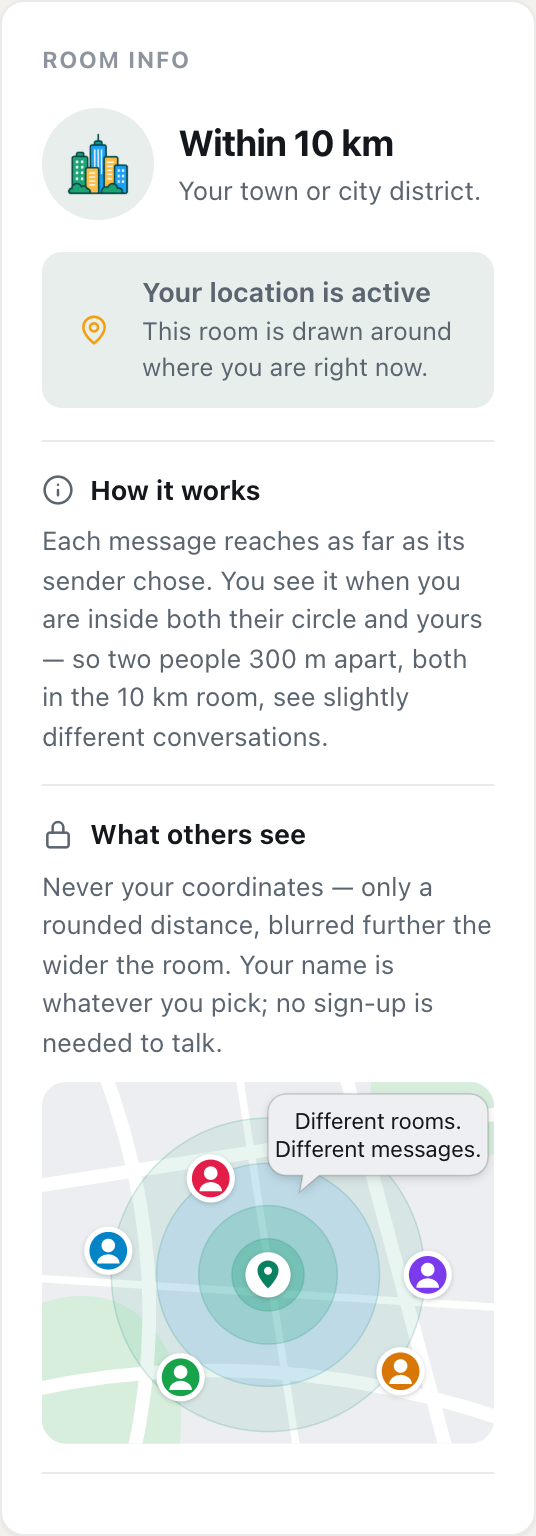
A screenshot of Room info for the 10 km room on a computer. The What others see section explains that distances are blurred further the wider the room.
There are two reasons for this. The first is that nobody needs more. In a town-wide room, "2.8 km away" tells you everything useful: the person is across town, not next door. The second is safety. A precise distance from several different places can be used to narrow down where someone is, a trick called trilateration. The wider the room, the more people can see your distance, so CicadaChat gives them less to work with. Rounded to 250 m, a distance describes a ring hundreds of metres wide, and each reading is measured from wherever the reader happened to be.
A worked example: what one message tells a stranger
Say you're at home and ask the 10 km room whether the swimming pool on the north side is open on Sundays. Someone 4 km away reads it. What have they learned? Your name, which could be a nickname. That you're interested in swimming. And that you were somewhere between roughly 3.9 and 4.1 km from them, in any direction, when you sent it: a ring around them tens of square kilometres in area, covering several districts.
Now say three people in different parts of town each read the same message. Each sees a different rounded distance, measured from where they are. In theory, three rings could be overlapped to narrow down a spot, and that's exactly why the 10 km room rounds so coarsely: with 250 m steps, the overlap is still a large area with thousands of homes in it. Add "I'm the house with the red gate opposite the school", though, and the rounding stops protecting you. The app keeps your coordinates to itself. What you write is up to you.
The one time people see an exact spot
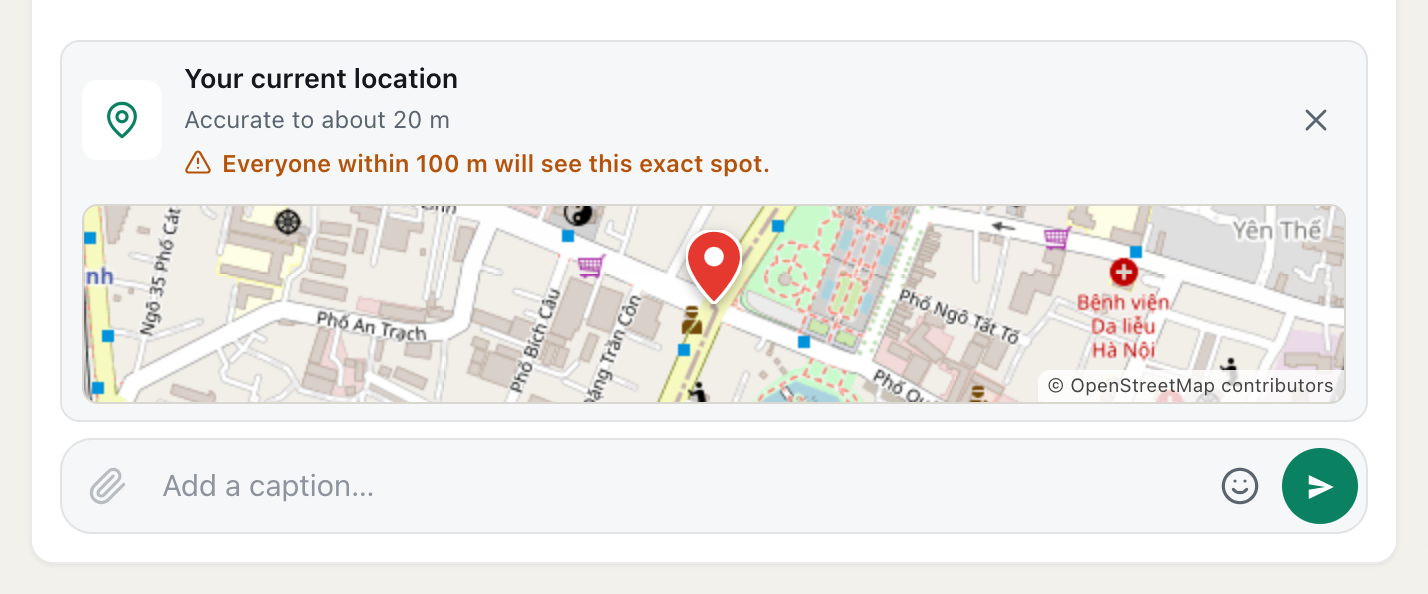
You can share a location in a message, from the paperclip button's Location option. It's the only time anyone sees an exact point on a map, and it only happens when you choose to. Before you send it, CicadaChat tells you who will see it. In the 10 km room the warning says: Everyone within 10 km will see this exact spot.
In a room this big, that's a lot of people. Share a public meeting point, like the park gate, the bus station or a café, and not your home, your office or your child's school. The help article how to share your location in a message, and who will see it explains how shared locations work in each room.
Private chats are private
Tap someone's name, on a message or in the People in range list, and a private chat with just them opens. Only the two of you can read it. Private chats don't show either person's distance, so if you want to arrange a meeting, you share only what you choose to. Moving a conversation to a private chat is the right step before swapping phone numbers, addresses or anything else you wouldn't post to a whole town.
Habits that keep you comfortable
- Pick a name you're happy for the town to see. In the 10 km room, the people reading could include your boss, your landlord or your neighbours. A first name or a nickname is fine.
- Don't narrow yourself down. "I live above the pharmacy next to the blue temple" plus a distance tells a stranger a lot. "On the east side" or "near the university" is enough for a town-wide question.
- Think before posting photos from home. The hidden location data is stripped, but a view from your window or a recognisable front door is still visible to everyone.
- Remember the distance says when, not just where. Every message shows how far away you were when you sent it. If you post from home every evening, people see the same rough distance each time. Posting from different places, or from a public spot, reveals less.
- Use the 1 km room or a private chat for personal things. The 10 km room is for the town. What only matters to your neighbours belongs in a smaller room.
- Meet in public. If a conversation turns into meeting someone, choose a busy public place, tell a friend, and share a meeting point rather than your address.
If you'd rather not share your location at all
You don't have to. If you say no when your browser asks, or turn location off, CicadaChat puts you in the Global room, which needs no location and never shows a distance. You can't use the 10 km room without location, because the room is drawn around where you are, but you can still chat with everyone worldwide, have private chats and use private rooms. You can turn location on later, from the prompt or your browser's settings.
How this compares with the smaller rooms
The rules are the same in every local room. What changes is the audience and the rounding. The neighbourhood version of this article, privacy in your neighbourhood: what the people within 1 km can and can't see, covers a smaller audience who might recognise you on the street. The 10 km room reaches more people, most of whom will never meet you, with a blurrier distance. For everything CicadaChat shows about you across the app, including your profile and business card, see what other people can see about you on CicadaChat, and for what's stored and why, the Privacy Policy.
No comments yet. Start the conversation.