
Privacy in your neighbourhood: what the people within 1 km can and can't see
In the 1 km room, your neighbours see a name and a rounded distance, never your coordinates. What else they see, what never reaches them, and the habits that keep you comfortable.
The 1 km room is the most personal of CicadaChat's rooms in one particular way: the people in it are your neighbours. Some of them live on your street. Some of them buy bread at the same bakery. A few of them might know you by sight. That's what makes the room useful, and it's also why it's worth knowing exactly what the people within 1 km can and can't see about you. This article goes through it plainly: what's shown with every message, what the People in range list reveals, what never leaves CicadaChat, and the everyday habits that give away more than the app ever does.
What your neighbours see with every message
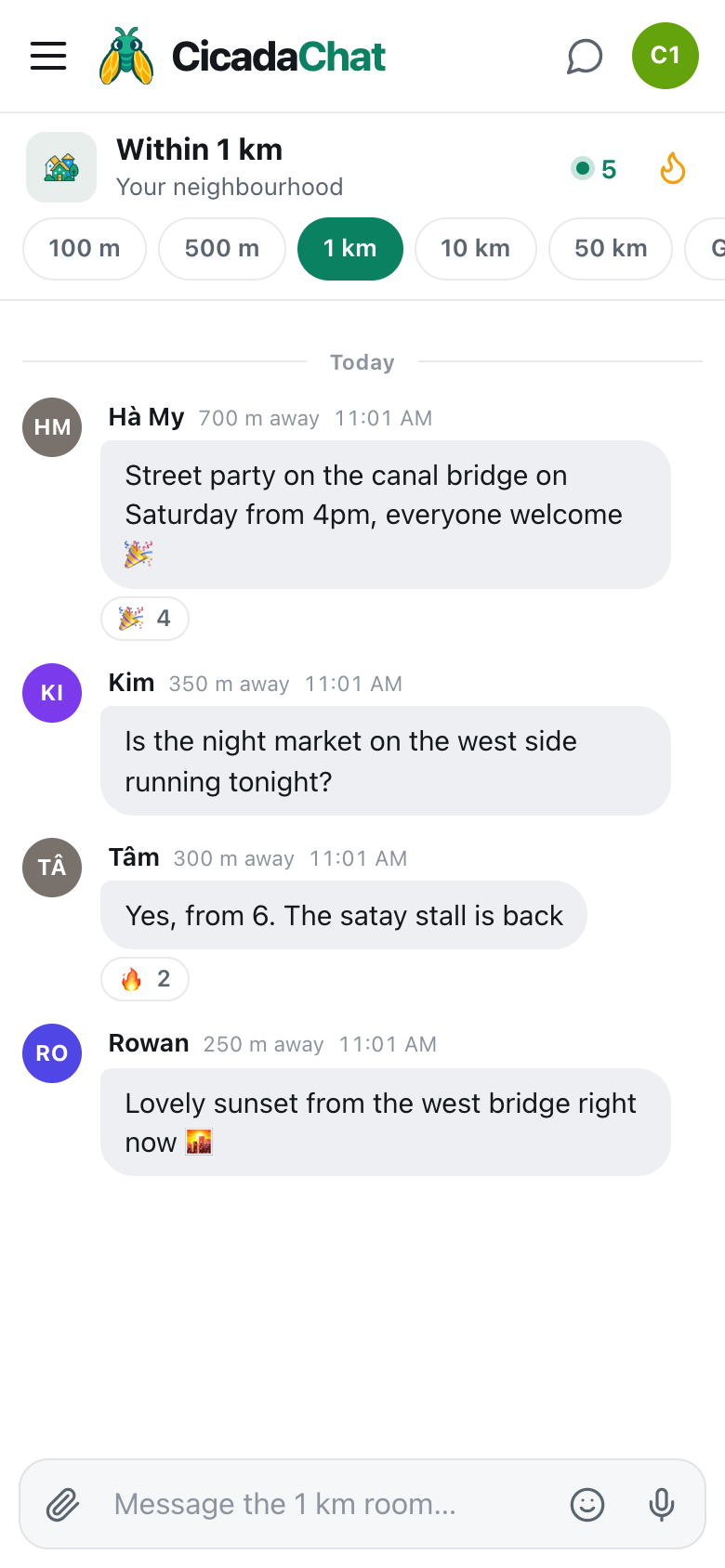
When you send a message in the 1 km room, everyone who can see it gets four things:
- Your name. As a guest, that's the name CicadaChat gave you, like Cicada 891715. With a registered account, it's the Full name you chose, which doesn't have to be your real name. Your username, the handle you sign in with, isn't shown in rooms.
- Your avatar. Either your initials on a coloured circle, or the profile photo you uploaded.
- A rounded distance. How far you were from them when you sent it, like 350 m away. More on this below.
- The time you sent it, and the message itself.
That's it. No address, no coordinates, no phone number, no email.
How the distance is rounded
The distance is the one piece of location information that other people see, so it's worth understanding how rough it is.
Your exact position never leaves CicadaChat's servers. When a message goes out to someone, the server measures the distance between you and them, and rounds it before sending it. In the 1 km room, it's rounded to the nearest 25 m. The app then rounds it again for display: anything under 50 m shows as right here, and everything else is shown to the nearest 50 m. Wider rooms blur more: the 10 km room rounds to 250 m before anything is sent, and the 50 km room to a kilometre.
A distance also doesn't say which direction. 400 m away could be north, south, east or west. It's a ring around the other person, not a point.
The room info panel says it in one line: Never your coordinates — only a rounded distance, blurred further the wider the room.
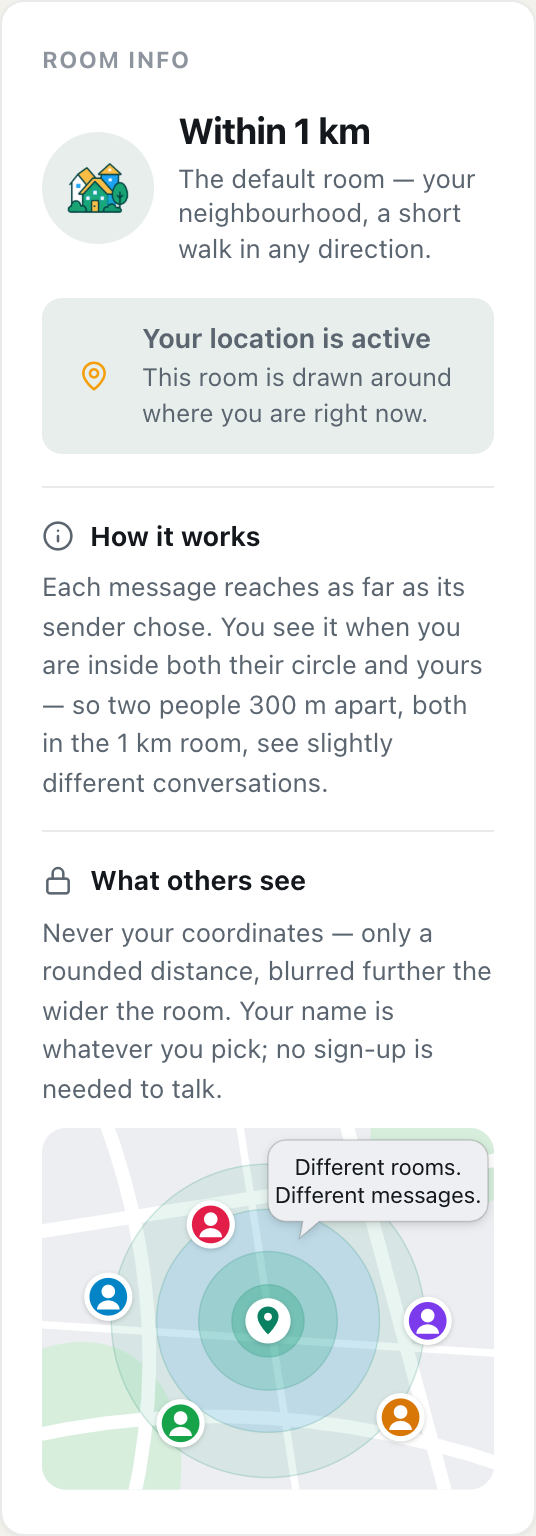
A screenshot of Room info for the 1 km room on a computer. What others see explains that nobody gets your coordinates, only a rounded distance.
The People in range list
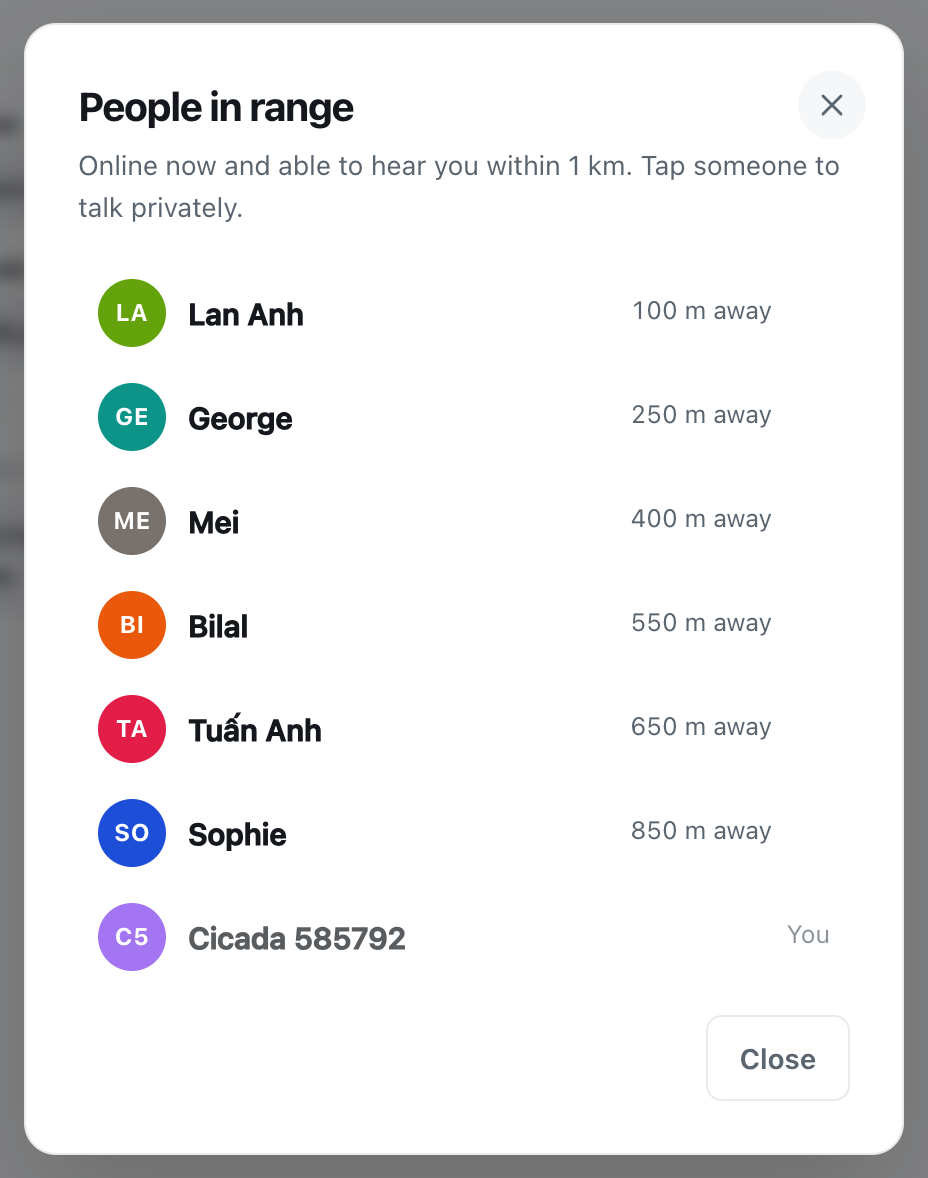
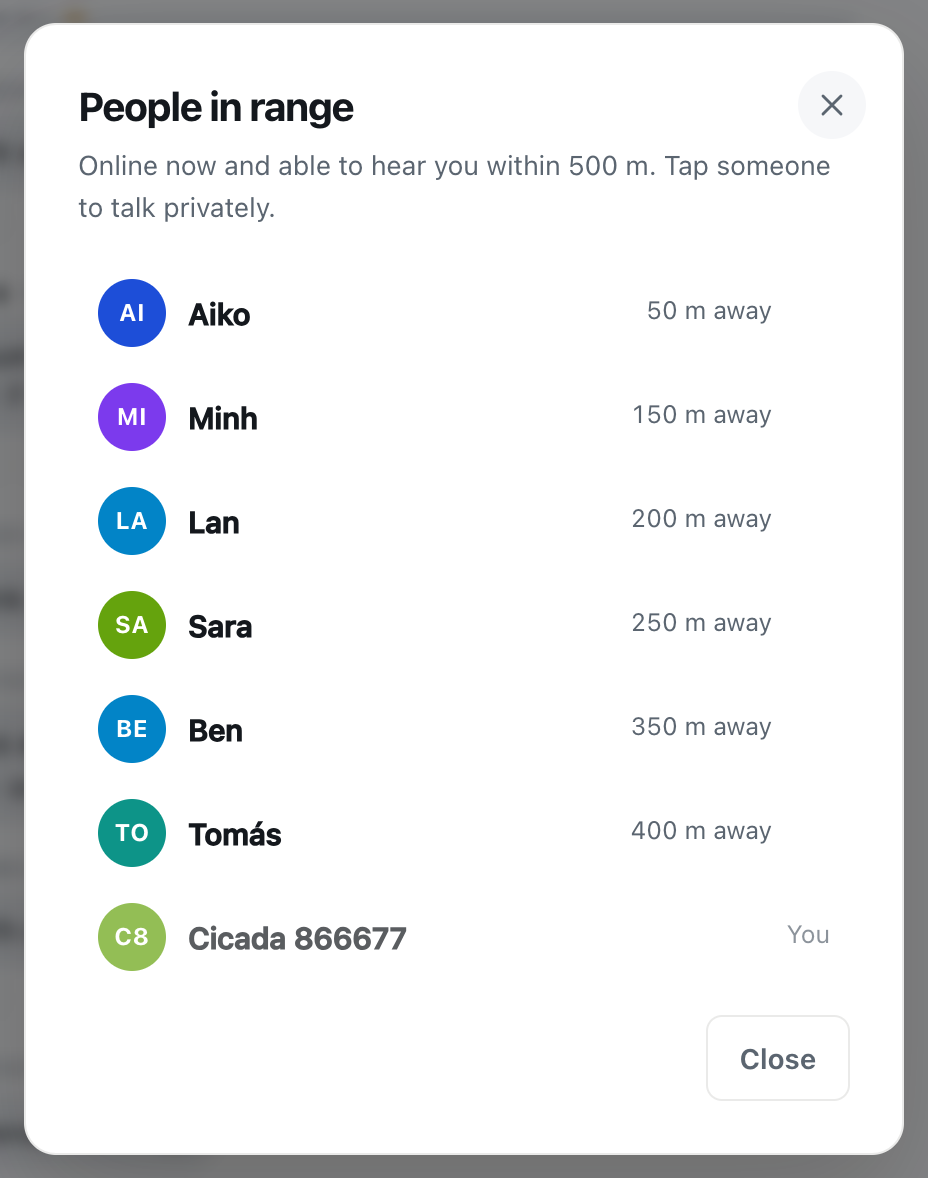
The number in the header, next to the green dot, is how many people are in range: online now and able to hear you if you spoke. Tap it to see the People in range list. It says Online now and able to hear you within 1 km. Tap someone to talk privately.
A screenshot of the People in range list in the 1 km room. Each neighbour has a rounded distance, and you are listed last, marked You.
This list shows your neighbours something too. While you have CicadaChat open in a local room, you appear on the People in range list of the neighbours whose messages would reach you, with your name, your avatar and the same rounded distance. It's the same information a message shows, with one addition: that you're online right now.
If that's more than you'd like at a given moment, you have a few options. Switch to a narrower room: in the 100 m room, you only appear to people within 100 m. Switch to the Global room, and you don't appear on anyone's local list at all. Or close the app: you only appear while you're connected.
What people can piece together
Rounded distances are deliberately vague, but they're not nothing, and it's honest to say what they can and can't reveal.
A single distance tells someone very little: a ring hundreds of metres long. But if you often post from home, and someone takes the trouble to note your distance from several different places, they could narrow down roughly where you are. The rounding makes that slow and imprecise, which is the point of it, but it doesn't make it impossible.
In practice, what you write usually gives away far more than the distance does. "I'm on the third floor of the building opposite the pharmacy" is a much bigger clue than 250 m away. The habits below matter more than any setting.
Things that never reach your neighbours
- Your coordinates. Not in messages, not in the People in range list, not to friends.
- Your email address. It's used to sign in and to send you links, and is never shown to anyone else. Your username is shown only to people you've accepted as friends, in their friends list.
- Who reacted. People see how many reacted with each emoji, like 👍 3. They don't see who.
- Your private chats and private rooms. Only the people in them can read them.
- The hidden location data in your photos. Phone cameras often record where a photo was taken. CicadaChat resizes and re-encodes photos on your device before sending, which removes it.
Things you can choose to share
Your exact location
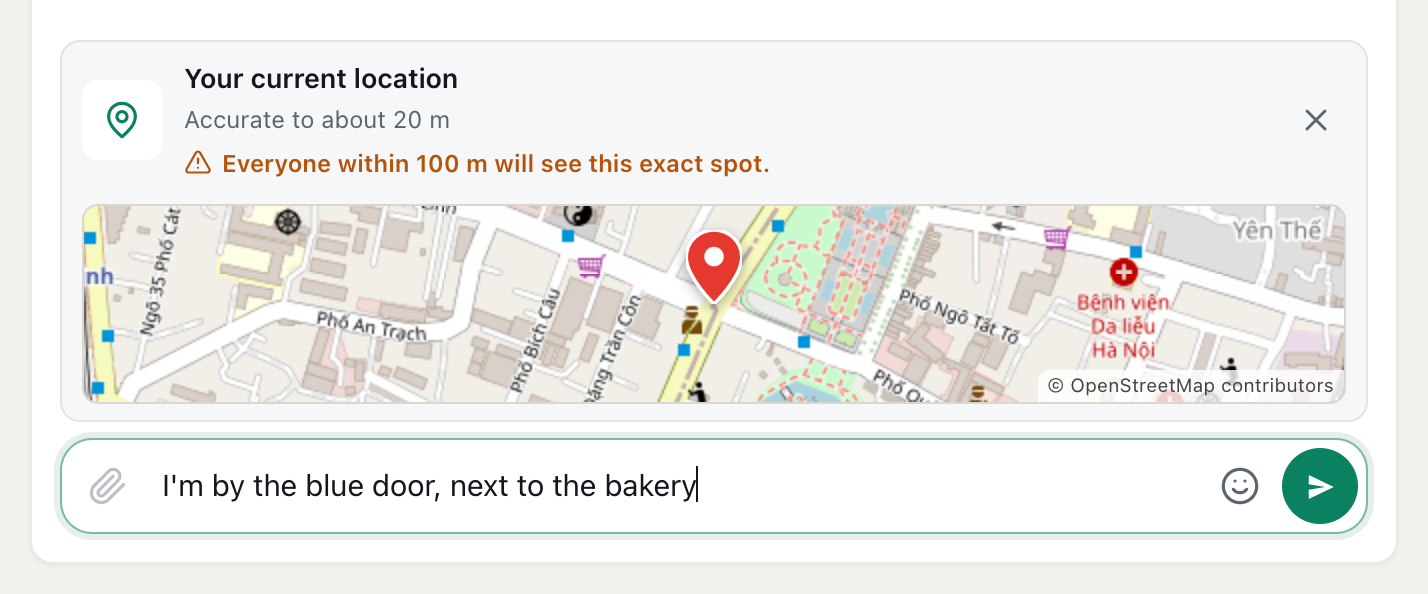
The paperclip button has a Location option that sends a map of exactly where you are. It's the one exception to the rule, and it only happens when you choose it. Before you send, CicadaChat warns you: Everyone within 1 km will see this exact spot. In your neighbourhood room, sharing it from home means sharing your home. Share it from a meeting point instead. The help article how to share your location in a message, and who will see it explains exactly who sees it.
Photos
The hidden location data is removed, but the picture itself is still the picture. A photo of the view from your balcony, your front door or your street sign can show where you live as clearly as a map. Check the background before you send.
Documents and voice notes
Documents are sent as they are, so check a file's contents, and its name, before posting it in a public room. A voice note carries your voice and whatever's in the background.
Your business card
If you add business details to a registered account, anyone who opens a private chat with you sees them beside the conversation. That's meant for shops and services that want to be found. Leave it empty if you're just chatting.
Habits that keep the 1 km room comfortable
- Use landmarks, not addresses. "Near the post office" is enough for a neighbour to pick up a ladder. Swap the exact address in a private chat once you know who you're talking to.
- Don't narrate your comings and goings. "Away for two weeks from tomorrow" in a room of neighbours tells people when your home is empty.
- Talk about places, not people. Describing a neighbour, even kindly, in a room they might read is rarely a good idea. And never post a photo of someone without asking.
- Be careful with children's details. School names, routes and times are best shared in a private room with parents you know.
- Remember it can't be taken back. There's no way to edit or delete a message once it's sent. Read it through first.
Moving a conversation to a private chat
Tap a neighbour's name, on a message or in the People in range list, and you open a private chat with just them. It's the right place for the details that don't belong in a room of a few hundred people: an address to collect a sofa from, a phone number to arrange a school run, a time to meet.
A private chat shows no distance at all. Neither of you sees how far away the other is, and it keeps working wherever you both go, whether that's across the neighbourhood or across the world. The same is true of private rooms. The only location either of you ever sees in a private chat is one you send on purpose with the Location option.
Take your time before sharing personal details with someone you've just met in the room. A few messages in a private chat will usually tell you whether the person offering a ladder is who they seem to be. If you meet in person, pick somewhere public, like the café on the corner rather than your front door.
Friends see less than you might think
With a registered account, you can add friends. Friends see when you're online, and your username in their friends list, and that's all. They never see your location or your distance, even if you're both in the 1 km room. And a pending friend request doesn't reveal whether you're online: only accepted friends see that.
Guests and registered accounts
As a guest, you're anonymous by default: a generated name and an initials avatar. Registering adds a name you choose and, if you like, a photo. It doesn't make anything else about you visible. If you want the whole list in one place, the help article what other people can see about you on CicadaChat covers every room and every part of the app. For the same questions in the smallest room, where distances are finer, see privacy in the smallest room: what the people within 100 m can and can't see.
For the legal detail about what's stored and for how long, see the Privacy Policy.
No comments yet. Start the conversation.