
What other people can see about you on CicadaChat
Your name, your picture and a rounded distance, but never your location, email or password. What other people can see about you in rooms, lists, friends, private chats and business cards.
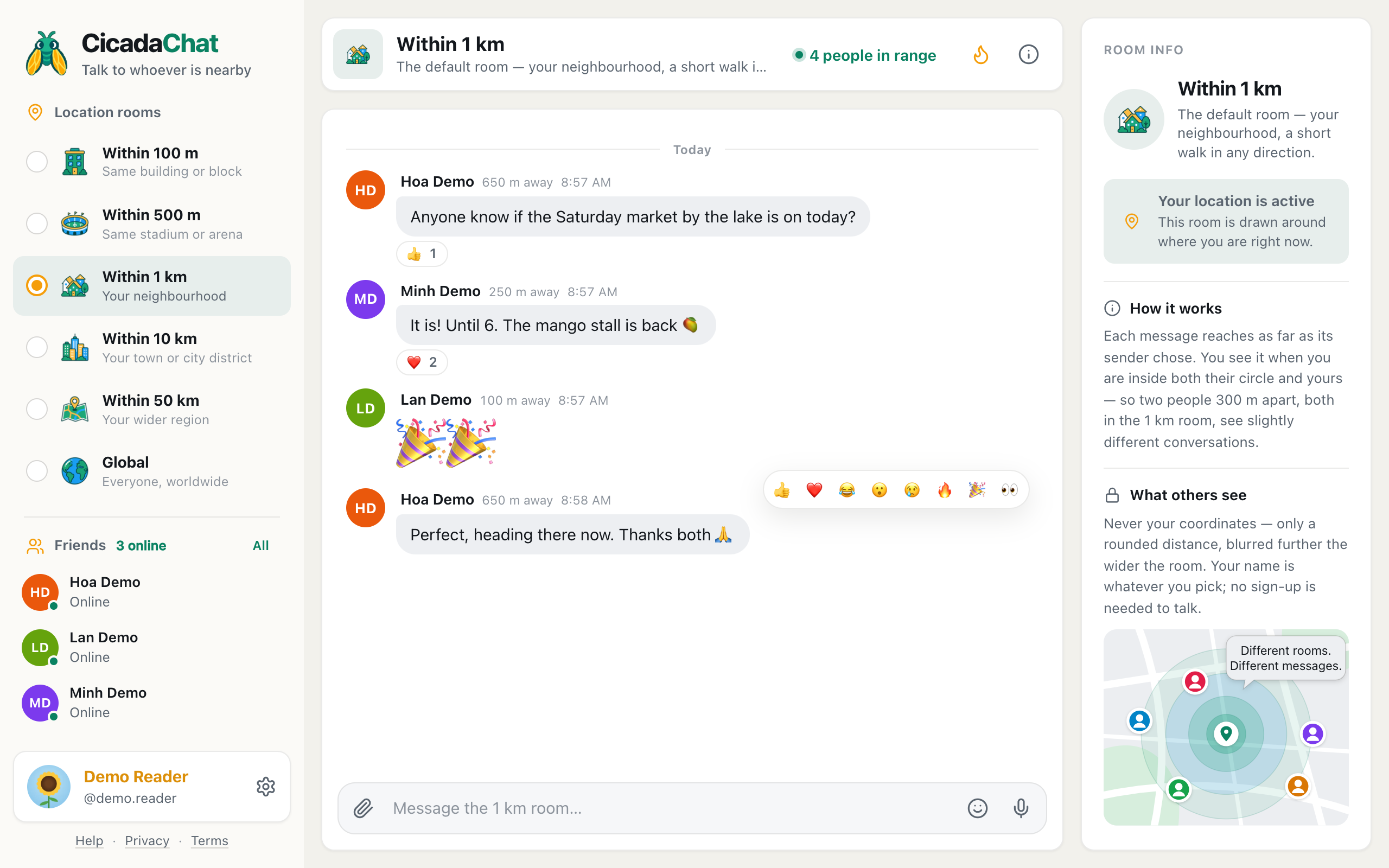
CicadaChat puts you in a room with strangers who are near you, so it's fair to ask what those strangers can learn about you. This guide lists what other people can see about you on CicadaChat, and what they can't: in location rooms, in the people list, on your profile, with friends, in private chats and rooms, and on a business card. It also covers the one thing you can choose to reveal on purpose.
A screenshot of the 1 km room. Each message shows a name, a picture, a rounded distance and the time, and nothing else about the sender.
The short answer
Other people can see:
- the name you show in rooms, and your photo or coloured initials;
- what you write and send in any chat they're part of, with the time you sent it;
- in a location room, roughly how far away you were when you sent a message, rounded;
- that you're online nearby, while you have a location room open;
- that you're typing, while you type in a location room;
- if you have an account: your username, in some places listed below;
- if you're friends: whether you're online;
- if you've added one: your business card, in private chats with you.
Other people can never see:
- your location or coordinates, unless you share a location in a message yourself;
- your account's email address or your password;
- who reacted to a message, only how many did;
- which private chats and private rooms you're in, unless they're in them too.
In a location room
Your name
As a guest, you're shown as Cicada followed by six digits, such as Cicada 398070. It's chosen at random when you first open CicadaChat and says nothing about you. With an account, you're shown by your full name, or by your username if you didn't set a full name. The full name can be anything: your first name, a nickname, or the name of your shop.
Your picture
If you've set a profile photo, it appears next to your messages. Otherwise, people see your initials on a coloured circle. Guests always have initials, since only accounts can set a photo. Anyone who sees your messages sees your photo, so choose one you're happy for strangers nearby to see.
How far away you are, rounded
Next to your name, people see a distance such as 250 m away, 1.5 km away or right here. It's never exact. Before a distance leaves CicadaChat's servers, it's rounded to a step that grows with the room: to 10 m in the 100 m room, 25 m up to the 1 km room, 250 m in the 10 km room and 1 km in the 50 km room. The app then shows it in steps of 50 m below a kilometre, or tenths of a kilometre above. Someone 620 m away, for example, shows as 650 m away.
The distance is measured from where you were when you sent the message to where the reader is now, so two readers see different distances for the same message. It says how far, never in which direction. In the global room, there's no distance at all.
Your messages
What you write, with the time you sent it. Messages can't be edited or deleted after they're sent, and in a location room anyone within range can read them. Think about that before posting anything personal.
Reactions
When you react to a message, people see the count go up, such as ❤️ 2. Nobody can see who reacted, only you can tell which of the reactions are yours.
Being online: the people list, the count and typing
While you have a location room open, you count towards the people in range number at the top of the room for people near you, and you appear in their People in range list, with your name, picture and the same kind of rounded distance. Close CicadaChat and you drop off the list. See who's around? Using the People in range list for how that list works.
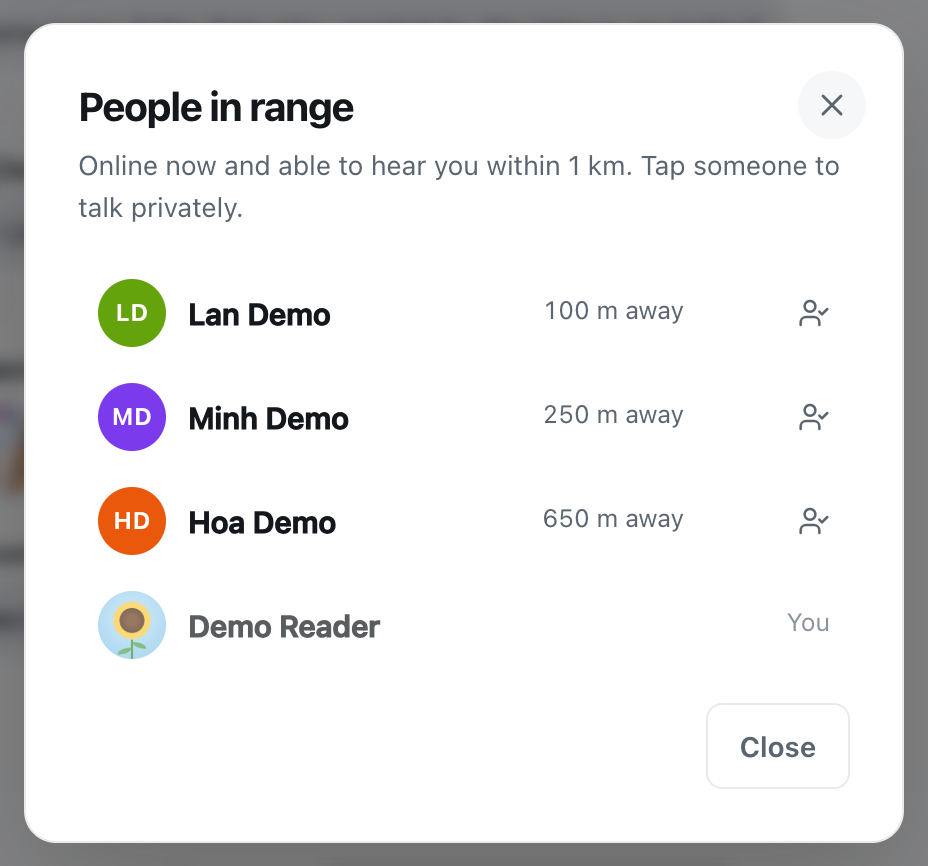
A screenshot of the People in range list. Everyone on it sees the same kind of rounded distance to you.
While you type in a location room, people there see a line such as Cicada 398070 is typing… under the messages, with your name in it. It goes away when you stop.
Photos, documents, voice notes and locations
- Photos are shrunk and saved as a fresh copy on your device before they're sent. That strips the hidden details a phone camera stores in a photo, including where it was taken. What people see is only what's in the picture itself, so check the background.
- Documents are shown with their file name and size, such as notes.pdf. Rename a file before sending it if its name says more than you'd like.
- Voice notes are your voice, and anything audible behind it.
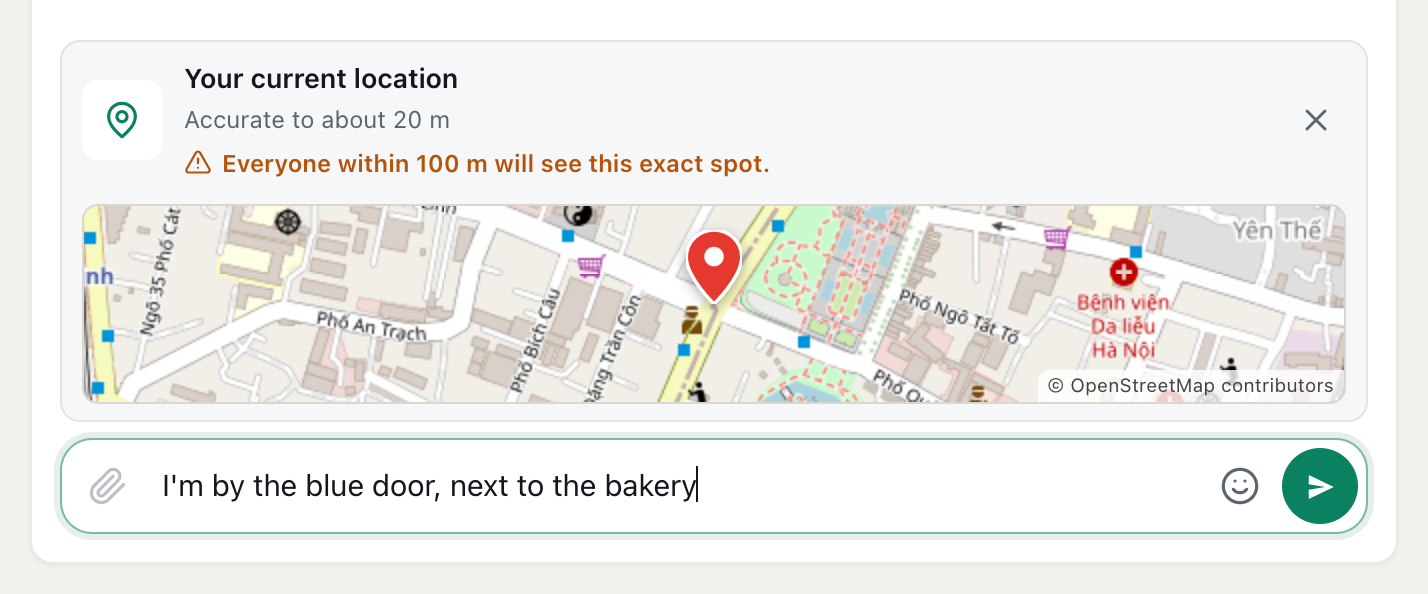
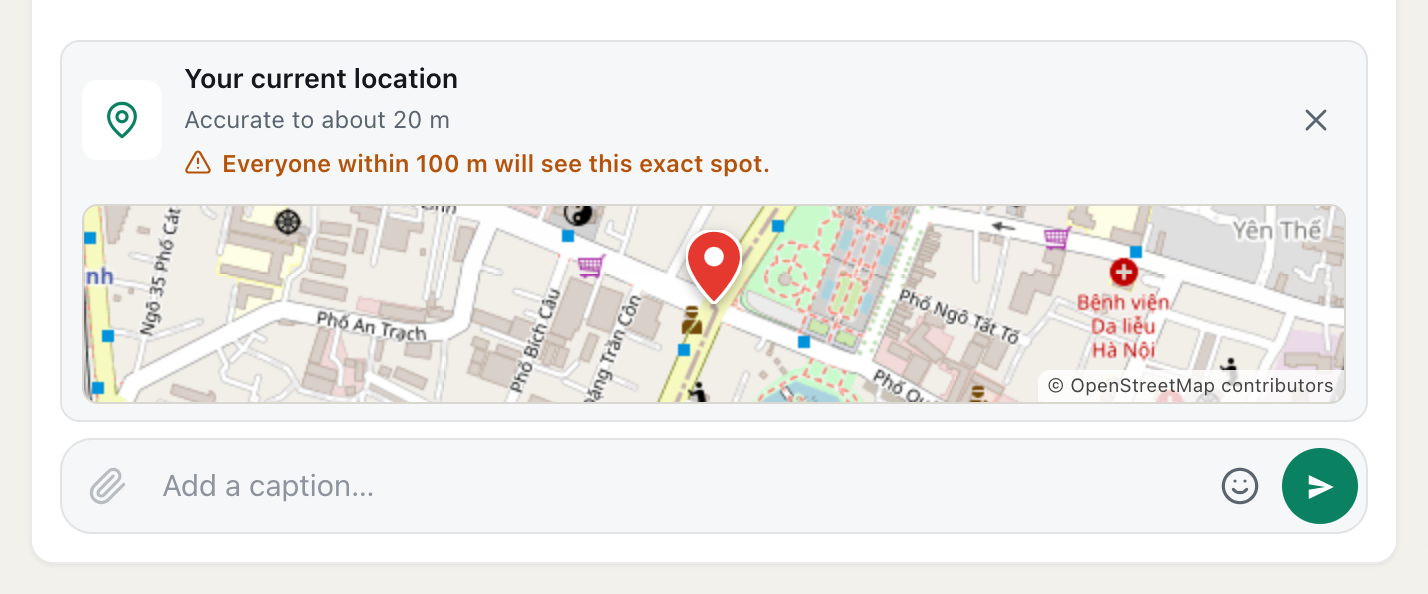
- A shared location is the one deliberate exception to "nobody sees where you are". It shows an exact spot on a map to everyone who can read the message. In a public room, the message box warns you first, for example Everyone within 1 km will see this exact spot. Share one only when you mean to. See how to share your location in a message, and who will see it.
Your account: username, email and password
- Your username isn't shown next to your messages in rooms. It is shown to people who search for it when adding friends (the search shows your full name and photo too), in your friends' lists, and in the member list of any private room you're in.
- Your email address is never shown to anyone. It's used to sign in and for the emails CicadaChat sends you.
- Your password is never shown, and CicadaChat stores it only in a scrambled form that can't be turned back into the password.
Friends: online, never where
Friends see when you're online, with a green dot and the word Online. They never see where you are or how far away you are, even when you're in the same room. As the Friends dialog puts it: See when they are online and message them wherever they are — never where they are.
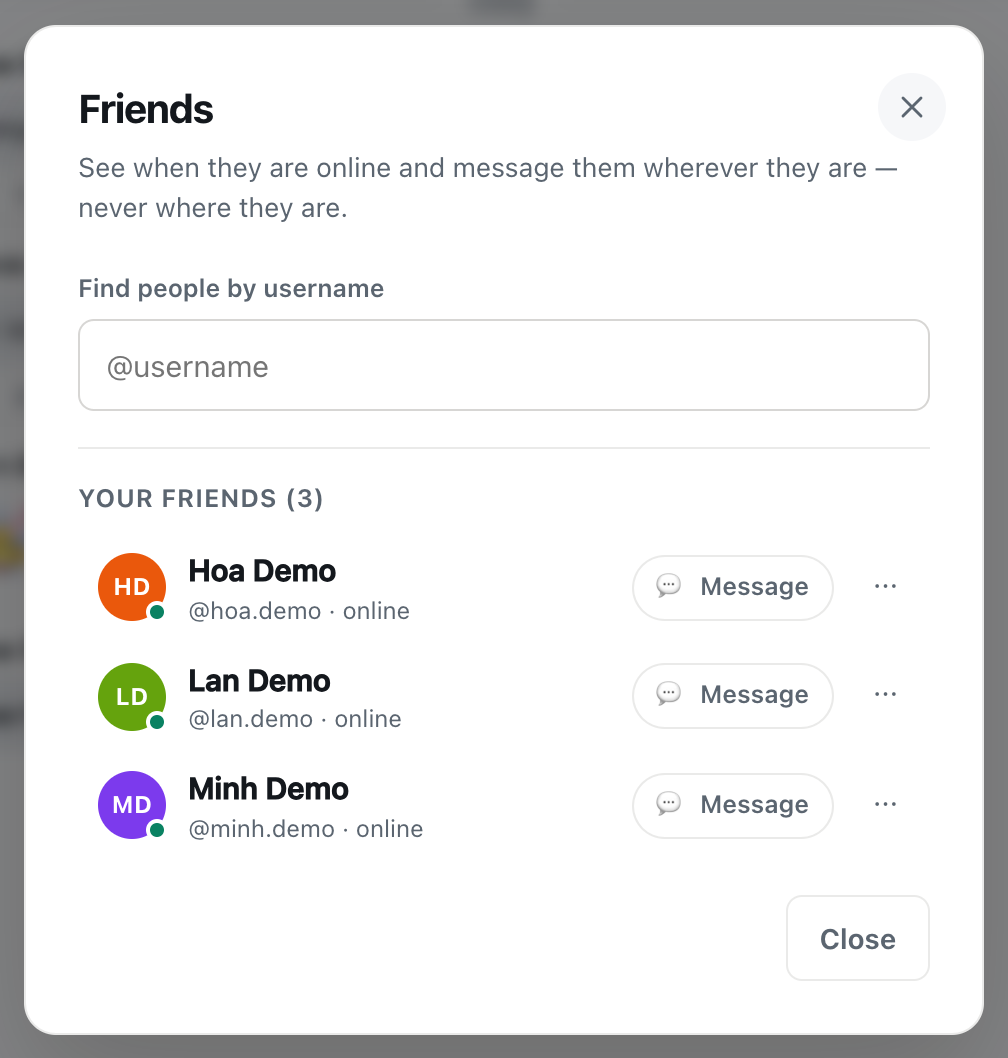
A screenshot of the Friends dialog. Friends see each other online, with usernames, and nothing about where anyone is.
Online status is only for accepted friends. Someone whose friend request you haven't accepted can't tell whether you're online.
Private chats and private rooms
- A private chat is seen only by the two of you. There's no distance in it.
- A private room is seen only by its members, who can see each other's full names, photos and usernames in the room's settings. Someone you add later can read the room's earlier messages too.
- Outsiders can't tell a private room exists, let alone who's in it.
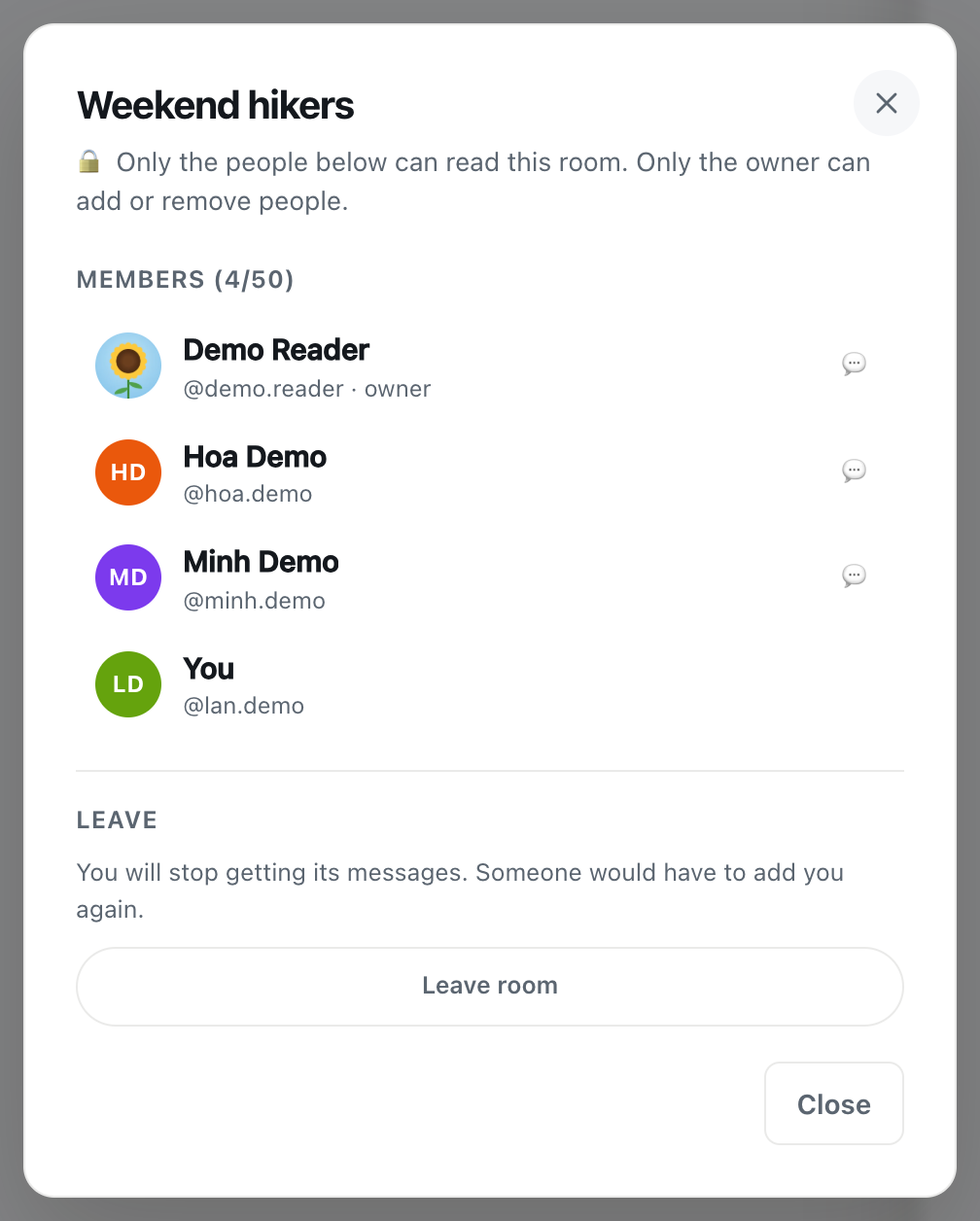
A screenshot of a private room's settings. Everyone in the room can see who else is in it, with their usernames.
Your business card
If you add a business card, everything on it is visible to anyone who opens a private chat with you, including guests: the business name, photos, address, phone, email, website and description, with Run by and your full name. It never includes your location. See how to add a business card to your CicadaChat account.
Guests and accounts
As a guest, you give away the least: a random name, coloured initials and your messages. An account adds a name and photo you choose, and a username that friends can find you by. Neither shows your location or your email to anyone.
An example: what a stranger learns from one message
Minh is in the 1 km room and writes "It is! Until 6. The mango stall is back 🥭". Hoa, a stranger 620 m away, sees:
- the name Minh Demo and Minh's picture, or initials;
- 650 m away: a rounded distance between where Minh sent the message and where Hoa is now, with no street and no direction;
- the time, and the message itself;
- that two people reacted with ❤️, but not who.
Hoa doesn't see Minh's username, email, friends, private rooms or exact position. If Hoa taps Minh's name, a private chat opens, and if Minh has a business card, Hoa sees it there. Anything more, Minh has to choose to tell.
How to share less
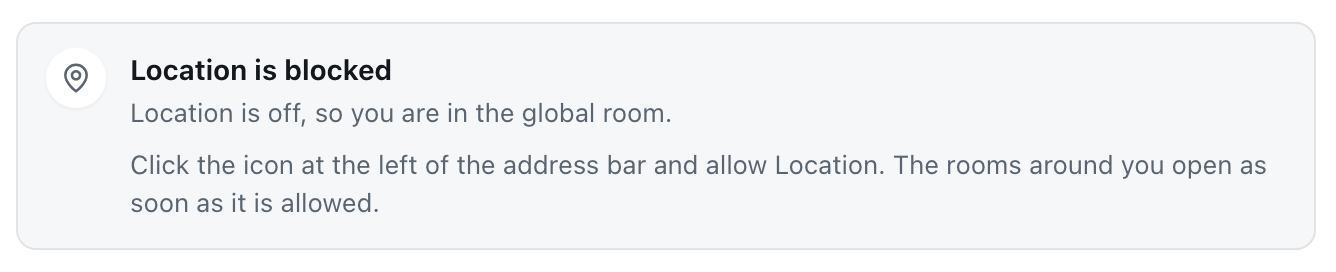
- Use a wider room. Distances are rounded more coarsely the wider the room, and in the global room there's no distance at all.
- Choose your full name with care. It doesn't have to be your real name.
- Use a photo that isn't your face, if you'd rather not be recognised in the street.
- Keep shared locations for private chats and private rooms, where only people you chose will see them.
- Watch the background of photos, and the names of files you send.
- Put only business details on a business card, never a personal phone number or home address.
Questions people ask
Can someone work out exactly where I am?
Not from CicadaChat's distances. They're rounded before they leave the server, say nothing about direction, and in wider rooms the rounding is coarser still. What can give you away is what you write and send: a photo of your street, "I'm in the café on the corner", or a shared location. Those are up to you.
Does CicadaChat keep my location?
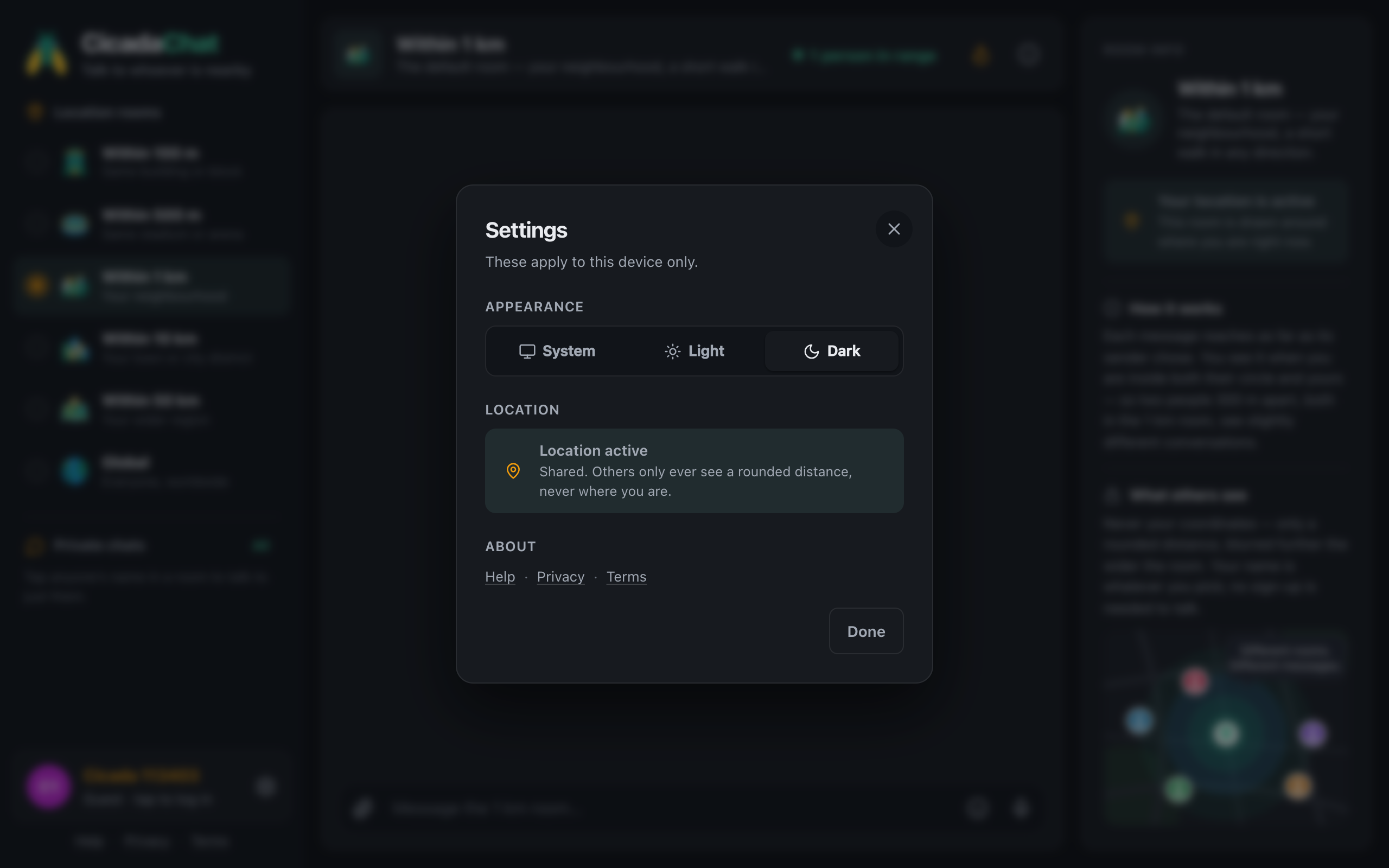
CicadaChat uses your position to decide who's near you and which messages reach you, and records where each message was sent from so it can work out distances for readers. It's never shown to other people. The Privacy Policy explains what's stored and why.
No comments yet. Start the conversation.