Help
How to create a CicadaChat account and keep your guest chats
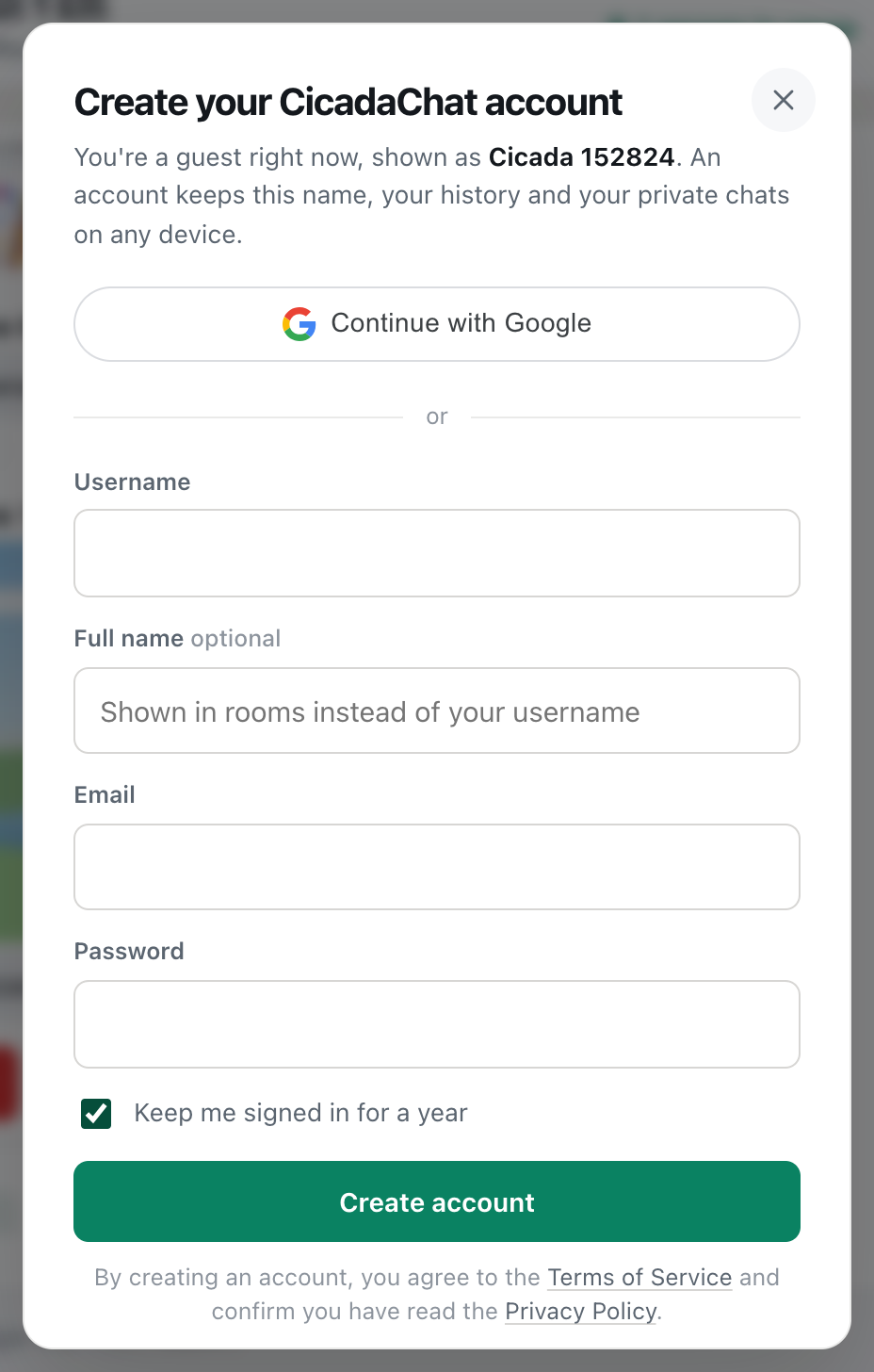
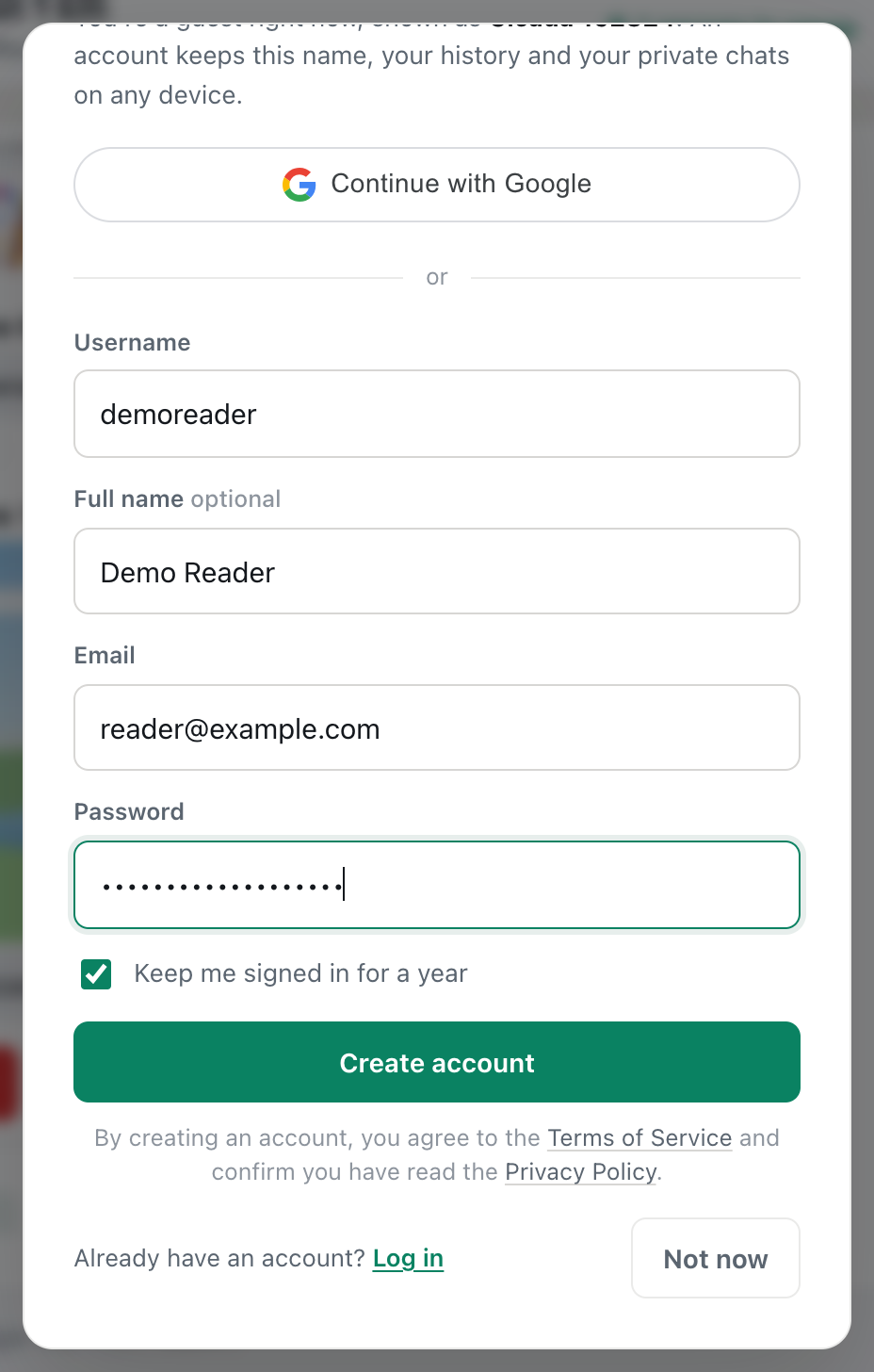
Create a CicadaChat account in under a minute without losing anything from your guest account. Each field explained, the welcome photo, and confirming your email.
Tag
6 articles
Create a CicadaChat account in under a minute without losing anything from your guest account. Each field explained, the welcome photo, and confirming your email.
Every CicadaChat visitor starts as a guest. What a guest can and can't do, how a registered account differs, and when it's worth signing up.
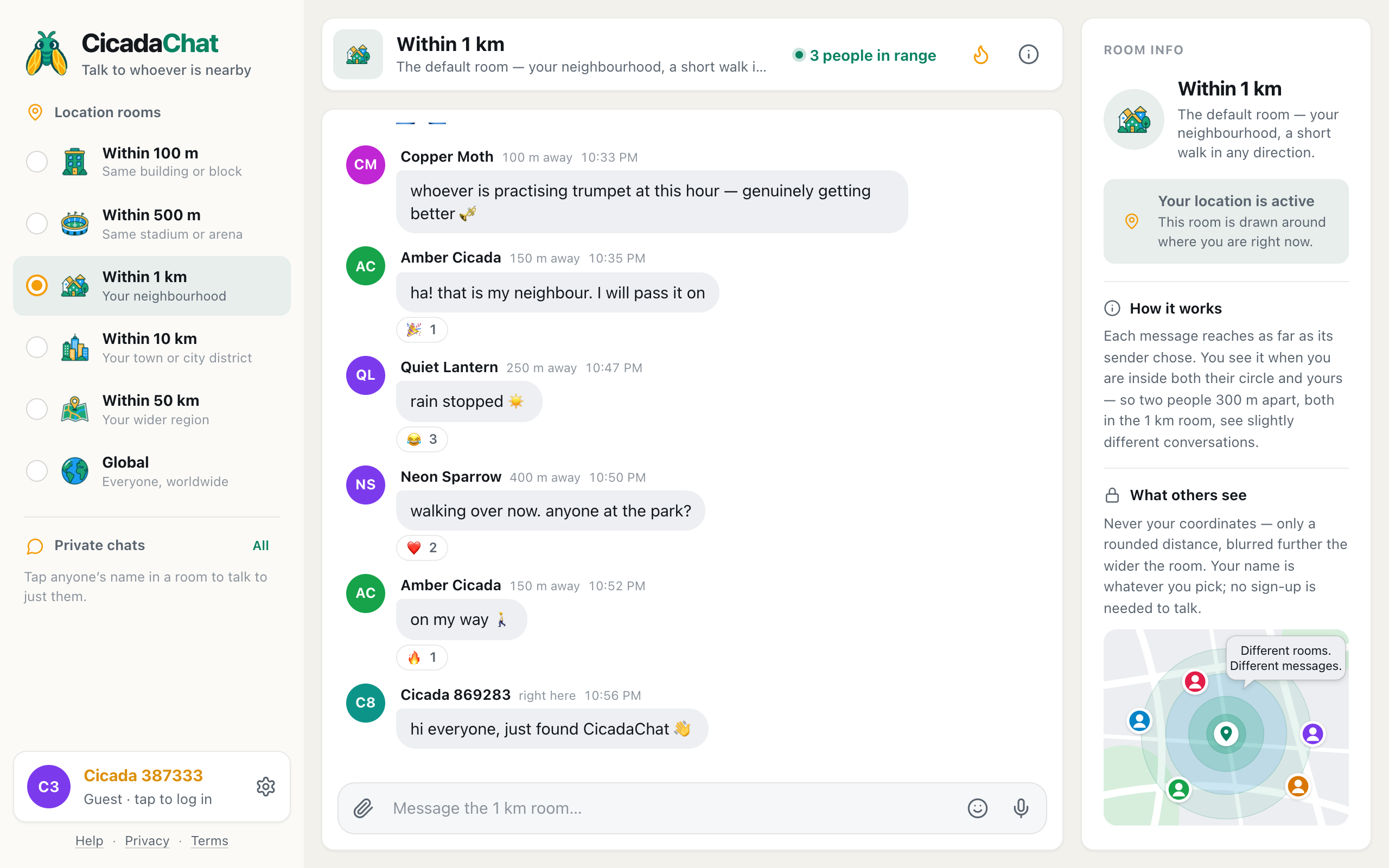
A CicadaChat room isn't a place you join. It's a circle drawn around you. Here's how that decides who reads your messages, what you see and what others learn about you.
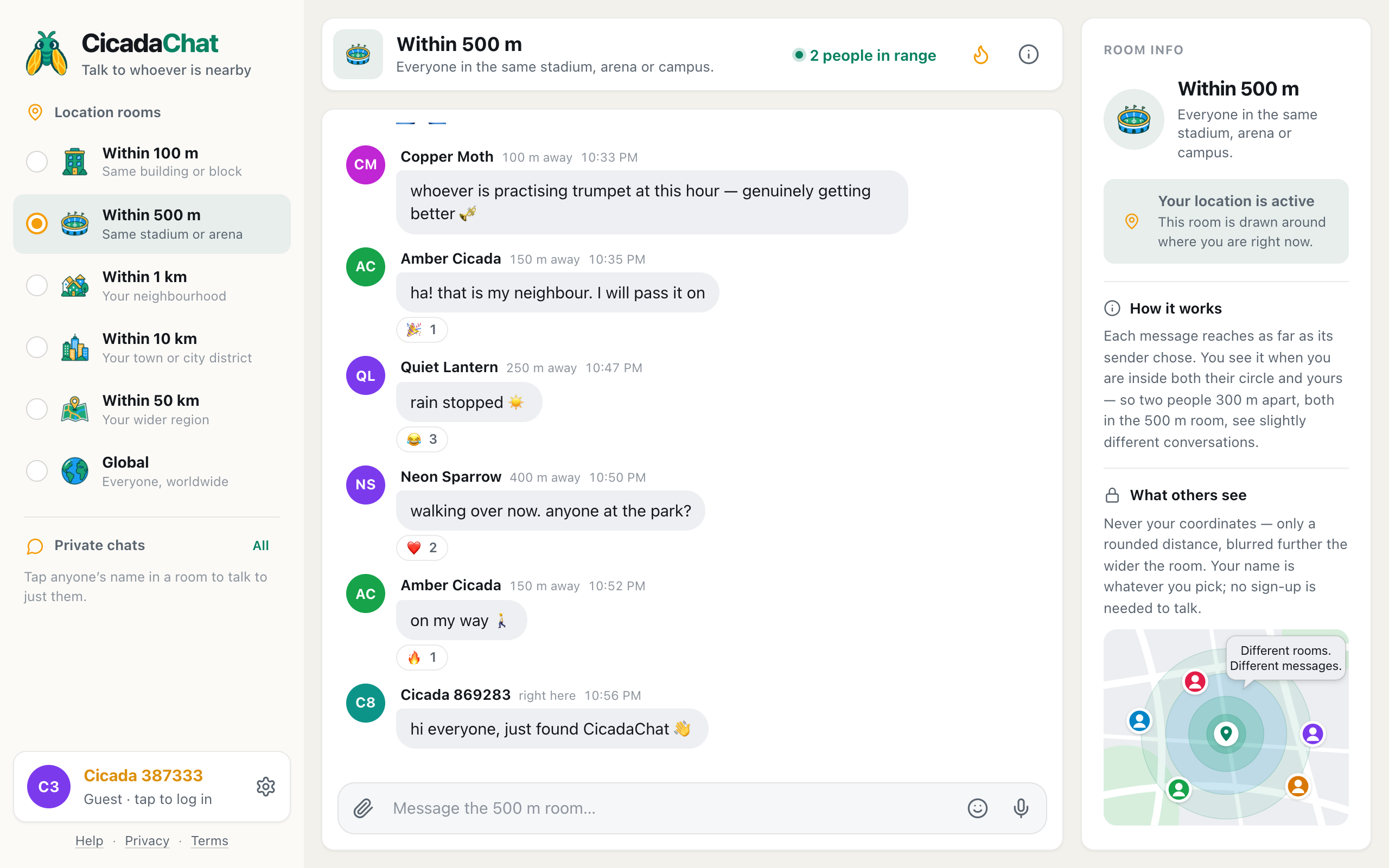
What each of CicadaChat's six rooms is good for, how to switch between them on a computer or phone, and how to pick the right one before you speak.
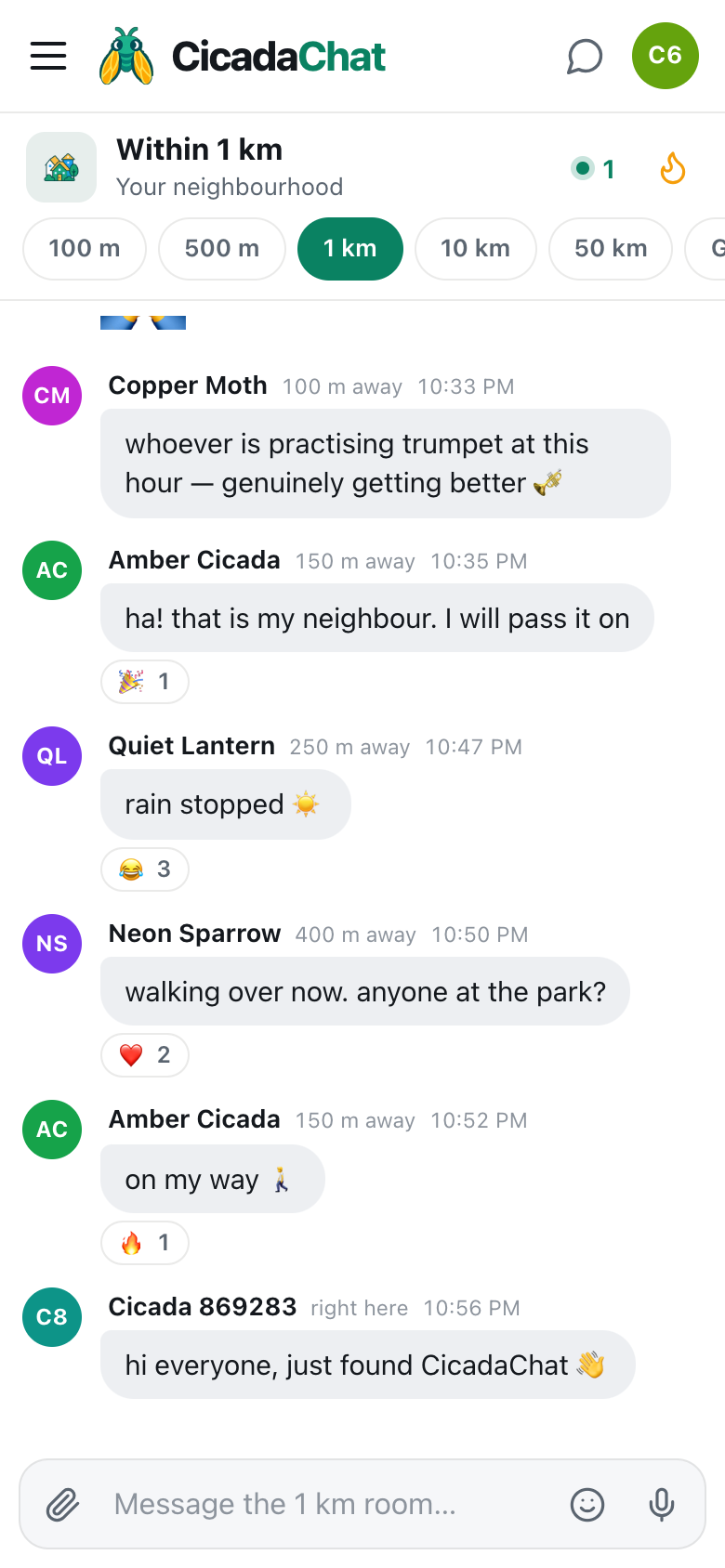
CicadaChat needs no app store: add it to your home screen on iPhone, Android or a computer so it opens full screen with one tap. Plus a tour of the phone layout.
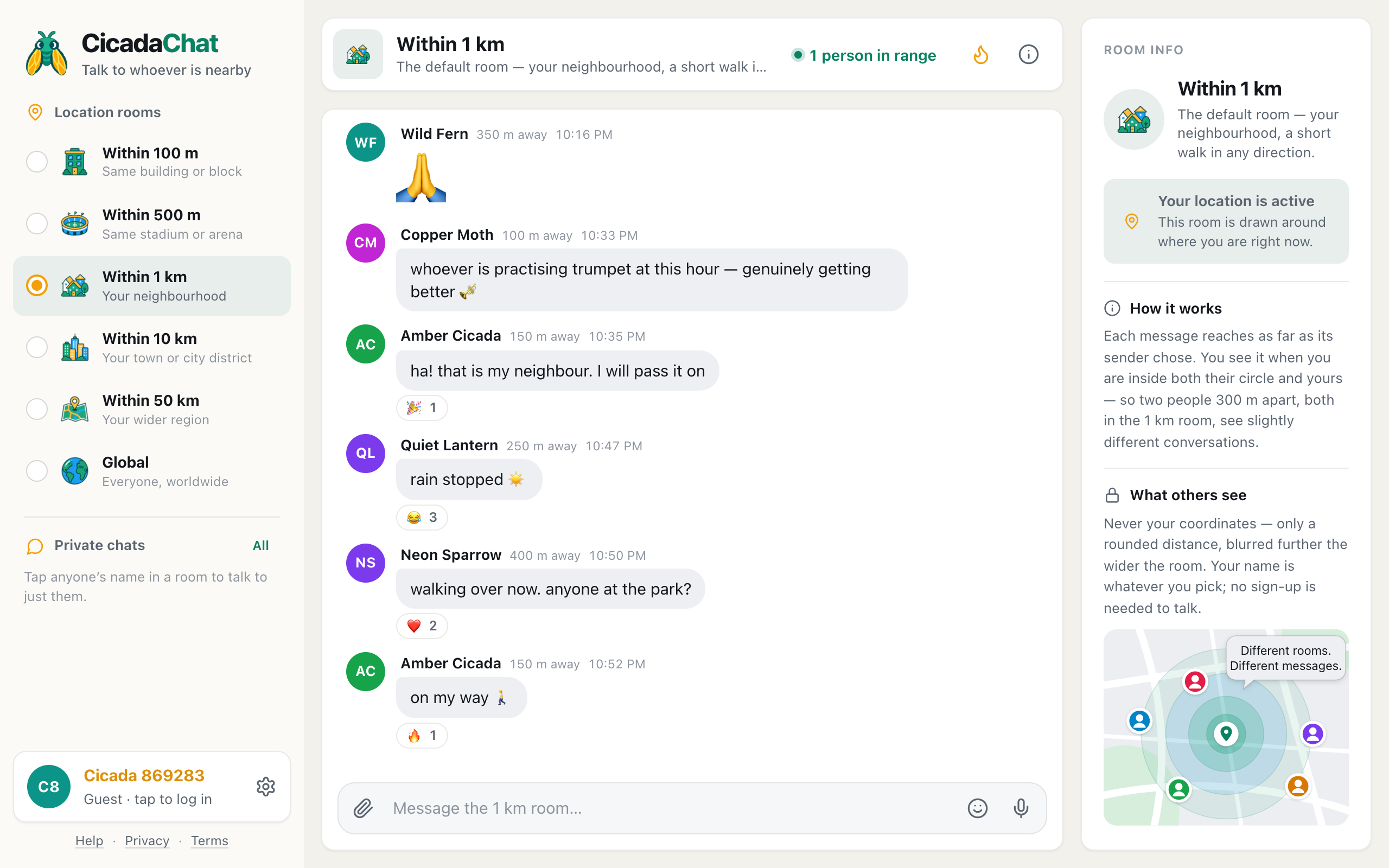
Open CicadaChat, answer the location prompt and send your first message to the people around you. What each part of the screen does, and when an account is worth it.