
Guest or registered account: what's the difference?
Every CicadaChat visitor starts as a guest. What a guest can and can't do, how a registered account differs, and when it's worth signing up.
CicadaChat lets you chat before you've decided anything: the first time you open it, you're given a guest account automatically. Later, you can turn it into a registered account with a username, an email and a password, or with Google. This article explains the difference between a guest and a registered account: what each can do, where each one lives, what other people see, and when it's worth signing up.
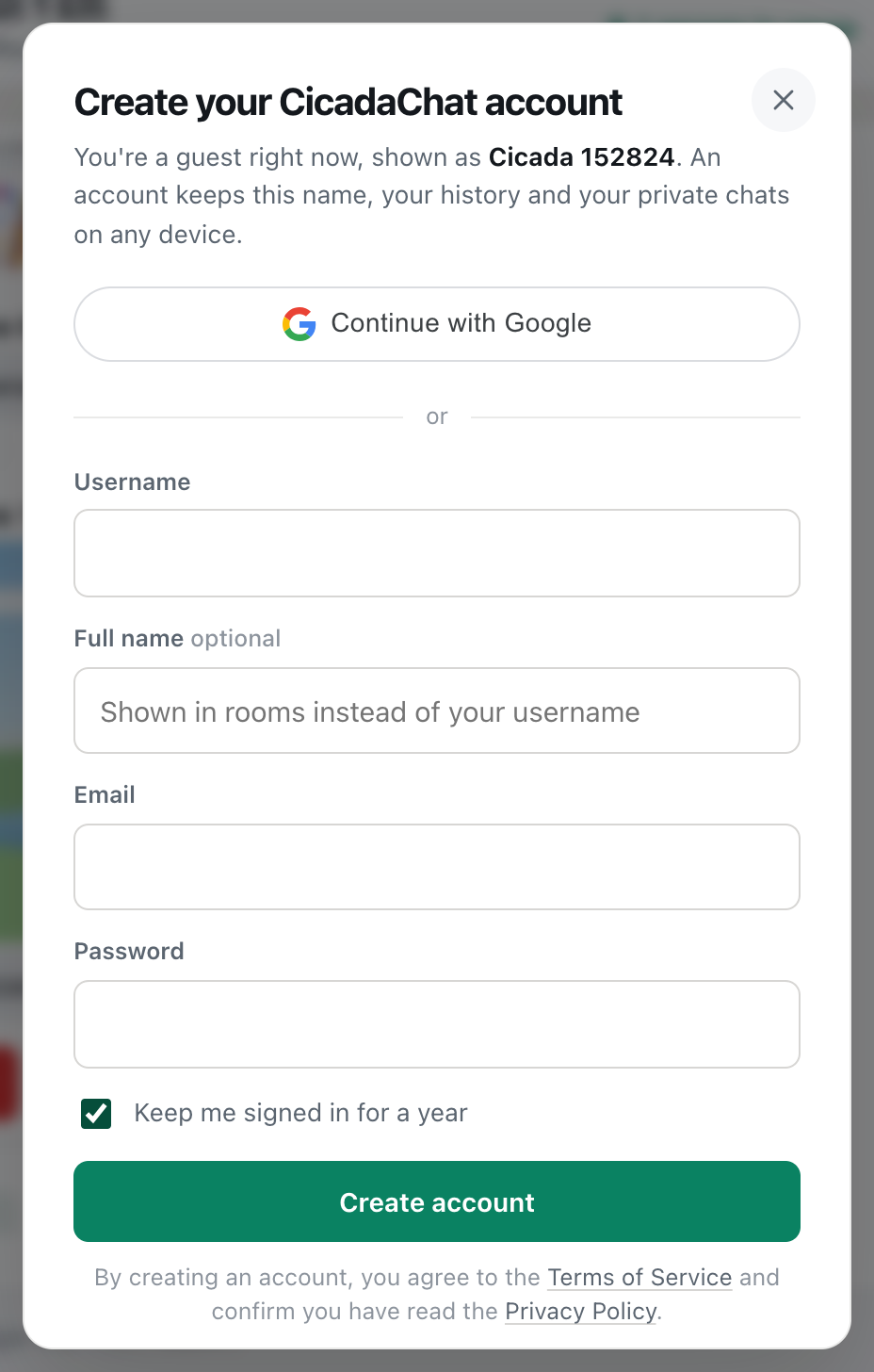
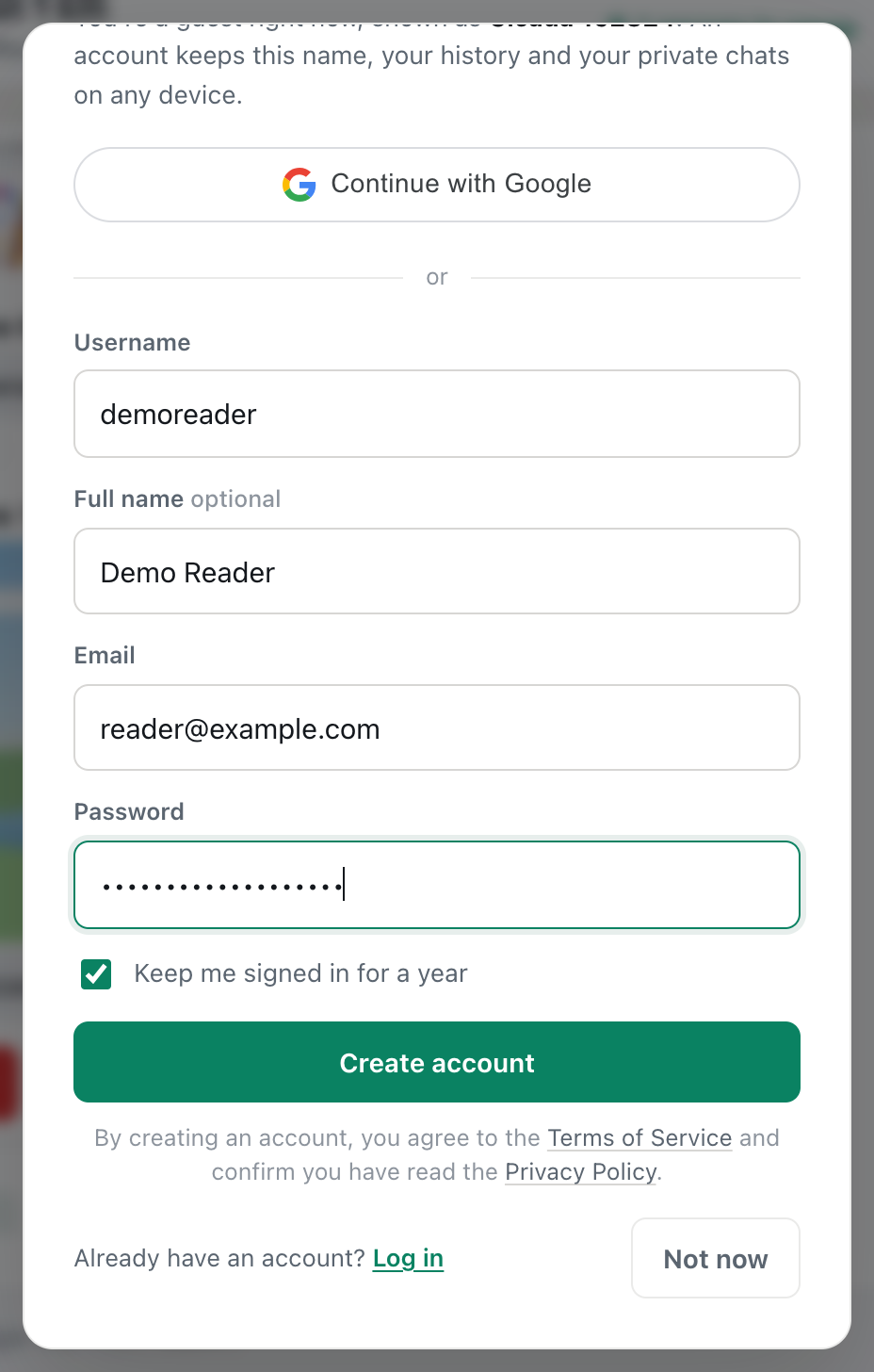
A screenshot of the sign-up form, opened from a guest account. It explains what an account keeps.
Guest or registered account: the short answer
A guest can do almost everything: chat in every room, send photos, voice notes and locations, react, use Hot and talk privately. But a guest account lives in one browser on one device, and it can't have a photo, friends or private rooms.
A registered account adds a name and a photo you choose, friends, private rooms and a business card, and it works on any device you log in on. You can register at any time without losing anything, because your guest account is turned into the new one.
What you can do as a guest or with an account
| Feature | Guest | Registered |
|---|---|---|
| Chat in all six rooms, including Global | Yes | Yes |
| Photos, documents, voice notes, shared locations | Yes | Yes |
| Reactions and Hot | Yes | Yes |
| Private chats | Yes | Yes |
| Choose your name | No, it's given to you | Yes: a Full name and a username |
| Profile photo | No, coloured initials | Yes |
| Friends, and seeing when they're online | No | Yes |
| Private rooms | No | Yes |
| Business card | No | Yes |
| Use on another device | No | Yes, by logging in |
| Recover it if something goes wrong | No | Yes, by email |
How a guest account works
When you first open CicadaChat, you see Warming up… and Setting up your session. No sign-up needed. In that moment, CicadaChat creates a guest account for you and gives it a name like Cicada 503233: the word Cicada and six random digits, so that guests can be told apart in a busy room. Your picture is a coloured circle with your initials.
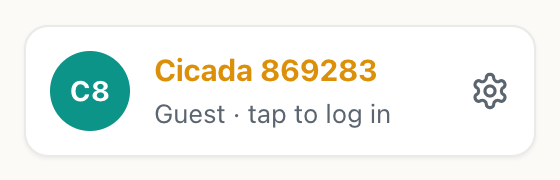
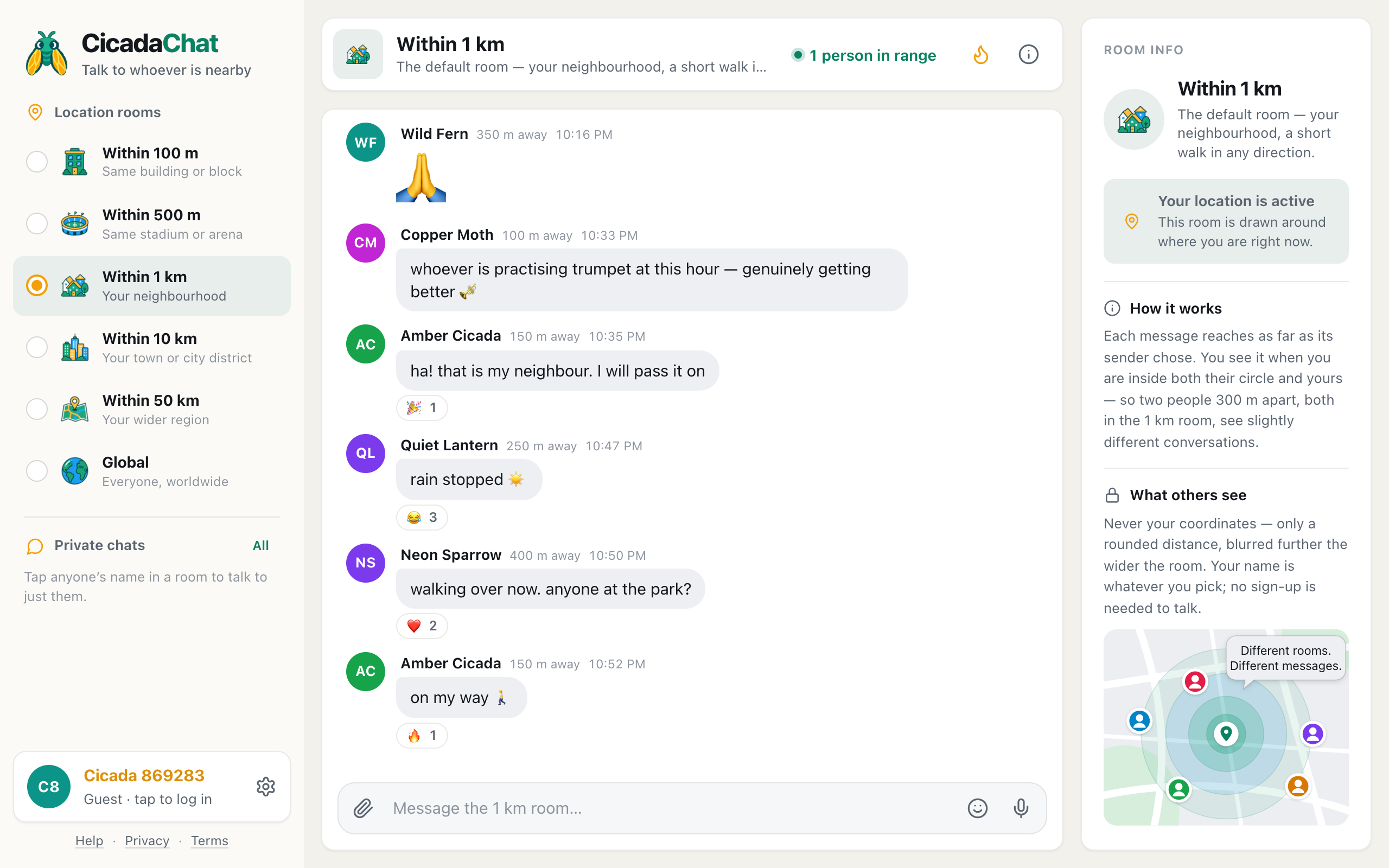
A screenshot of a guest's name at the bottom of the sidebar.
Your guest name sits at the bottom of the sidebar with Guest · tap to log in under it. On a phone, it's the coloured circle at the top right of the screen.
Where a guest account lives
A guest account is tied to your browser. CicadaChat stores a small identifier in the browser's storage on your device, and each time you come back, that identifier brings back the same guest, with the same name and the same private chats. There's no password, and nothing to remember.
That's convenient, but it's also the guest account's weak point. You'll start again as a brand-new guest, and your old private chats stay with the old guest, if you:
- clear your browser's data or cookies for the site,
- use a private or incognito window,
- switch to another browser, or another phone or computer,
- open CicadaChat from your home screen on an iPhone, which keeps its own storage separate from Safari.
A lost guest account can't be recovered, because there's no email or password to prove it was yours.
How a registered account works
A registered account has four things a guest doesn't:
- A username, which you use to log in and which friends can find you by. It's 3 to 24 characters: lowercase letters, numbers, dots and underscores, starting with a letter or number, for example demo.reader.
- A Full name, which is what people see in rooms. It's optional when you sign up. If you leave it blank, your username is shown instead.
- An email address, used to confirm it's you and to send you a link if you forget your password. Nobody else ever sees it.
- A way to log in: a password of at least 10 characters, or your Google account, or both.
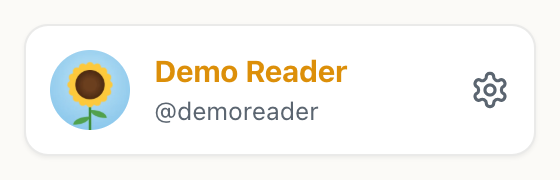
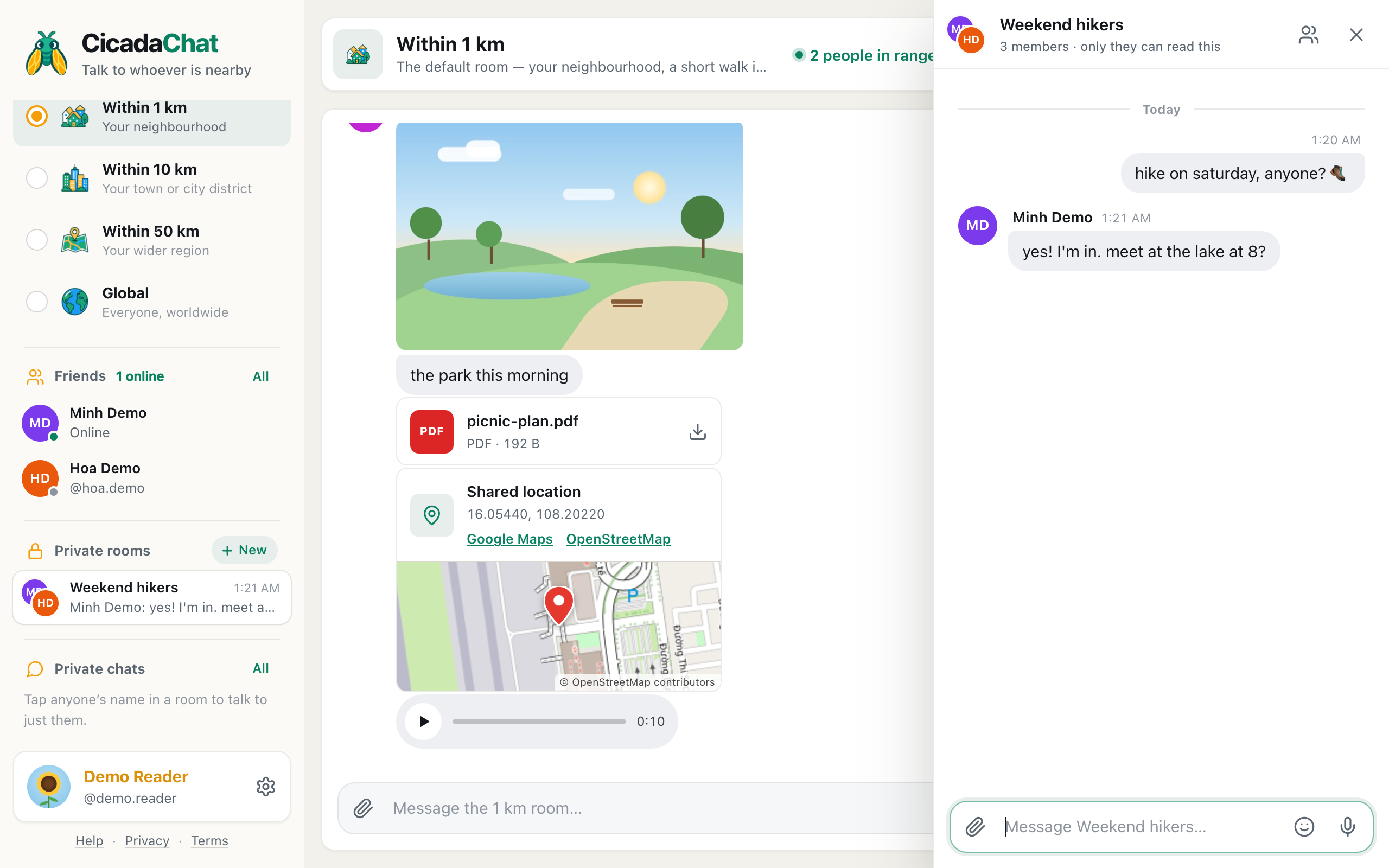
A screenshot of the same place with an account: a chosen name, a photo and the username under it.
At the bottom of the sidebar, your Full name replaces the guest name, with your username under it. Your photo, if you add one, replaces the initials. And two new sections appear in the sidebar: Friends and Private rooms.
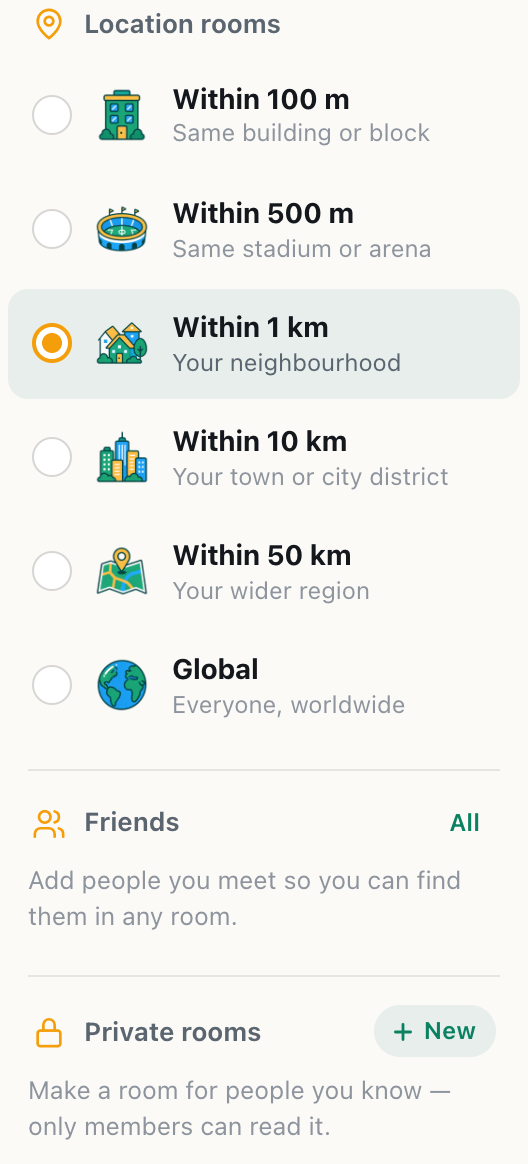
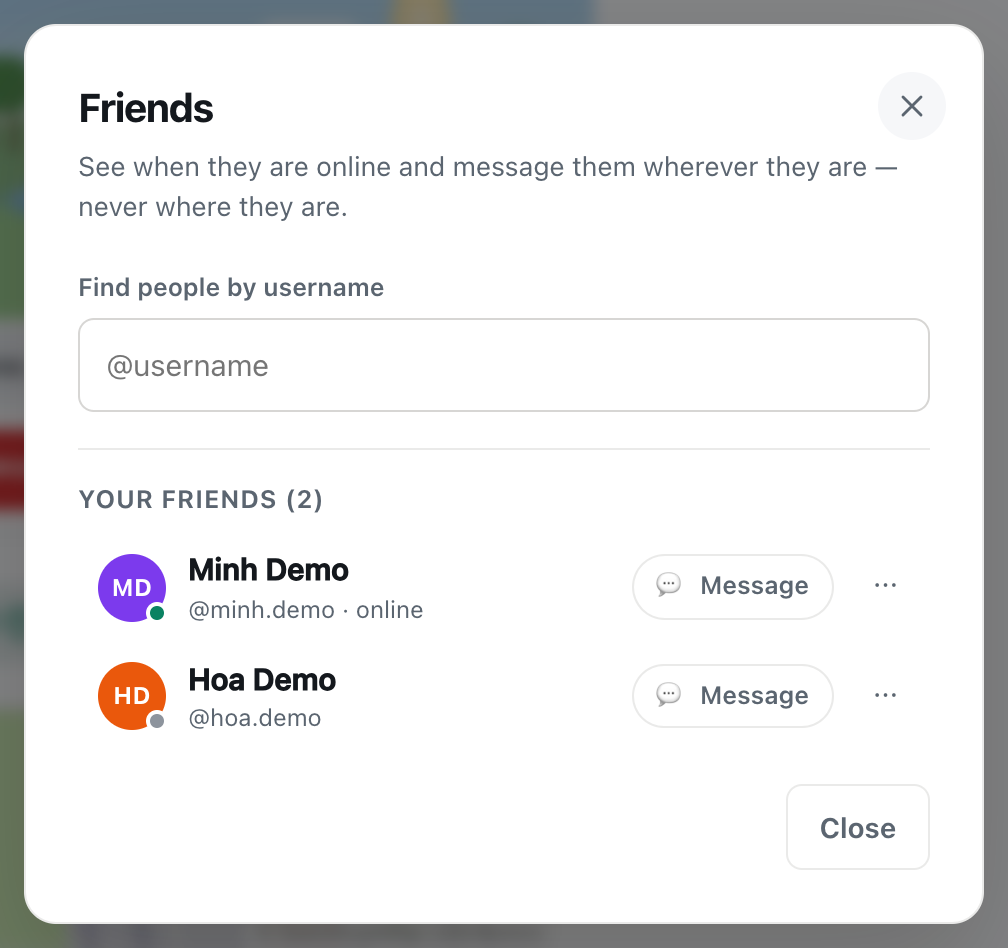
A screenshot of the sidebar with an account. Friends and Private rooms appear under the rooms.
Because your account now belongs to your username and email, not to your browser, you can log in on your phone, your laptop and a friend's computer, and find the same conversations everywhere.
Signing up keeps everything you did as a guest
You don't lose anything by signing up. When you create an account while chatting as a guest, CicadaChat turns your guest account into the new one, rather than starting a fresh account. So:
- The messages you sent as a guest stay yours, and now show your new name.
- Your private chats come with you, and the people you were talking to see your new name in them.
- Nothing needs to be moved or linked afterwards.
The sign-up form says so too: an account keeps your history and your private chats on any device. One thing does change: your name. After signing up, you appear under the Full name you chose, or your username if you didn't choose one, instead of the Cicada number.
See How to create a CicadaChat account and keep your guest chats for step-by-step instructions.
What other people see
- Your name and your picture, on your messages and in the People in range list. For a guest, that's the Cicada number and coloured initials. With an account, it's your Full name (or username) and your photo.
- A rounded distance in location rooms, the same for guests and registered accounts. Nobody sees where you are.
- Never your email address. Your email is only used to reach you. It isn't shown to anyone.
With an account, your username is also visible to your friends, and to people who search for you by username to add you as a friend. Others don't see a "guest" label on guests, but the Cicada-and-number name makes guests easy to spot, and friend buttons only appear between registered accounts.
What each kind of account tells CicadaChat about you
- A guest gives CicadaChat no personal details at all: no name, no email, no password. The account is just the random identifier in your browser, plus what you do in the app.
- A registered account adds your username, your Full name, your email address and, if you set one, your password. The password is stored only in a scrambled, one-way form that can't be turned back into the password, so not even CicadaChat can read it.
- Signing in with Google shares your name and email address from Google with CicadaChat. That's how your account is created or found. CicadaChat never sees your Google password.
- A profile photo is meant to be seen: anyone who sees your name in CicadaChat can see your photo too. Choose one you're happy for strangers nearby to see.
The Privacy Policy, linked from Settings, has the full details.
Staying signed in
A guest stays signed in automatically for as long as the browser keeps its storage. A registered account gives you the choice. When you log in or sign up, Keep me signed in for a year is ticked. On your own device, leave it ticked. On a shared or public computer, untick it, and you'll be signed out when the browser session ends or after a day at most. The Help article Staying signed in: what "Keep me signed in for a year" does explains more.
To leave a registered account on a device, open Your account and press Sign out at the bottom. You go back to being a guest on that browser.
Should you create an account?
It depends on how you use CicadaChat.
Staying a guest makes sense if
- you're trying CicadaChat out, or using it once at an event,
- you only ever use it on one device, in one browser,
- you'd rather not give an email address to anyone.
An account makes sense if
- you use CicadaChat on more than one device, or want to add it to an iPhone's home screen,
- you have private chats you'd be sorry to lose,
- you want people to recognise you by your own name and photo,
- you want to add friends, or chat in a private room with people you know,
- you run a business and want a business card beside your private chats.
Questions about guests and accounts
Can I change my guest name?
No. A guest's name is given to it. To choose your own, create an account and set a Full name. You can change it later in Your account.
Can I have more than one guest account?
Each browser has its own guest. Two browsers, or a normal and a private window, give you two different guests. They don't share private chats.
I signed up by mistake. Can I go back to being a guest?
You can sign out, which makes you a guest again on that browser. Because your old guest became the account, the guest you return to is a new one, with a new name. The account itself stays, so you can log back in any time.
Do I need an account to share my location or send photos?
No. Everything to do with messages works for guests too, including photos, voice notes and shared locations.
No comments yet. Start the conversation.