
Privacy in the Global room: what everyone on CicadaChat can and can't see
What people in CicadaChat's Global room see about you, what they never see, why Global messages carry no position at all, and the one thing that does reveal where you are.
The Global room has the biggest audience on CicadaChat: everyone, wherever they are. That makes privacy in the Global room worth understanding properly. The good news is that Global is the room that knows the least about you. It doesn't show anyone how far away you are, it doesn't store where you were when you wrote, and it works with location switched off entirely. This article explains what everyone on CicadaChat can and can't see about you in Global, the one thing that does reveal where you are, and a few habits that keep you comfortable in a room with the whole world.
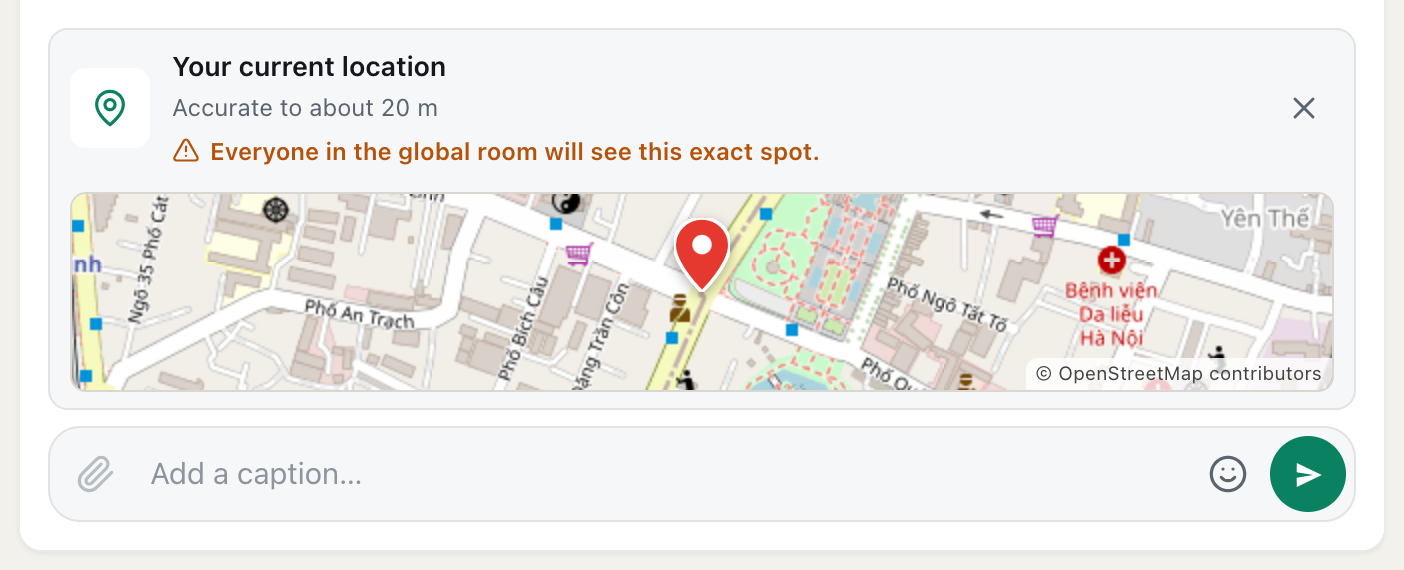
A screenshot of a location about to be sent in Global. The orange warning says everyone in the global room will see this exact spot.
What people in the Global room can see
When you post in Global, the people reading it see:
- Your name. For a guest, that's the name CicadaChat gave you, like Cicada 659194. For a registered account, it's the full name you chose, or your username if you didn't set one.
- Your profile photo, if you've added one, or your initials in a coloured circle if you haven't.
- What you wrote and sent: the text, any photo, document or voice note, and any location you chose to share.
- When you sent it, shown in each reader's own time zone.
- Reaction counts: when you react to a message, the number next to that emoji goes up by one.
People who are in Global at the same time can also see that you're there: you appear in People in range, and when you're typing, a line like Cicada 659194 is typing… appears under the messages.
What they never see
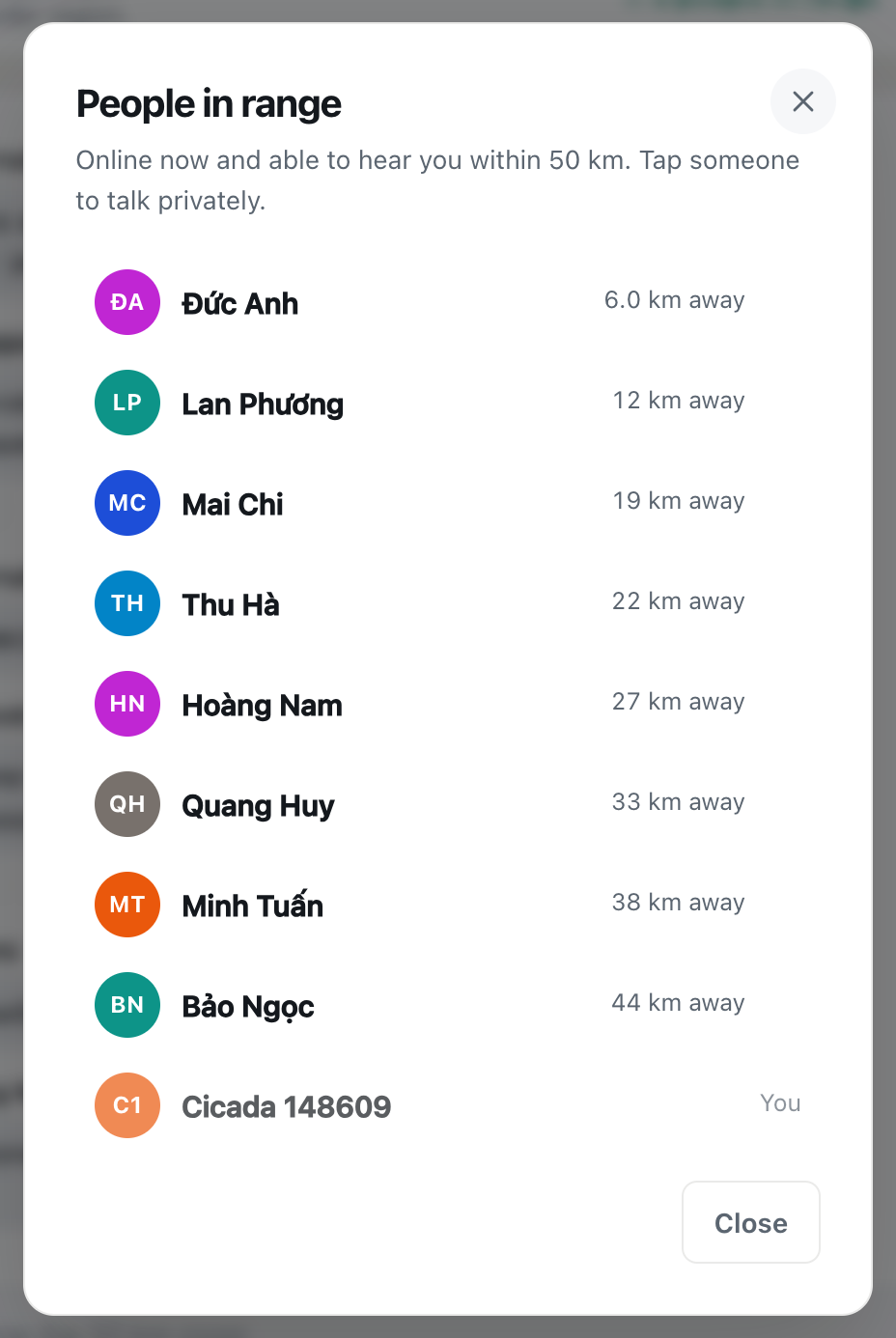
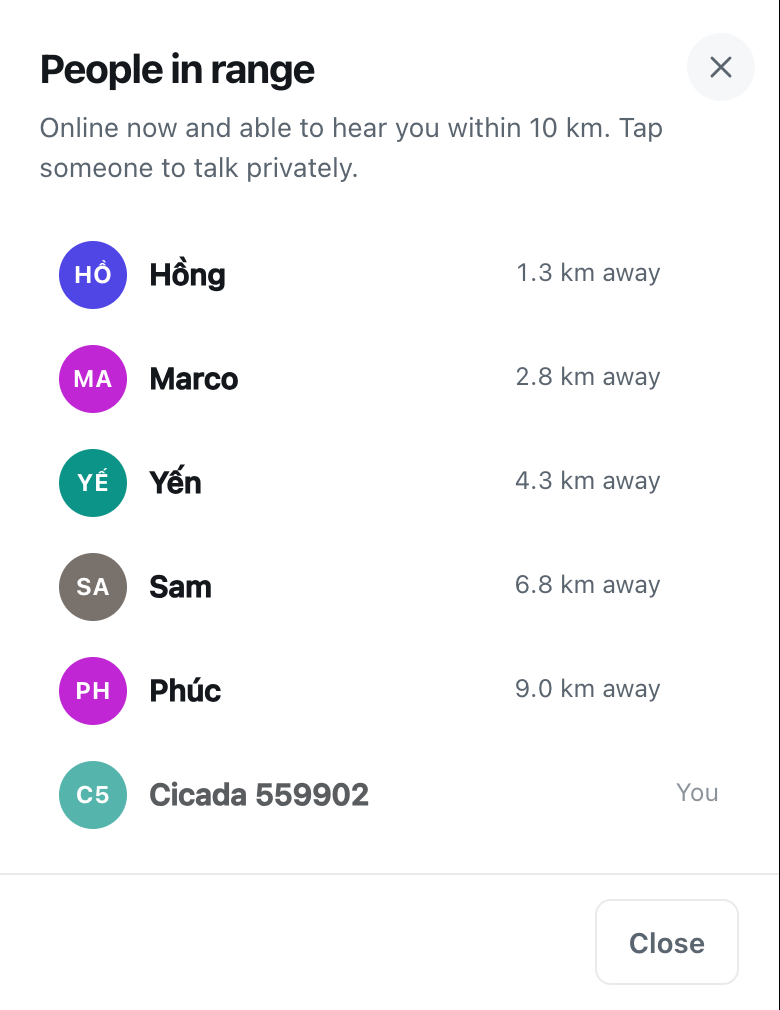
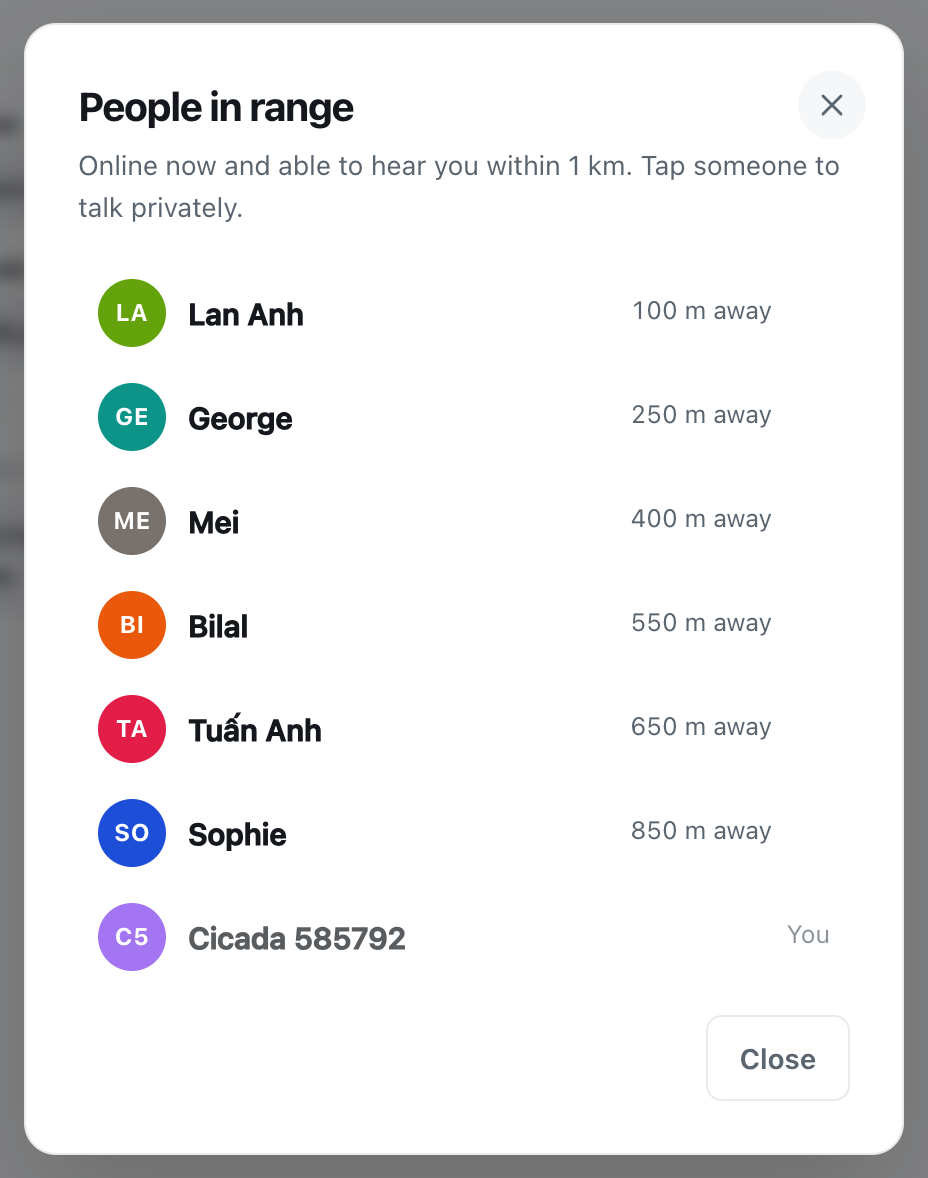
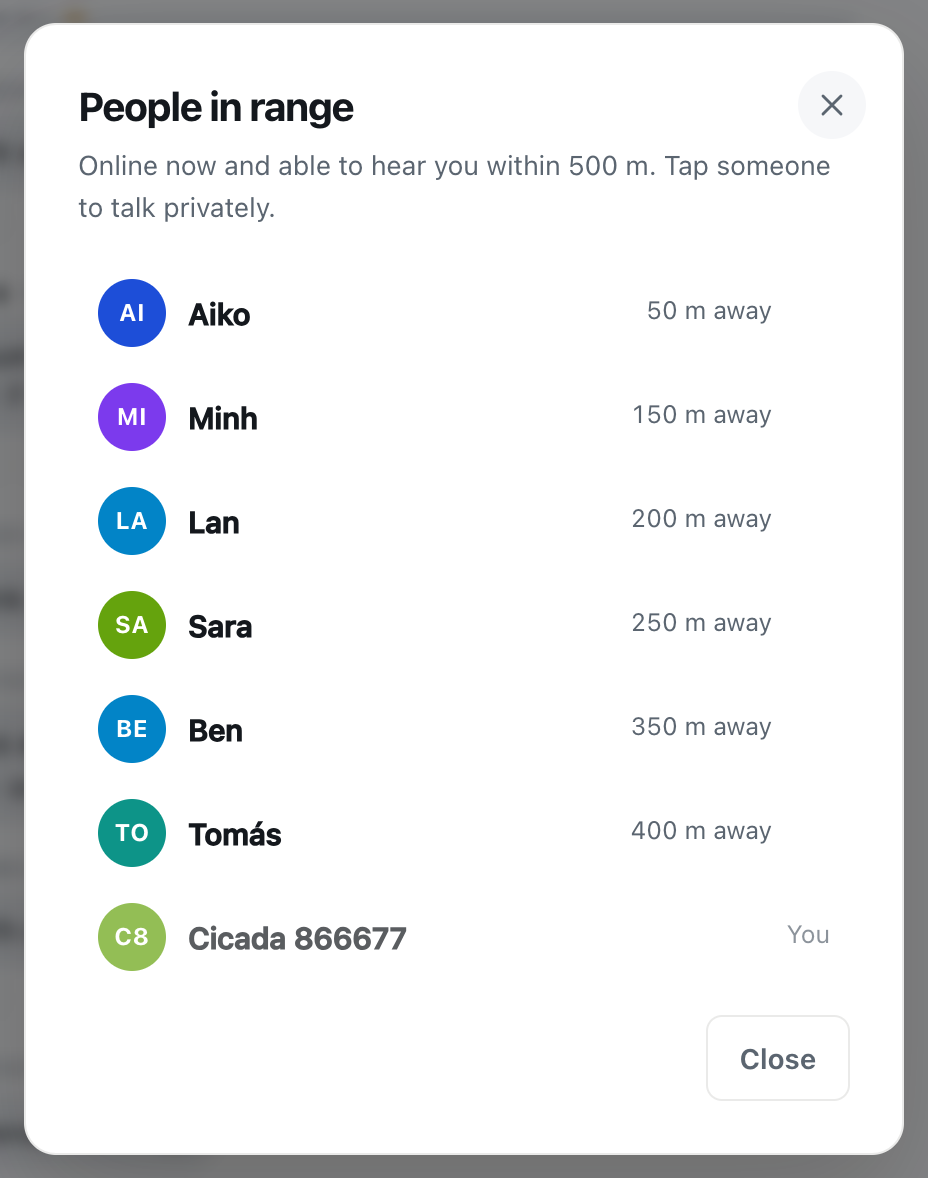
In every CicadaChat room, other people never see your coordinates. In the local rooms they see a rounded distance instead: "right here" or "150 m away" in the smaller rooms, a figure rounded to the kilometre in the 50 km room. Global goes one step further: it shows no distance at all. Not next to your messages, and not in the list of people.
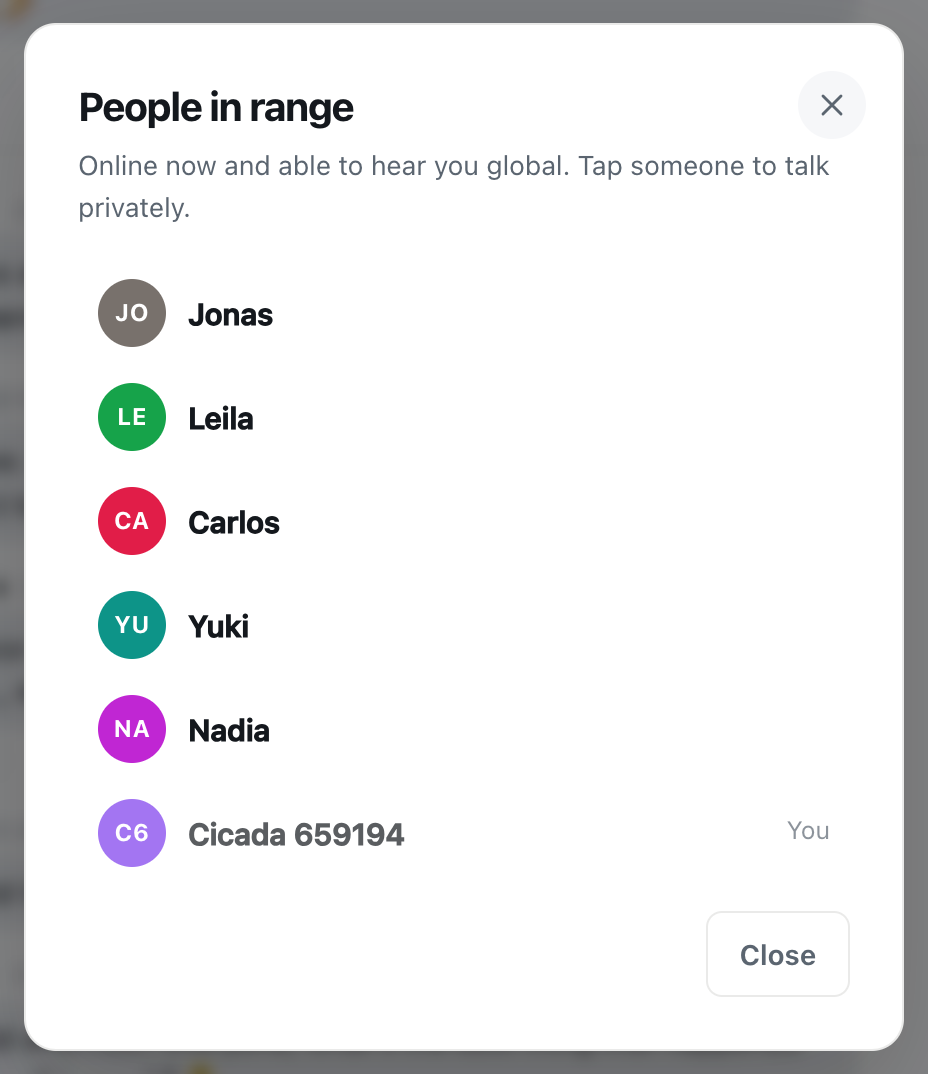
A screenshot of People in range in the Global room. It lists who is online in Global, with no distance next to anyone.
That isn't just hidden on screen. When you send a message in Global, CicadaChat saves it without any position, even if your location is switched on at the time. A message in a local room has to be stored with the place it was sent, because that's how the app works out who's close enough to see it. A Global message is visible to everyone, so there's nothing to work out, and nothing is kept.
Here's the full list of what nobody in Global sees:
- Your coordinates, your address or your city.
- How far away you are, even roughly.
- Which local room you usually use, or whether you have location on.
- Who reacted to a message: reactions only ever show as a count.
- Your email address.
- Your password, obviously, or anything else from your account settings.
- The GPS position a phone camera writes into photos: CicadaChat re-encodes every photo on your device before it's sent, which strips that data out.
There's one more detail worth knowing. Private chats and private rooms aren't part of Global. Tapping someone's name opens a private chat that only the two of you can read, and a private room can only be read by its members.
The one thing that does reveal where you are
You can choose to share a location in a message: tap the paperclip, then Location. This is the deliberate exception to "never show coordinates", and in Global it's the one thing that can tell the whole world where you are. Before you send, the attachment shows a map of the spot and a warning in orange: Everyone in the global room will see this exact spot.
Take that literally. A shared location in Global is an exact pin, visible to everyone in the room now and to anyone who scrolls back later. Messages can't be edited or deleted once they're sent. So in Global:
- Don't share your home, your workplace or your child's school.
- If you want to show someone where you are, say the city or the landmark in words instead. "Near the old wall in Seoul" is plenty.
- If you need to send an exact spot to one person, do it in a private chat, where only the two of you can see it.
How to share your location in a message, and who will see it covers the feature in every kind of room.
What you give away in words
The app keeps your location out of Global, but it can't stop you writing it. Most people in Global mention where they're from ("good morning from Lisbon") and that's part of the fun. The trouble comes when little details add up. Your city, plus the name of your street, plus the café you go to every morning, plus a photo of the view from your window can say more than any map pin.
A few habits help:
- Keep it to the city or the country. That's enough for "what time is it there?" and "what's the weather like?".
- Look at photos before sending them. The GPS data is removed, but a house number, a car's number plate, a school badge or a letter on the table is still in the picture.
- Keep personal details for private chats. If someone you've met in Global asks for your phone number or social media, move to a private chat first, and only share what you're comfortable with.
- Remember that messages stay. Global's history is there for anyone who opens it, and there's no delete button.
Guests and registered accounts
Privacy in Global is the same for guests and registered accounts, with small differences in what shows next to your messages.
- A guest is known only by the generated name. There's no profile photo, and nobody can send a guest a friend request.
- A registered account shows the full name and profile photo you chose, and other registered people can send you a friend request. Your username is how people find you to add you as a friend. Your email is never shown to anyone.
If you'd rather stay low-key, pick a full name that isn't your real one: nothing requires it. You can change it later in Your account.
Friends see one extra thing: whether you're online. That's for accepted friends only, never for strangers or pending requests. Friends still never see your location or distance.
Using Global with location switched off
If you want to be sure CicadaChat never has your location, you can simply not share it. Decline the location prompt, or block location for the site in your browser, and the app takes you to Global, which works fully without it. The local rooms are greyed out until you allow location, and nothing about your position is sent to CicadaChat at all.
If you do have location switched on and you're sitting in Global, your position is still used for the local rooms, for example to count you among the people nearby when you switch back to 1 km. But while you're in Global it's never shown to anyone, and your Global messages never carry it.
Being a good neighbour in a very big room
Privacy goes both ways. The people you meet in Global deserve the same care you'd want:
- Don't post other people's photos, names or details without asking.
- Don't ask strangers where exactly they live. "Which country?" is friendly. "Which street?" isn't.
- If someone shares more than they probably meant to, a quiet word in a private chat is kinder than pointing it out to the whole room.
Those habits are part of what makes the room pleasant for everyone. Talking to the whole world: good manners in the Global room has more of them.
Questions people ask
Can people in Global tell which country I'm in? Not from the app. CicadaChat shows no location, distance or country in Global. The only ways anyone learns where you are is if you say so, share a location, or send a photo that gives it away.
If I switch to Global, does CicadaChat stop using my location? Your Global messages never carry it, and nobody in Global sees it. If location is on, the app still knows it so that the local rooms work when you switch back. To stop sharing it entirely, turn location off for CicadaChat in your browser or phone settings.
Can I delete a message I regret? No. Messages can't be edited or deleted once they're sent, which is why it's worth a second look before posting in the room with the biggest audience.
Can someone in Global see my private chats? No. A private chat is readable only by the two people in it, and a private room only by its members.
In short
In Global, people see your name, your photo if you have one, what you send and when. They never see your coordinates or your distance, and your Global messages are saved without any position. The one exception is a location you choose to share, and in Global that pin goes to everyone. For the full picture across every room and feature, see what other people can see about you on CicadaChat, and the Privacy Policy for what CicadaChat stores and why.
No comments yet. Start the conversation.