
From the Global room to a private room: keeping in touch with friends around the world
The path from meeting someone in CicadaChat's Global room to a private chat, friends and a private room of your own, and how to keep a group across time zones going.
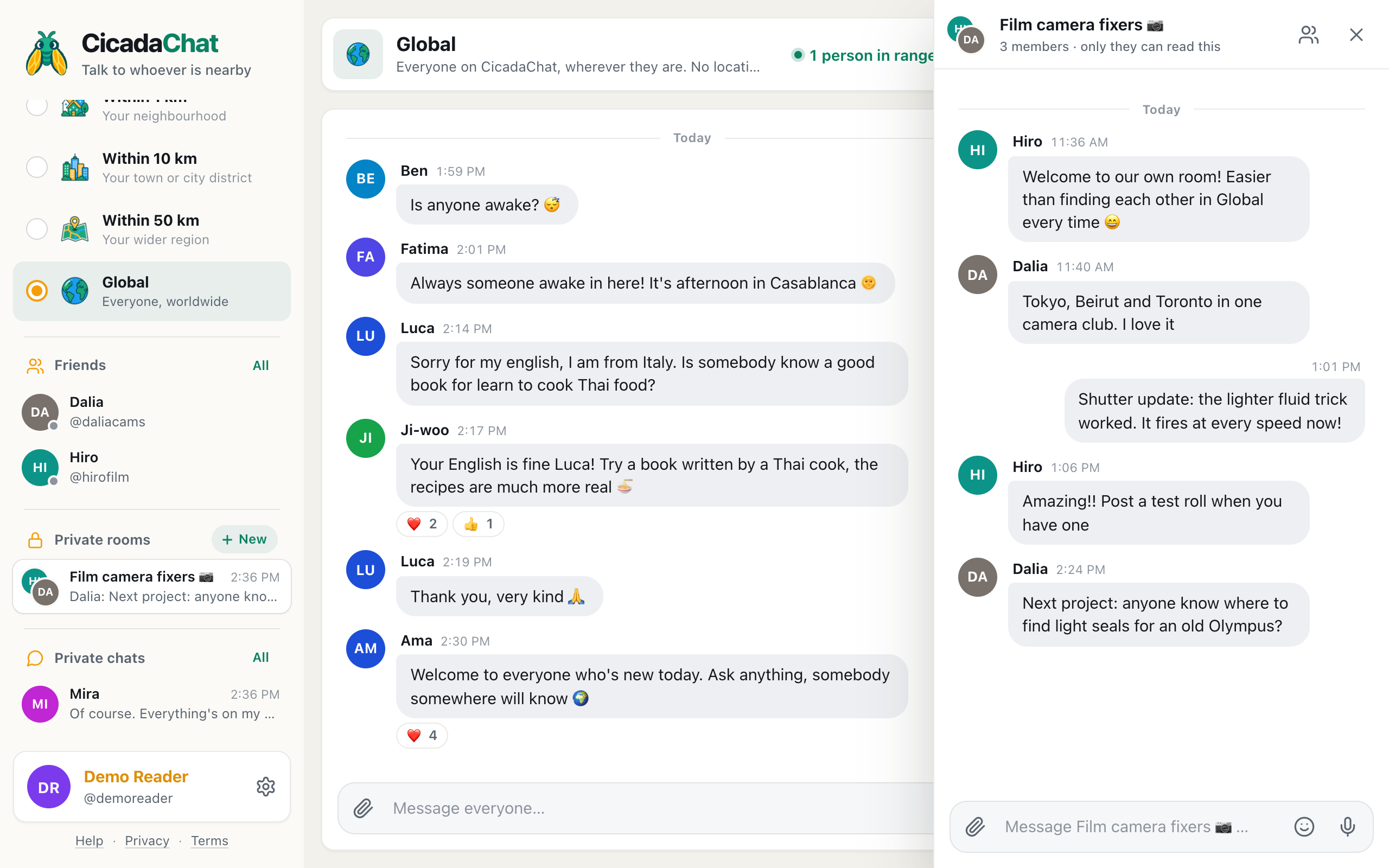
The Global room is where you meet people from everywhere: a film camera collector in Tokyo, a language partner in Valencia, someone who watches every rocket launch with you from Nairobi. It's also busy, and the people you click with can scroll away in an afternoon. Going from the Global room to a private room is how you keep them. A private room is a small group chat that only its members can read, and it's the natural next step when a few friends around the world want a place of their own. This article explains the path, from a first message in Global to friends to a private room, and how to keep a group across time zones going.
A screenshot of a private room on a computer. The header says 3 members, only they can read this, and the sidebar lists the friends and the room.
Why move out of Global at all
Global is one conversation for everyone on CicadaChat. That's what makes it great for meeting people, and it's also why it's hard to keep a group together there:
- Messages scroll away. In a busy room, your conversation about light seals for an old camera is buried under good-mornings from twenty countries within the hour.
- Everyone can read it. Global has no walls. Plans, photos and personal news are for the whole room.
- People come and go. The person you had a great chat with yesterday may not be in Global when you open it today.
A private room fixes all three. Its messages stay together, only members can read them, and it's always in your sidebar, whichever room you're looking at. Its header says it plainly: 3 members · only they can read this.
Step 1: from the room to a private chat
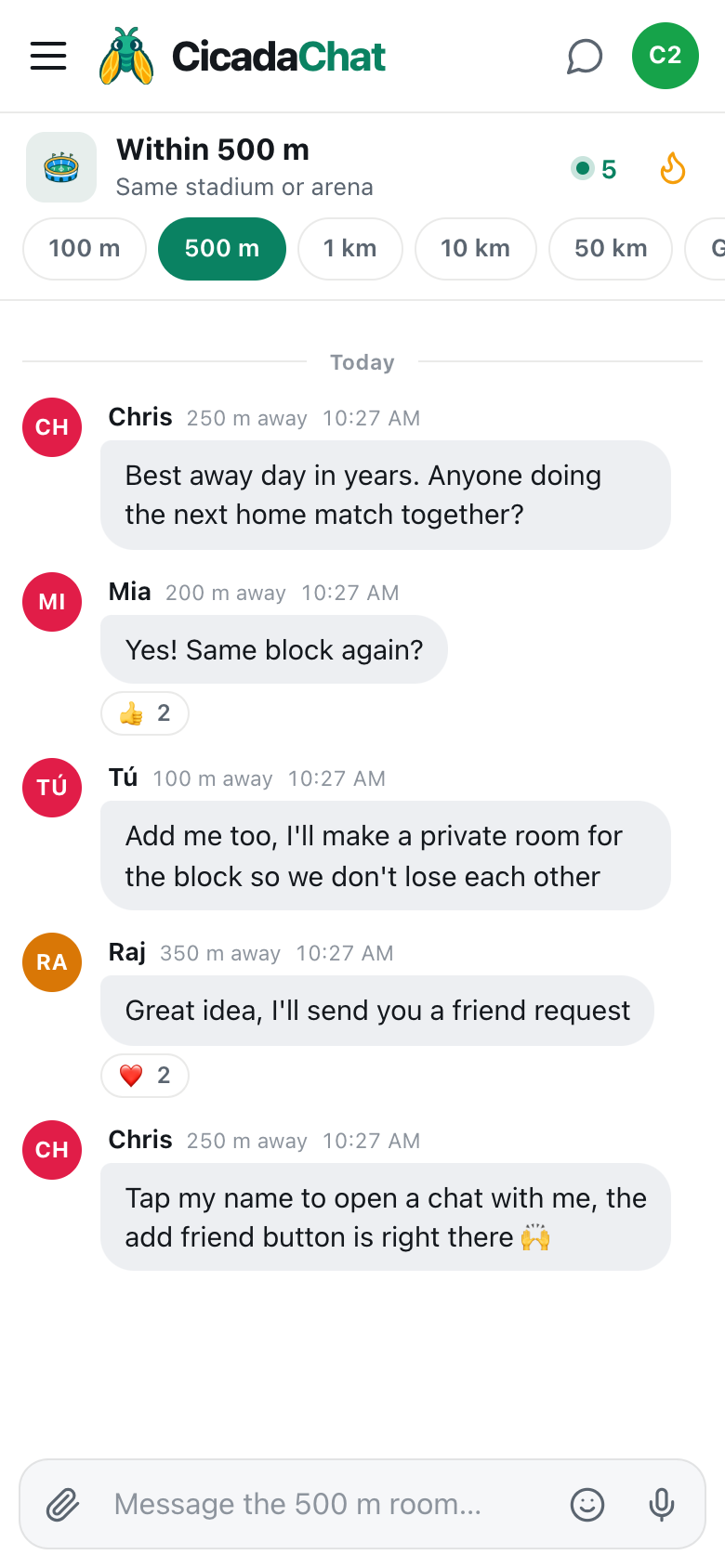
Everything starts with a conversation. When you get along with someone in Global, tap their name on one of their messages. A private chat opens, with the header Private — only the two of you. You can do this as a guest, and it's the easiest way to get to know someone a little before anything else.
Private chats stay in the sidebar under Private chats, so you can pick them up again later, whichever room you’re in.
Step 2: create an account, if you haven't
Friends and private rooms are for registered accounts only. A guest account lives in one browser and can disappear if that browser's data is cleared, so CicadaChat doesn't let guests take on things that other people depend on.
Creating an account is quick, and it upgrades your guest account in place: your private chats and messages come with you, so the conversation you started in Global is still there afterwards. Click your name at the bottom of the sidebar (a guest's says Guest · tap to log in) and choose to create an account. Your new friends will need accounts too.
Step 3: add each other as friends
A private room's owner can add only their friends to it. That rule means nobody is ever pulled into a room by a stranger. So before the room comes the friendship:
- Open your private chat with the person.
- Press the add-friend button in the chat's header. Its tooltip says Send a friend request.
- The button changes to Requested. When they accept, it becomes Friends.
You can also send a request from People in range while you're both in Global, or search for someone's username. Friendships are mutual: both of you have to agree, and either of you can remove the friendship later. Accepted friends appear under Friends in the sidebar, with a dot showing who is online. Friends never see each other's location or distance. Friend requests: adding, accepting, declining and removing friends covers every case.
Step 4: create the private room
Once you're friends with the people you want to bring together:
- In the sidebar, find Private rooms and press New.
- The New private room dialog opens. Type a Room name: something the group will recognise, like "Film camera fixers 📷" or "Spanish–English Tuesdays". Names can be up to 48 characters.
- Under Add friends, pick the friends you want in the room.
- Press Create room.
You're the room's owner. The room appears in everyone's sidebar under Private rooms, with its latest message underneath, and members can start writing straight away. A private room can have up to 50 members. For a step-by-step guide with screenshots, see how to create a private room for people you know.
What a private room can do
A private room works like any other chat on CicadaChat, just for its members:
- Messages, emoji and reactions, exactly as in the rooms.
- Photos and documents, from the paperclip. Photos are re-encoded on the sender's device, which strips any GPS position from them.
- Voice notes, from the microphone button, handy for a group that shares a language it's learning.
- Shared locations, which in a private room only the members see. That makes a private room the right place to share a meeting point if the group ever meets in person.
- Unread counts in the sidebar, so you can see when the group has been talking.
Private rooms aren't tied to any location room. It doesn't matter whether you're looking at Global or your 1 km room: the private room is always one click away in the sidebar.
Running a group across time zones
A private room of people you met in Global almost always spans several time zones. A camera club with members in Tokyo, Beirut and Toronto is never awake all at once. That's fine, and a few habits help:
- Write messages that stand alone. "Shutter update: the lighter fluid trick worked. It fires at every speed now!" makes sense to someone who reads it eight hours later.
- Let the conversation be slow. Replies come in waves as each member wakes up. That's the rhythm of a worldwide group.
- Say times as "in X hours". CicadaChat shows every message's time on the reader's own clock, but a time written in a message doesn't convert itself. "The launch is in 3 hours" works for everyone. "At 8" doesn't.
- Use online dots. Friends see when each other is online, so you can tell who's around for a live chat right now.
Managing the room
As the owner, you look after the room:
- Adding people. You can add more of your friends at any time. If someone in the group wants to bring in a person they met in Global, they'll need to become your friend first, or you can make them friends with each other and have them start a new room.
- Removing people. You can remove a member. They stop receiving the room's messages straight away.
- Renaming. Change the name whenever the group's interests change.
- Leaving. Anyone can leave. If the owner leaves, the member who has been in the room longest becomes the new owner. A room that everyone has left is deleted.
Only members can read a private room, and to anyone else it simply doesn't exist: an outsider can't even tell whether it's there.
Private rooms that start in Global
A few kinds of group grow out of Global again and again:
- Hobby circles: a handful of film camera collectors, urban beekeepers or bonsai growers who found each other with one niche question.
- Language groups: learners of the same language, with a native speaker or two, meeting on the same day each week.
- Watch parties: people who watch every launch, every match of a team or every episode of a show together.
- Night owls: people who kept meeting in Global at the same odd hour and decided to have their own room for it.
- Travel planning: the friends who helped you plan a trip, and a room to share photos from it when you get back.
What they have in common is that they started as strangers in a room with everyone, and ended up as a few friends in a room of their own.
Keep one foot in Global
A private room is a home for the group, but Global is where the group came from, and it's still where new people turn up. Plenty of groups keep dropping into Global: to answer a newcomer's question about their hobby, to watch a big event with the whole world, or to find the next member. When you meet someone new there who'd fit in, the same path applies: a private chat, a friendship, and an invitation to the room.
The same path from any room
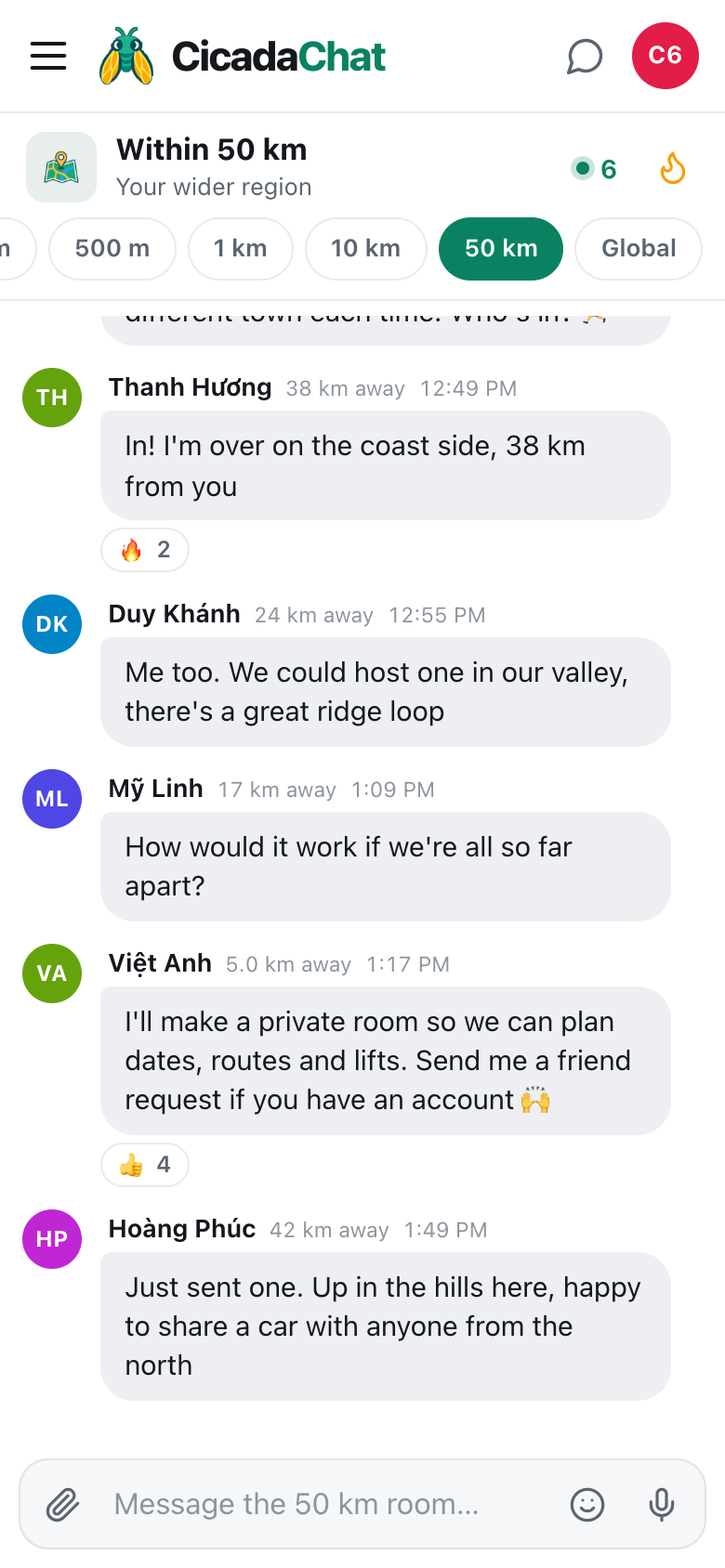
This path, from the room to a private chat, to friends, to a private room, works from every rung of the ladder. In the 100 m room it's how neighbours start a building group, and in the 50 km room it's how a regional club gets going, as from the 50 km room to a private room: organising a regional club, league or community describes. The difference in Global is that your group can be anywhere on the planet.
In short
Meet people in Global, get to know them in a private chat, create accounts if you haven't, add each other as friends, and bring the group together in a private room with New under Private rooms. Only members can read it, it's always in your sidebar, and it keeps your worldwide friends in one place while Global keeps moving.
No comments yet. Start the conversation.