
Watching together from everywhere: big matches, launches and eclipses in the Global room
For moments the whole world watches at once, the Global room turns a stream into a shared event. How to gather people, keep live chat fun, share photos safely and carry on afterwards.
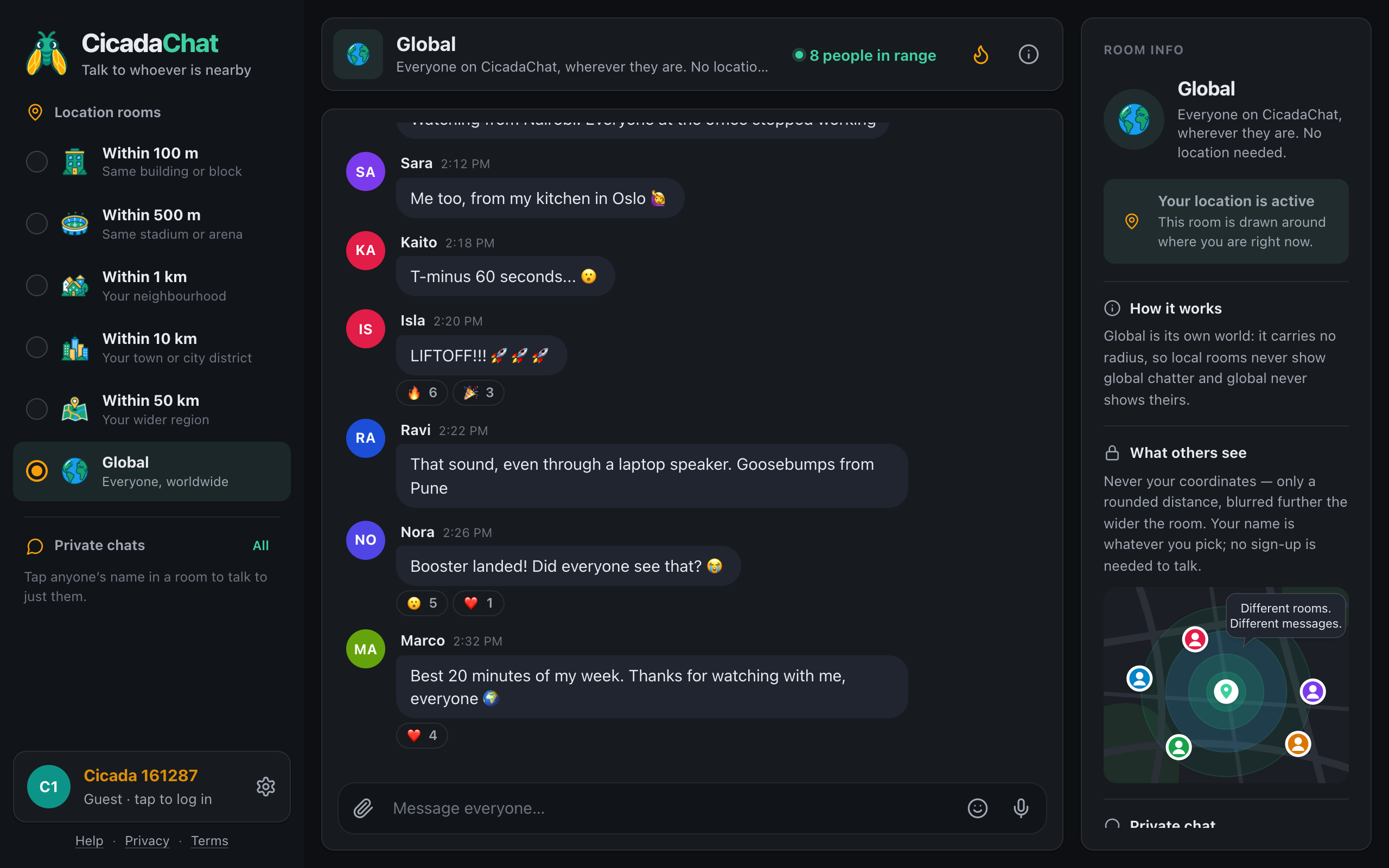
Some moments happen everywhere at once. A rocket leaves the pad, a final goes to penalties, the moon slides in front of the sun, a new year arrives. You can watch them alone on a screen, or you can watch them with people from Nairobi, Oslo and Pune who are holding their breath at exactly the same second. Watching together in the Global room turns a stream into a shared event. This article explains why Global is the right room for moments the whole world is watching, how to make the most of the live chat, and how to keep it fun when the room fills up.
A screenshot of the Global room in dark mode during a rocket launch. People in Nairobi, Oslo and Pune react to the same moment within seconds.
Why Global, and not a local room
CicadaChat's local rooms are brilliant when you're physically at the event. In a stadium, the 500 m room is everyone in the stands with you. At an arena show, it's the whole crowd. Those rooms are about being in the same place.
But most big moments aren't watched from the stands. They're watched on phones and laptops, in kitchens and offices, all over the world. For those, the right room isn't one around you. It's the one with everyone in it:
- Global is one conversation for everyone. There's no circle, so someone in Nairobi and someone in Oslo see exactly the same messages at the same moment.
- It doesn't depend on who's near you. Your 1 km room might have nobody watching the launch. Global will have plenty.
- It works without location. Nobody in Global sees where you are or how far away, so you can join from anywhere without a second thought.
If you are at the ground or the venue, though, try the local rooms too. Match day: using the 500 m room at a football stadium is about exactly that. Just remember that the local rooms and Global never share messages: they're two separate conversations.
What people watch together
Any event with a precise moment, followed in many countries, works well in Global:
- Launches and landings. Rocket launches have a countdown, a liftoff and often a landing: three moments when the whole room reacts at once.
- Finals and big matches. World and continental finals, grand slams, title races decided on the last day. Supporters of both sides are usually in the room.
- Eclipses, meteor showers and other sky events. An eclipse is seen in different ways from different places, so Global gets reports from people under the full shadow and people who only saw a bite taken out of the sun.
- New Year. Global's New Year's Eve lasts a whole day, as midnight moves across the planet one time zone at a time.
- Award shows, song contests and big premieres. Anything with a winner, a surprise or a reveal.
Before it starts
A little preparation makes the live part more fun:
- Say it's happening. A message like "Launch window opens in 10 minutes 🚀 who's watching the stream?" gathers people and gives everyone a thread to follow.
- Say where you're watching from, if you like. "Watching from Nairobi!" or "from my kitchen in Oslo" is half the charm. Keep it to the city or less: Global never shows your location, and there's no need to add it yourself.
- Remember time zones. "Kick-off in 30 minutes" works for everyone. "Kick-off at 8" doesn't, because it's 8 somewhere different for every reader. The times shown next to messages are in each reader's own time zone.
During the moment
Live chat in a room with the whole world moves fast. A few things help it stay fun:
Short messages, often
"T-minus 60 seconds... 😮", "LIFTOFF!!! 🚀🚀🚀", "Booster landed! Did everyone see that? 😭". In the moment, short messages are what everyone wants. Save the long analysis for afterwards.
React instead of repeating
When someone has already said what you were about to say, react to their message instead of writing it again. Hover over it on a computer, or tap it on a phone, and choose 🔥, 🎉, 😮 or any of the others. Twenty people writing "WOW" fills the screen; one "WOW" with twenty reactions is easier to read and says the same thing. Reactions show as counts, so nobody sees who reacted.
Watch the typing line
Under the messages, CicadaChat shows who is typing: Marco is typing…, or 5 people are typing… when the room is busy. In the seconds after a big moment, that line is part of the fun: you can see the whole room reaching for their keyboards at once.
Be careful with spoilers
Streams run at different delays, and some people watch on a broadcast that's a minute behind. For moments with a result, like a penalty or a winner, a short pause before announcing it is kind. For a replay or a recording, say "spoiler" before you give anything away.
Photos from where you are
For events you can see with your own eyes, like an eclipse, a meteor shower or fireworks at midnight, a photo says more than any message. Use the paperclip button in the message box and choose Photo. CicadaChat resizes the photo on your device and re-encodes it before sending, which also removes the GPS position your camera may have stored in it.
A photo can still show where you are, though: a famous skyline, a street sign or the view from your window. In Global everyone sees it, so choose one that shows the sky rather than your street. How to send photos and documents in a chat explains the rest.
What you shouldn't send is your location. If you attach one in Global, the warning says Everyone in the global room will see this exact spot, and in a busy room during a live event that's a lot of people.
Afterwards
The live part ends quickly, but the conversation doesn't have to. Afterwards is a good time for:
- Thanking the room. "Best 20 minutes of my week. Thanks for watching with me, everyone 🌍" is the kind of message that collects hearts.
- Slower discussion. What happened, what it means, what's next. Now is the time for longer messages.
- Continuing with the people you clicked with. If you had a great back-and-forth with someone, tap their name to carry on in a private chat.
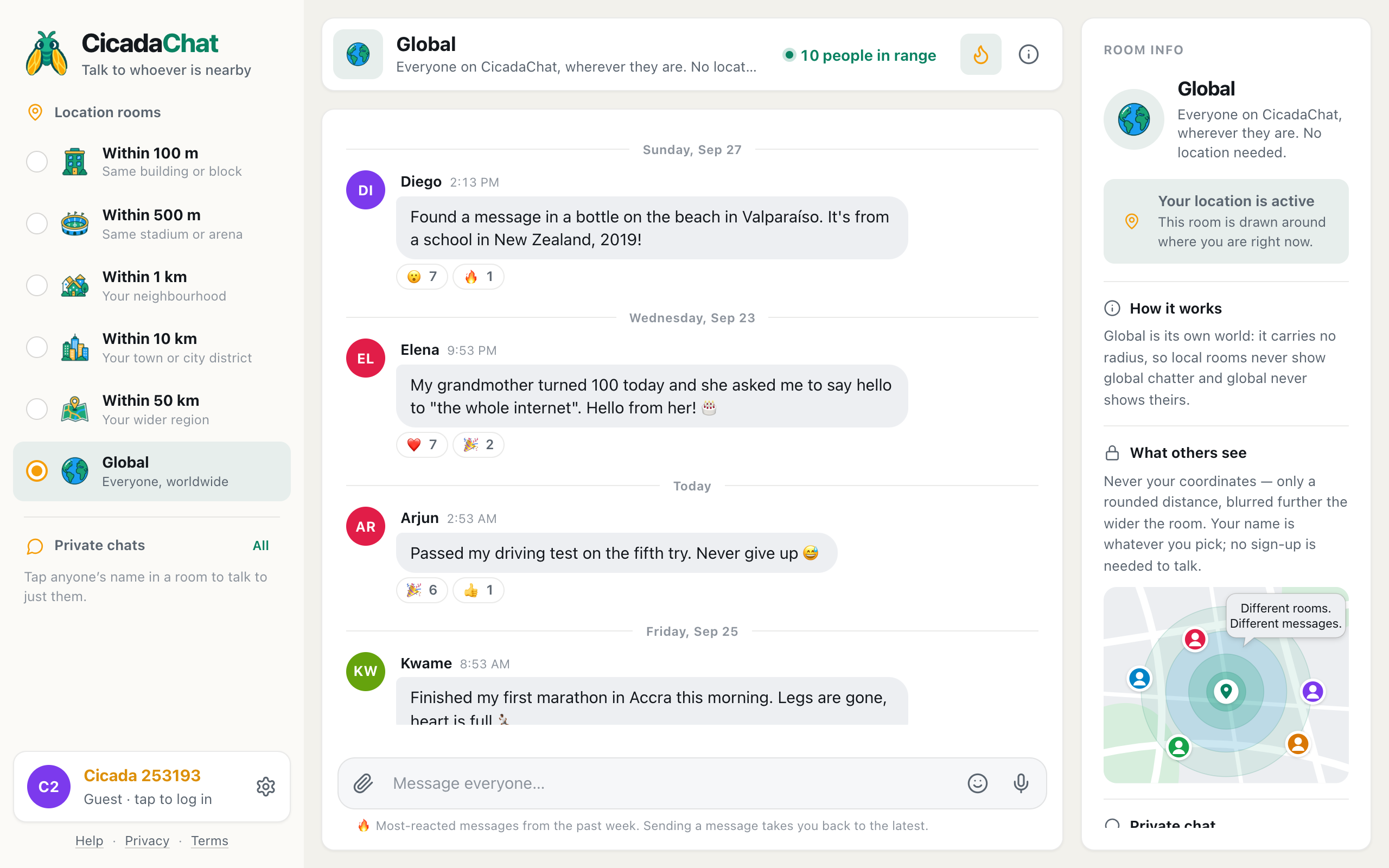
The best moments of the event often live on in the Hot view. Press the flame button in the room header to see the most-reacted messages of the past week, and a "LIFTOFF!!!" message with reactions from everyone who was watching may still be near the top days later. The week's best from around the world: the Hot view in the Global room explains how the ranking works.
New Year's Eve: a whole day of midnights
New Year is the one event that Global celebrates twenty-four times. It starts when the first islands in the Pacific reach midnight, while most of the world is still in the middle of 31 December, and it carries on around the planet one time zone at a time until the last places reach the new year a full day later.
In Global, that means a day of countdowns: people in New Zealand wishing everyone happy new year while Europe is having lunch, then Asia, then Europe, then the Americas, each with their own fireworks and their own "it's midnight here!". It's the best example of why Global is different from every other room. There's no single moment everyone shares, but everyone shares every moment. Say where you are, react to each new year as it arrives, and say it again when yours comes round.
Keeping it friendly when the room is full
During a big event, Global can be busier than usual, with new people arriving and strong feelings on both sides:
- Rivalry is fine, meanness isn't. Supporters of both teams are in the same room. Enjoy the banter and leave it at that.
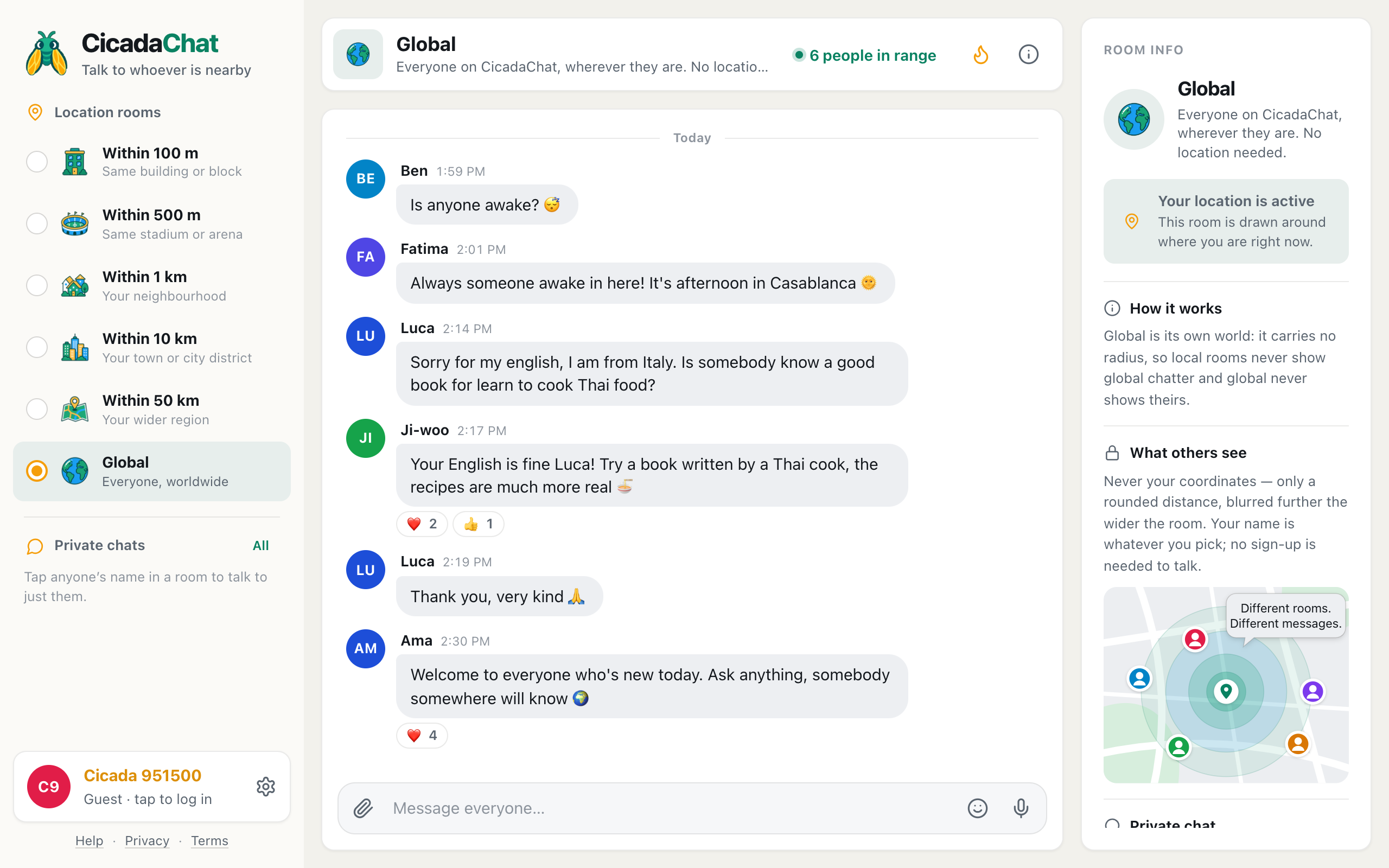
- Welcome newcomers. Plenty of people open Global for the first time during a big event. A friendly reply to "is anyone else watching?" is how they decide whether to come back.
- Don't flood. A burst of messages at the big moment is natural. Posting the same thing again and again isn't.
- Take arguments private or let them go. A heated debate about a referee's decision is better one to one, or not at all.
Starting your own watch party
You don't have to wait for someone else to start the conversation. If you know something is coming, post a short heads-up in Global beforehand, then come back when it starts. People who saw your message will look for it.
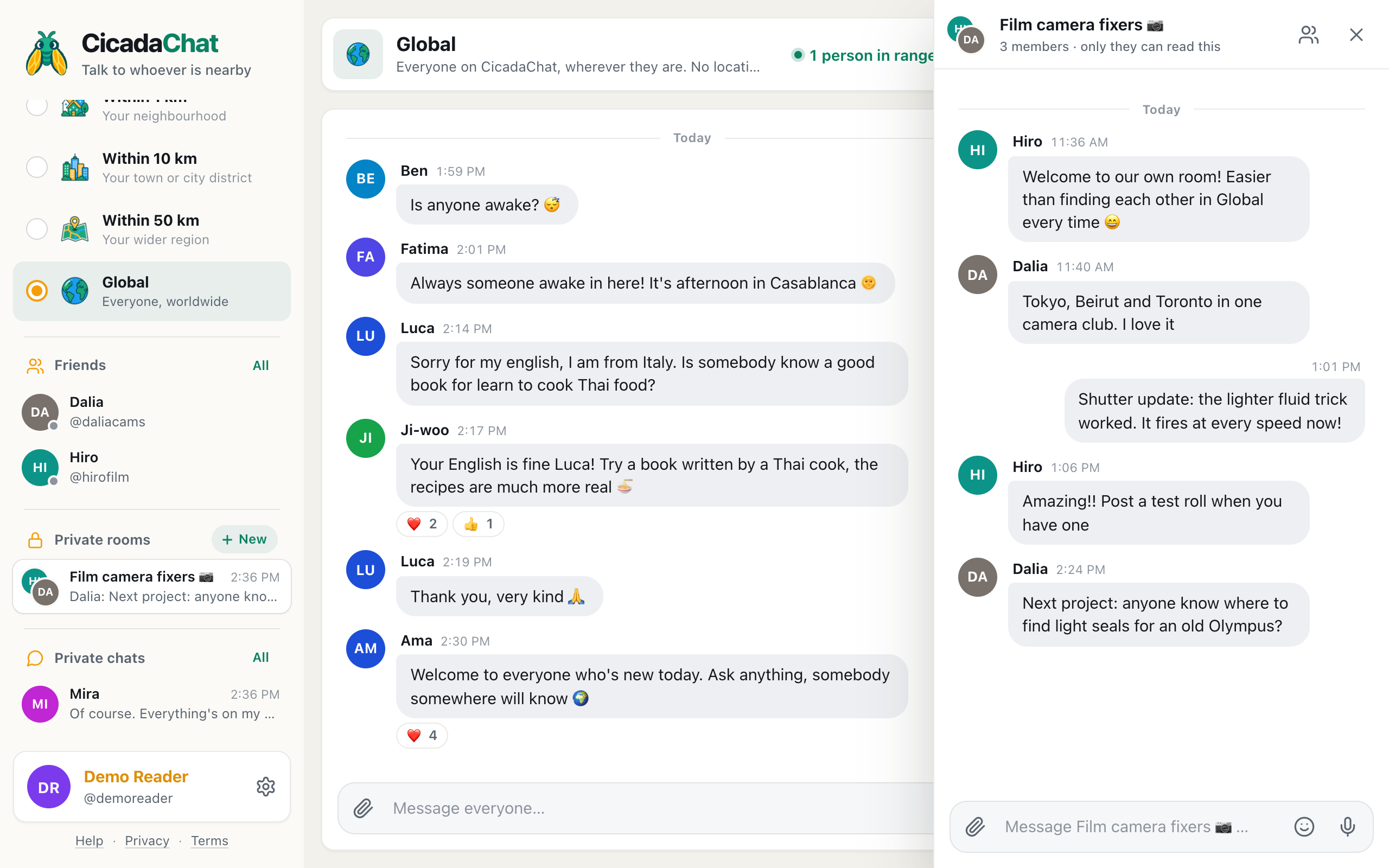
If a group of you watch the same thing regularly, a match every week or every launch of the season, registered accounts can add each other as friends and make a private room for it: a small group chat that only its members can read, and that doesn't get lost in the busy Global room.
In short
For moments the whole world watches, Global is the room: one conversation for everyone, with no location involved. Announce it beforehand, keep messages short during the moment, react instead of repeating, go easy on spoilers, and share the sky rather than your street. Afterwards, thank the room and keep talking with the people you enjoyed. The next launch, final or eclipse is always coming.
No comments yet. Start the conversation.