
Rush hour, rain and closed roads: getting around town with the 10 km room
How to use CicadaChat's 10 km room for getting around town: asking before you set off, reporting what you see, judging reports, buses and floods, and staying safe on the road.
A closed bridge, a flooded underpass, a bus that simply hasn't come. Traffic news on the radio covers the motorway, and map apps show red lines, but neither tells you that police have put cones across the road by the fish market or that the river road is moving fine. The people who are on those roads right now can. This article is about getting around town with the 10 km room: why it suits commutes, how to ask and report so it helps, how to read what others say, and how to stay safe while doing it.
Why the 10 km room is made for getting around town
CicadaChat's 10 km room is a circle twenty kilometres across, drawn around you: Within 10 km, Your town or city district. Most commutes, school runs and trips to the shops fit inside it. That matters because a message from the 10 km room reaches people up to 10 km from where it was sent. Someone reporting a jam on the ring road 6 km away is inside your room, and so is the bridge you were about to cross.
The smaller rooms don't stretch that far. A report in the 1 km room only reaches people within a kilometre of whoever sent it, which is perfect for "is our street flooded?" and useless for a road halfway across town. The 50 km room is wider than most journeys and fills up with regional news. For getting around a town or a city district, 10 km is the right size.
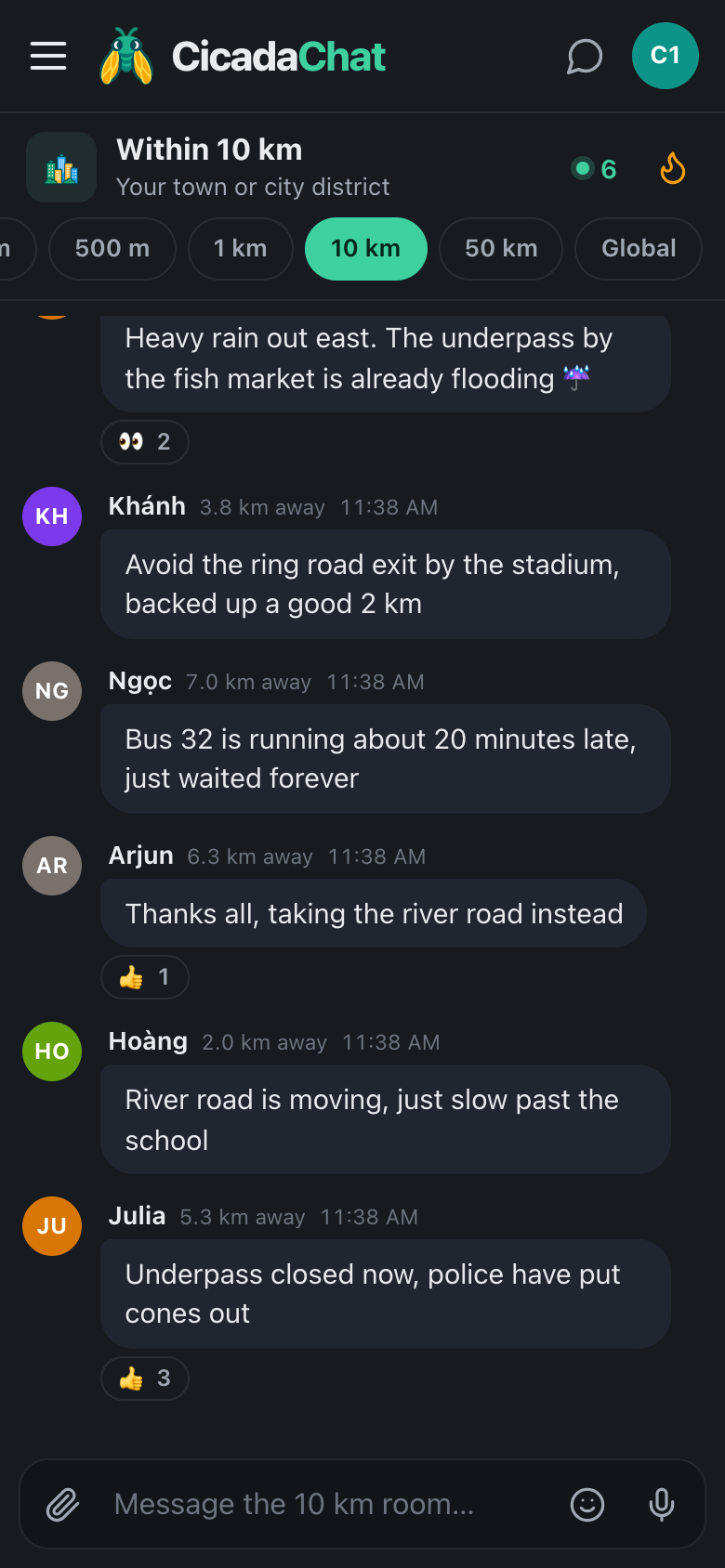
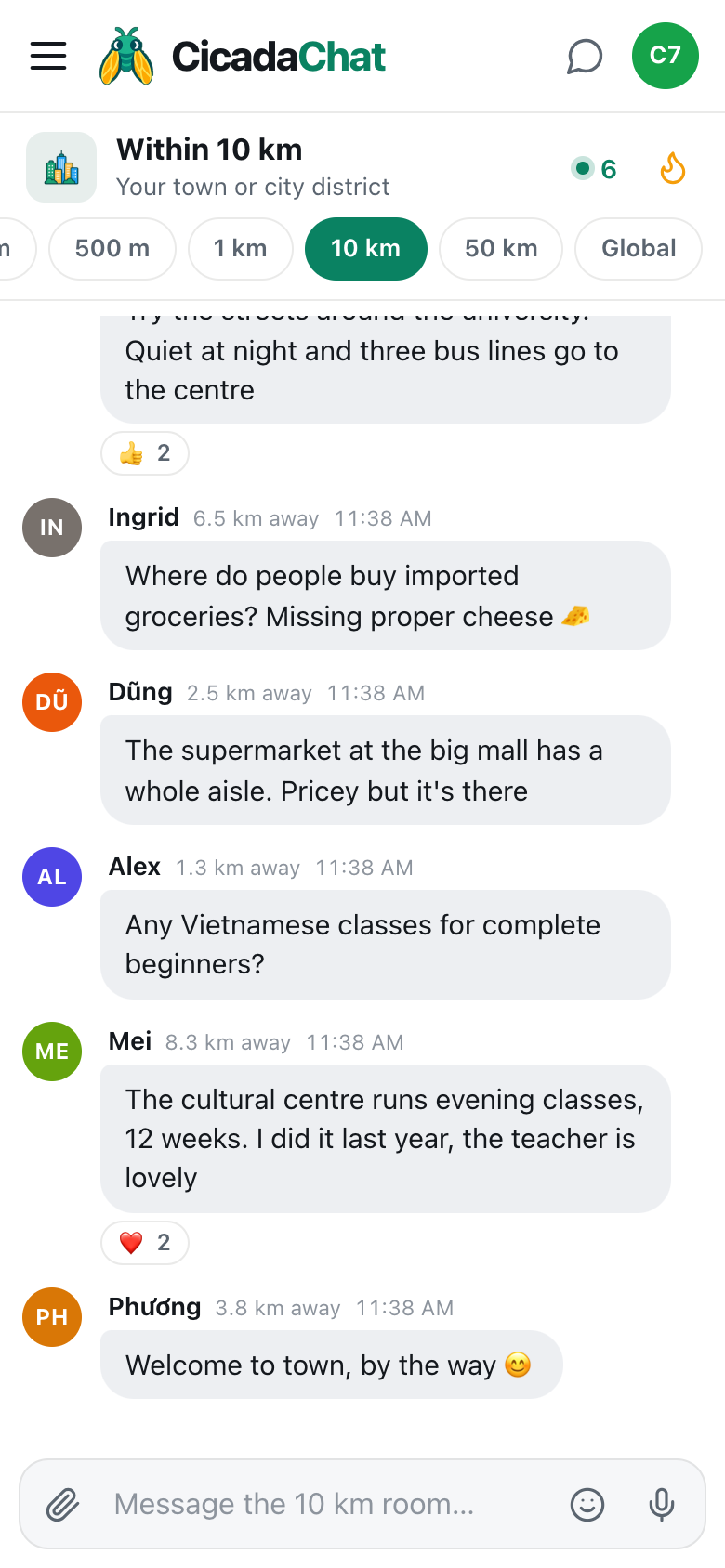
A screenshot of the 10 km room in the evening rush, in the dark theme. People 2 to 7 km away report a flooded underpass, a jam by the stadium and a late bus, and a 👍 confirms the underpass is now closed.
Before you set off: ask
The best time to use the room is before you leave, when you can still change your plan. A good question is specific about where you're going and when:
- "Is the ring road still jammed by the big roundabout? I need to get across town by 6."
- "Anyone on bus 32 right now? Is it running?"
- "How's the underpass by the fish market after that rain?"
Name a landmark people will know. In a 20 km circle, "the bridge" could be any of several. "The northbound bridge by the stadium" is only one. Distances in the room are rounded and have no direction, so the landmark is what tells people which road you mean.
Then give it a few minutes. At rush hour, the 10 km room is often at its busiest, because everyone else is about to make the same journey.
When you see something: report it well
A good report answers four questions: where, which way, what and how bad.
- Where: a landmark or junction. "Ring road exit by the stadium."
- Which way: a direction or destination. "Northbound", "towards the centre", "out of town".
- What: the cause, if you know it. "An accident", "roadworks", "flooding", "a broken-down lorry".
- How bad: something people can plan with. "Backed up about 2 km", "one lane open", "police are diverting everyone along the river road".
Then, once it clears, say so. "Bridge open again, traffic moving" is just as useful as the first report, and it stops people making a detour they no longer need. A report that's never followed up can send people the long way round for hours.
Adding a photo
A photo of a flooded road or a queue of traffic can say more than a paragraph. Tap the paperclip button to attach one. CicadaChat resizes and re-encodes photos on your device before they're sent, which also strips the hidden location data many phone cameras add. What's in the photo is still seen by everyone within 10 km, so frame it on the road, not on people's faces or number plates. The help article how to send photos and documents in a chat walks through attaching one.
Reading the room: which reports to trust
Anyone can post, so it pays to read reports with a little care. The room gives you some clues:
- The time. Every message shows when it was sent. A jam reported 40 minutes ago may be gone. One reported two minutes ago probably isn't.
- The distance. Each message shows roughly how far away its sender was when they sent it, like 5.3 km away. If someone reports the underpass by the fish market and they're on the far side of town from it, they may be passing on something they heard rather than something they saw.
- Confirmation. When a second person says the same thing, it's probably true. Reactions help too: a 👍 on a report from someone who can see the road is a quick way to say "confirmed". Several 👍 on "underpass closed now, police have put cones out" is worth more than a single message.
- Corrections. Scroll down before you act. The latest message about a road is the one that counts.
For something that matters for the whole week, like a bridge closed for repairs or a bus route changed until the end of the month, look at Hot, the flame button in the header. It shows the room's most-reacted messages from the past week, so long-running news that lots of people found useful stays easy to find after it scrolls away. See the Hot view: finding a room's best messages from the past week.
On the move: the room comes with you
The 10 km room is drawn around where you are now, and it moves when you do. As you ride across town, the messages that reach you are the ones sent within range of your current position, and the distances on new messages are measured from wherever you are when they arrive. Because the circle is so wide, it changes slowly: most of what's in range at the start of a half-hour trip is still in range at the end.
When you open the room somewhere new, it loads what's been said within reach of that spot. Arriving at work, you'll see the reports from around work, not from around home.
Safety first
- Never read or type while driving or riding. Check the room before you set off, at a stop, or ask a passenger to. A report can wait until you've parked.
- Use a voice note if your hands are full, but only when you've stopped. The microphone button records one, and it's often quicker than typing at a bus stop in the rain.
- Don't report emergencies to the room instead of the authorities. If someone is hurt, call the emergency services first. The room is for letting other people know which way to go.
- Don't report people. "A car has broken down on the bridge" helps. A description of the driver doesn't.
Buses, trains and taxis
Public transport is where the room shines, because the people on the platform are the only ones who know what's really happening. Ask whether a line is running, report a delay, say which carriage has space, or warn that a stop is closed. Riders travelling the same route at the same time often end up recognising each other's names, and the morning room becomes a small commuters' club.
Sharing a ride works too. "Driving from the east side to the university at 8 tomorrow, one seat free" finds takers quickly. Arrange the details in a private chat, by tapping the person's name, rather than posting your address or phone number for the whole town.
Rainy season and floods
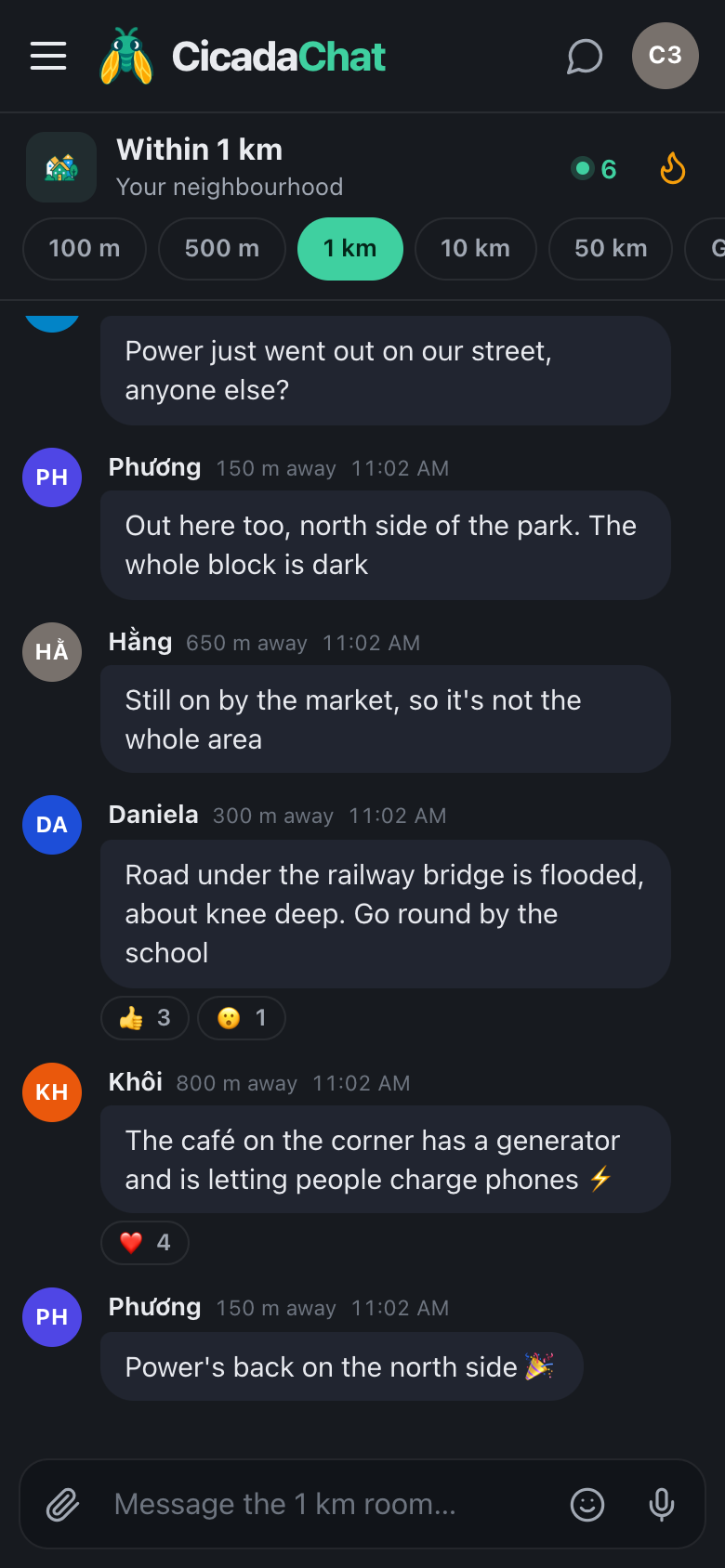
In a heavy downpour, the 10 km room turns into a live map of which roads are passable. The same rules apply: name the place, say how deep, say whether it's closing or clearing. If you're caught out yourself, ask before you drive into water you can't see the bottom of: someone may have just watched a car stall in it. When a storm causes wider trouble, like power cuts, fallen trees or water in homes, the neighbourhood room is often the better place for what's happening on your street. The 1 km room article storms, floods and outages: checking on your neighbourhood in the 1 km room covers that side.
Evenings and the dark theme
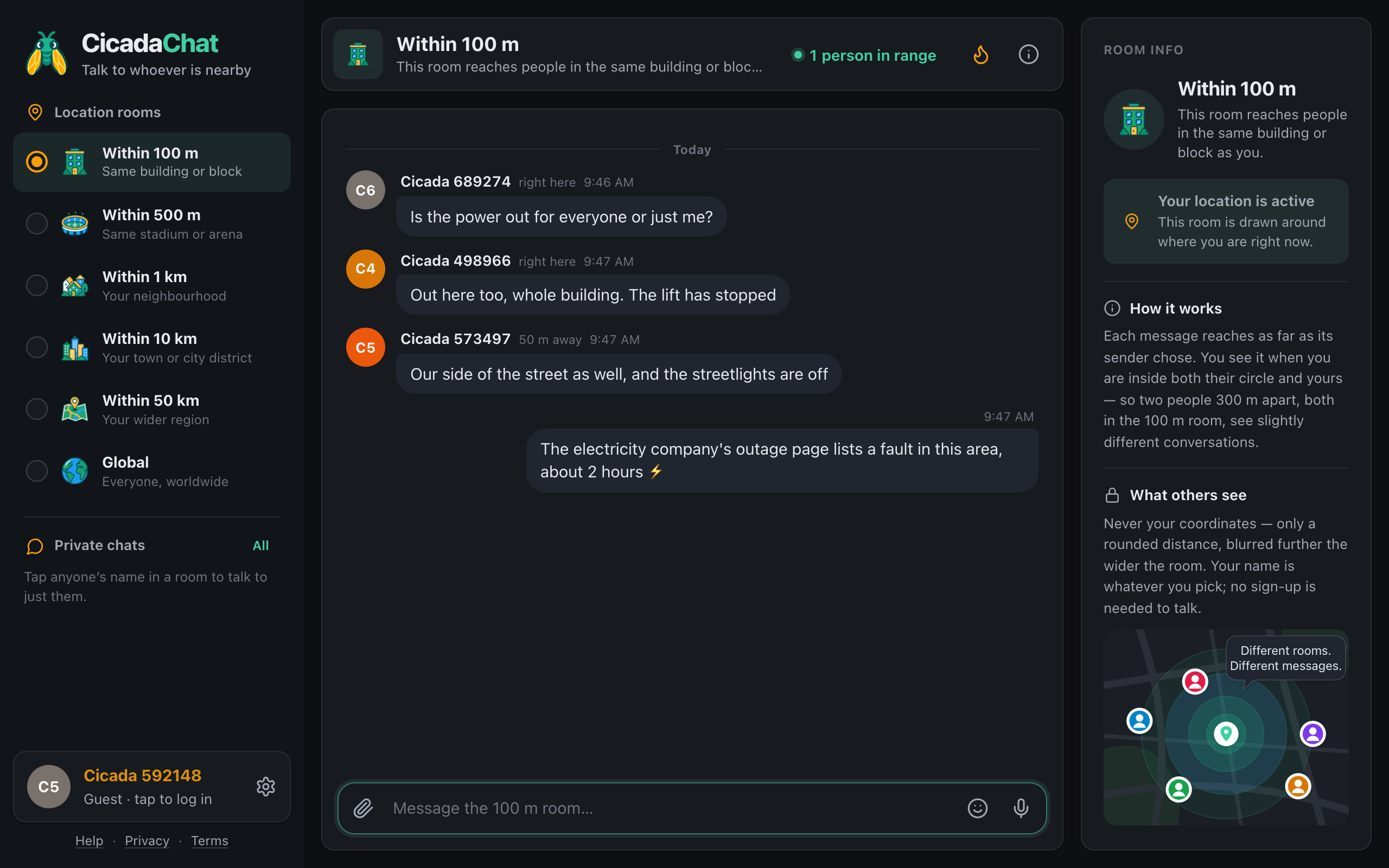
If you check the room at night or at dawn, the dark theme is easier on the eyes. Open Settings, the gear button beside your name at the bottom of the sidebar (on a phone, tap the menu button at the top left first), and choose Dark. The default, System, follows your phone or computer's own light or dark setting.
A few habits that make the commute room better
- Answer questions about your own route. If you ride the 32 every morning, you're the expert.
- Follow up. Say when it clears.
- Be precise, not dramatic. "Slow past the school" is more useful than "total chaos".
- React to confirm. A 👍 is the quickest way to back up a report you can see is true.
- Keep it about the roads. Long arguments about who's to blame for the traffic can wait for another room, or for a private chat.
You don't need an account for any of this. Open CicadaChat, allow location, tap 10 km, and you're in the same room as everyone else on the road.
No comments yet. Start the conversation.