
Your campus in one room: the 500 m room at university
Library hours, broken printers, moved lectures and free coffee: how students use CicadaChat's 500 m room to talk to the whole campus.
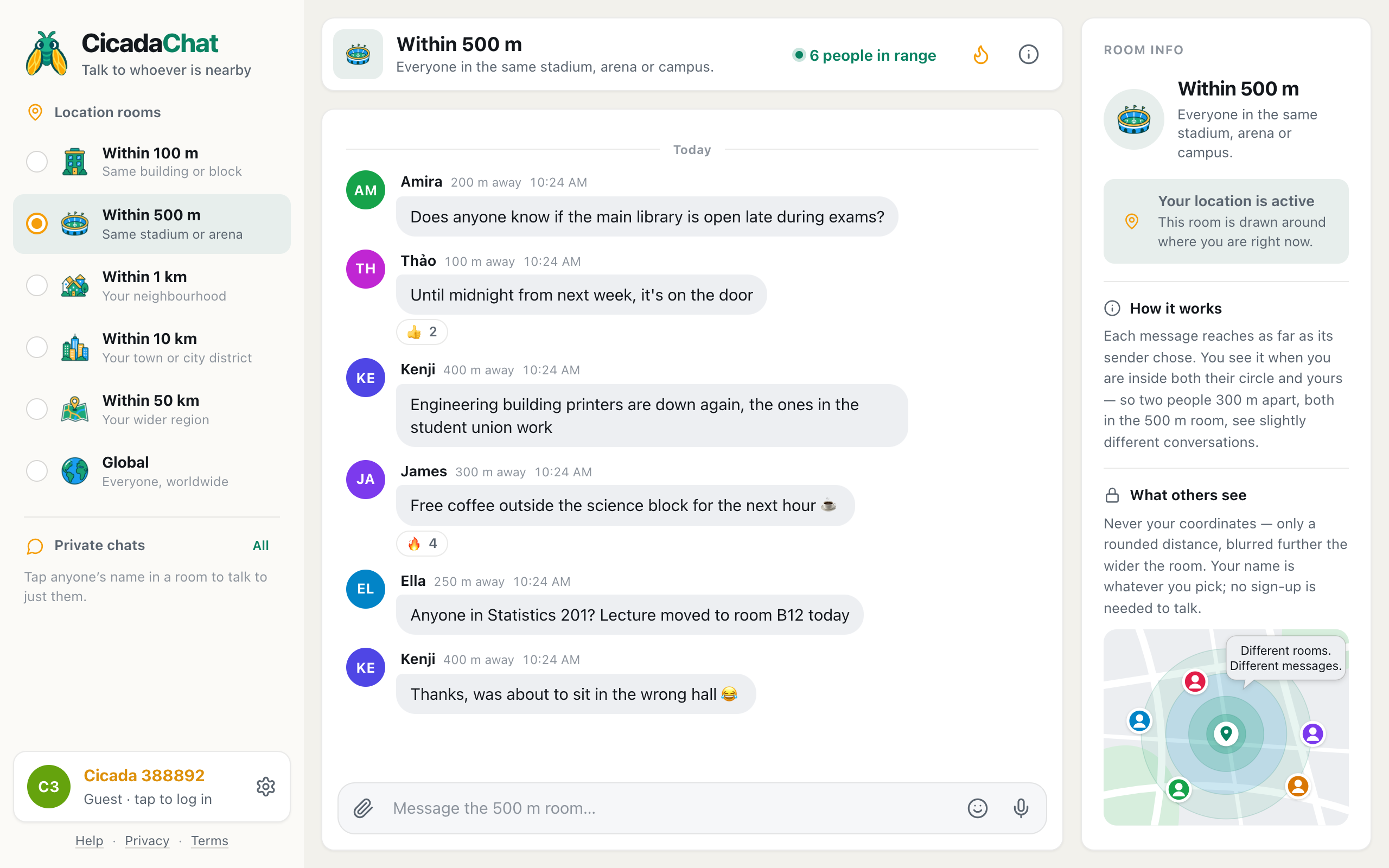
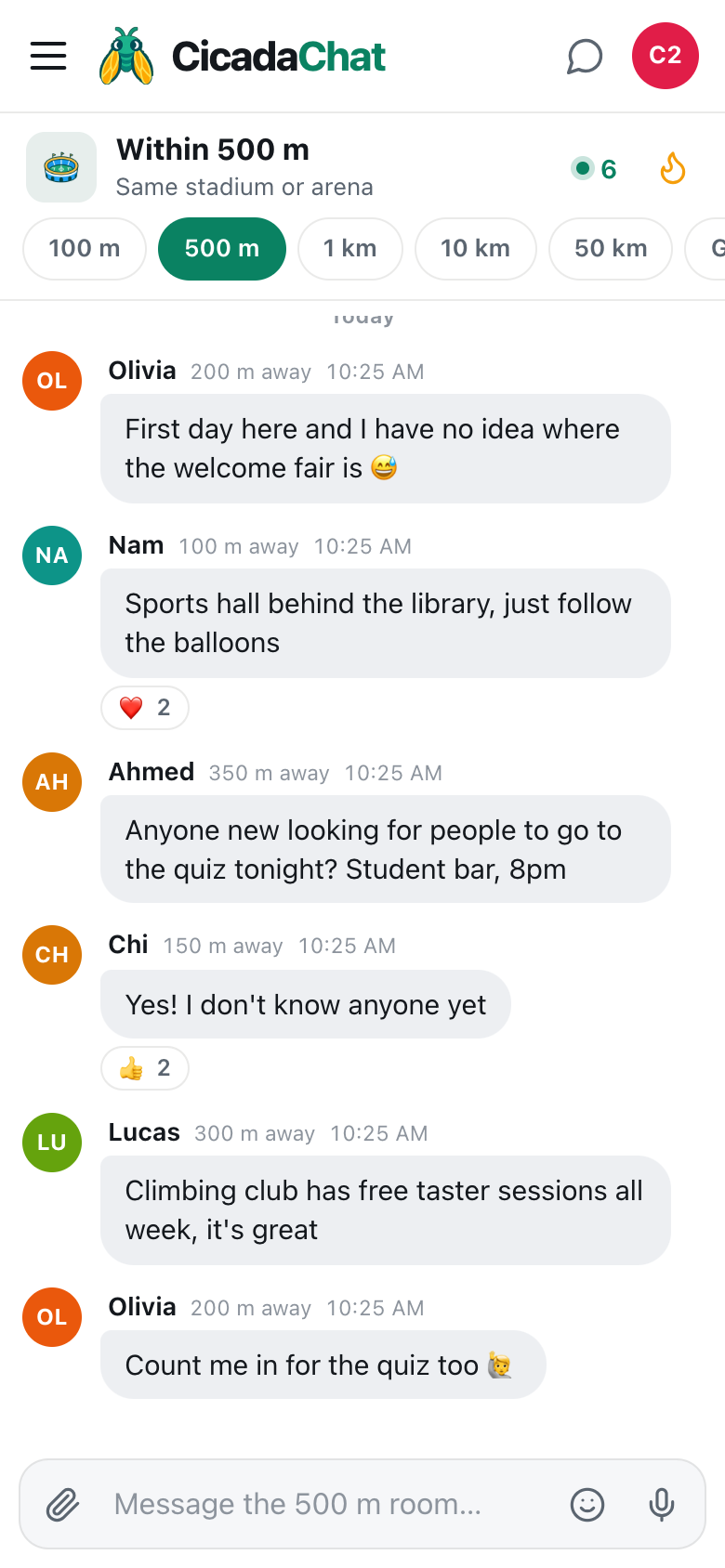
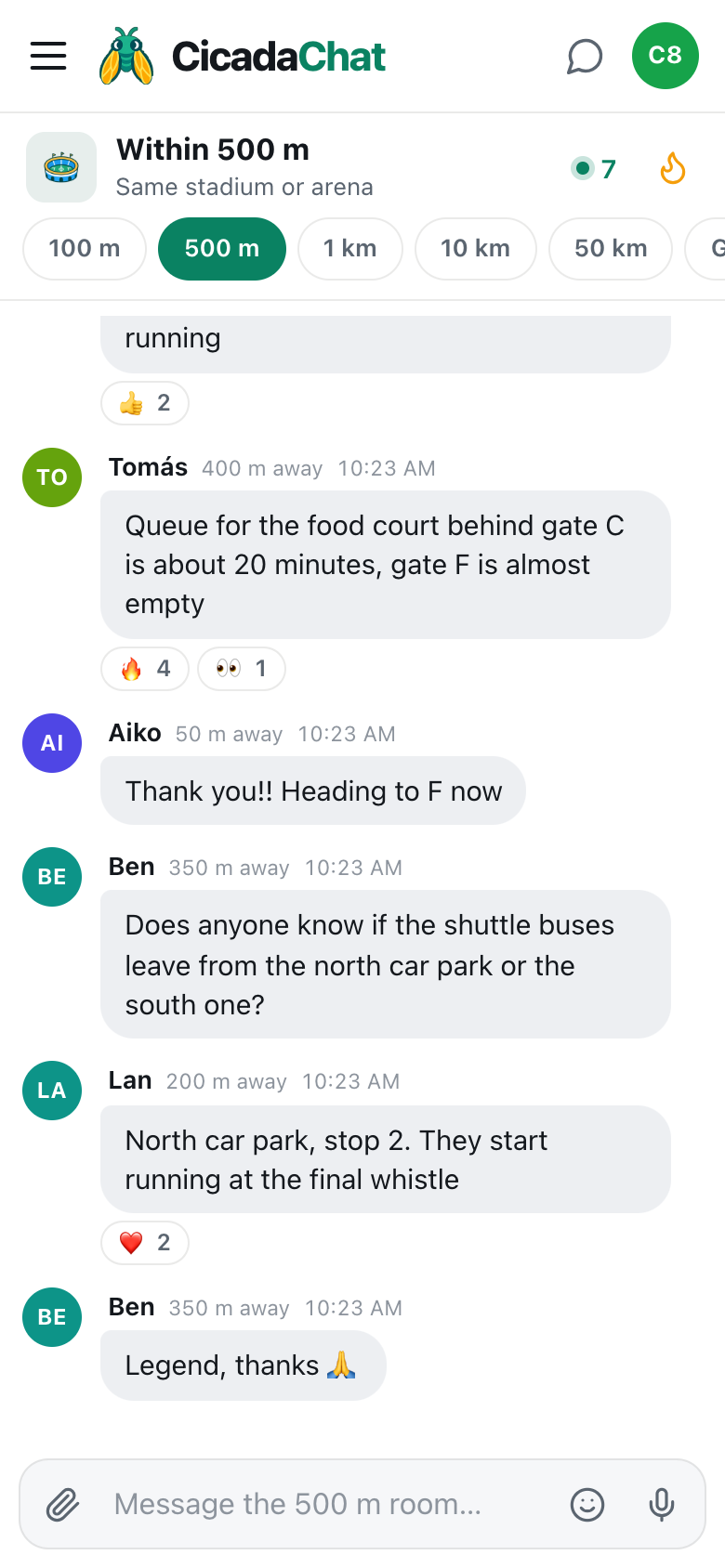
A university campus changes every hour. A lecture moves rooms, the printers in one building break, the library changes its hours for exams, and somebody is handing out free coffee outside the science block. The people who know are all around you, but there's no single chat for the whole campus that everyone is in. CicadaChat's 500 m room is one: a chat with everyone within 500 m, which on most campuses means the lecture halls, the library, the student union and the halls of residence next door. This article is about using the 500 m room at university: what it's good for, how it fits your campus, and how to keep it useful for everyone.
Your campus is a 500 m kind of place
CicadaChat's rooms are circles drawn around you. The 500 m room reaches everyone within 500 m, a circle a kilometre across. The room list labels it Same stadium or arena, and on a computer the header adds the third place it fits: Everyone in the same stadium, arena or campus.
How much of your campus it covers depends on your campus:
- A compact city campus, a few blocks of buildings, usually fits entirely inside the 500 m room from anywhere on it.
- A large out-of-town campus can be two or three kilometres across. The 500 m room is then your part of it: the science end when you're in the labs, the halls when you're home. That's often what you want: the engineering students and the medical students have different questions.
- A campus spread across a city, with buildings on different streets, has a 500 m room around each site.
If you want your whole campus and it's bigger than the circle, move up to the 1 km room. It will also reach the neighbourhood around the university, which is often full of students anyway.
What students use the 500 m room for
"Is it open?"
The most common campus question. "Does anyone know if the main library is open late during exams?" "Until midnight from next week, it's on the door." "Is the sports centre open on bank holidays?" "Is the canteen in the arts building still doing hot food?" Somebody nearby has just walked past the sign.
Things that are broken, and things that work
"Engineering building printers are down again, the ones in the student union work." "The lift in the maths building is out." "Wi-Fi in the library is fine, it's just the second floor that drops." These messages save dozens of people a wasted walk.
Changes to lectures and rooms
"Anyone in Statistics 201? Lecture moved to room B12 today." Your department will email you too, eventually. The room tells you while you're standing outside the wrong hall.
Free things
"Free coffee outside the science block for the next hour ☕." Free pizza at a society talk, free fruit at the gym, a free taster session at the climbing wall: campuses are full of free things that nobody hears about in time. In the 500 m room, they get a row of 🔥 in a minute.
Lost and found
"Found a blue water bottle in lecture theatre 3, left it with the porters." Student cards, laptop chargers and umbrellas all find their way home faster when the whole campus hears about them.
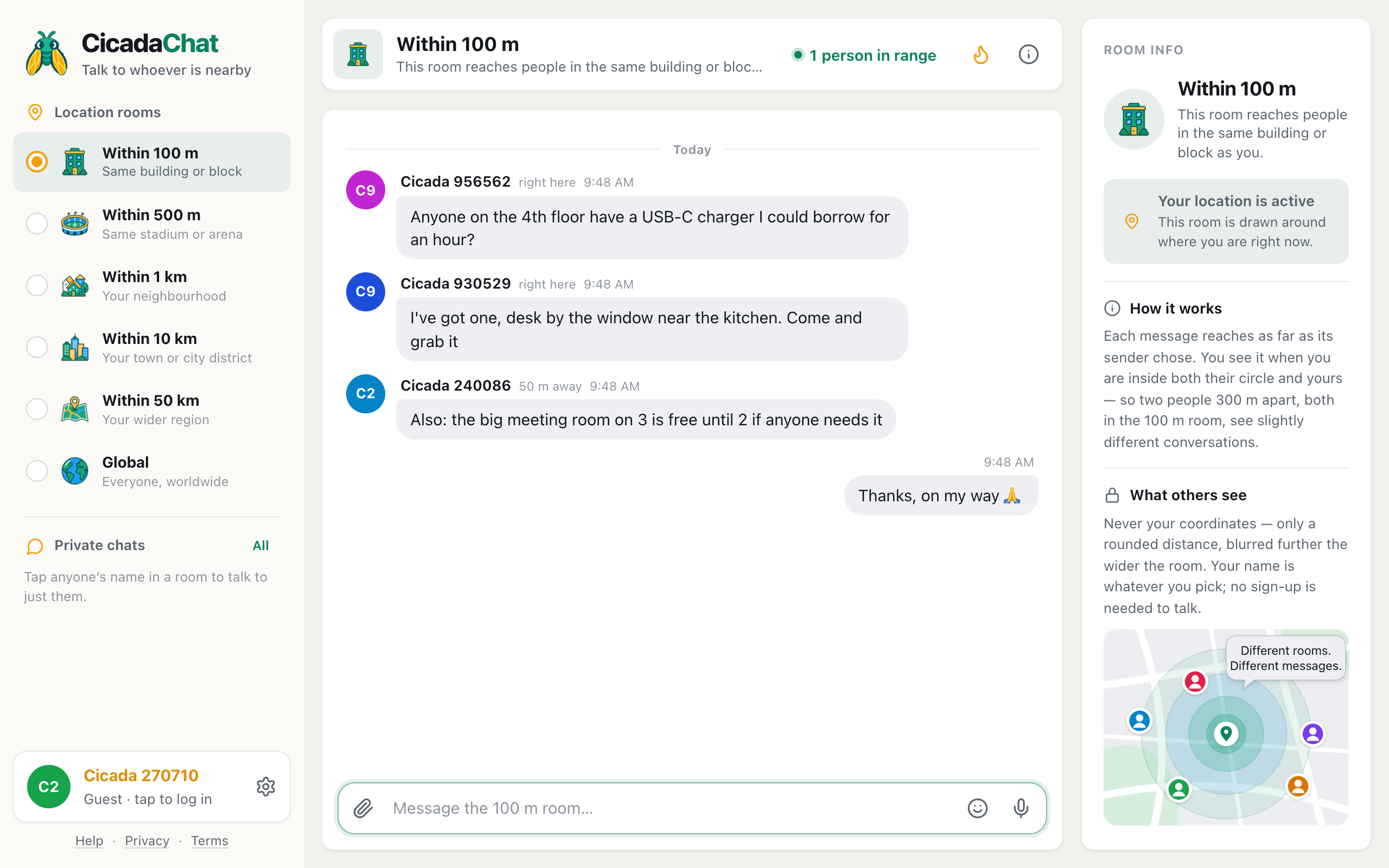
A screenshot of the 500 m room on a campus, on a laptop. Messages come from across the site, up to 400 m away.
Study, notes and group work
The 500 m room is a public room, which makes it good for finding people and not so good for working together. A useful pattern:
- Find people in the room. "Anyone else in Organic Chemistry 2 who wants to go through past papers this week?"
- Move to private chats. Tap a name to talk one to one.
- Make a private room for the group. With free accounts, add each other as friends, and one of you creates a private room and adds the others. It works from anywhere, so the group keeps working when you go home for the weekend.
You can send documents too: tap the paperclip and choose Document. PDFs, Word and PowerPoint files, spreadsheets, text files and zip archives are all accepted, up to 25 MB each. Documents always arrive as downloads, never opened in the browser, which keeps everyone safe from files that try to be clever. Share your own notes in a private room rather than the public one, though: the public room reaches everyone within 500 m, and a document sent there stays there. For sizes, formats and the steps, see how to send photos and documents in a chat.
The library and other quiet places
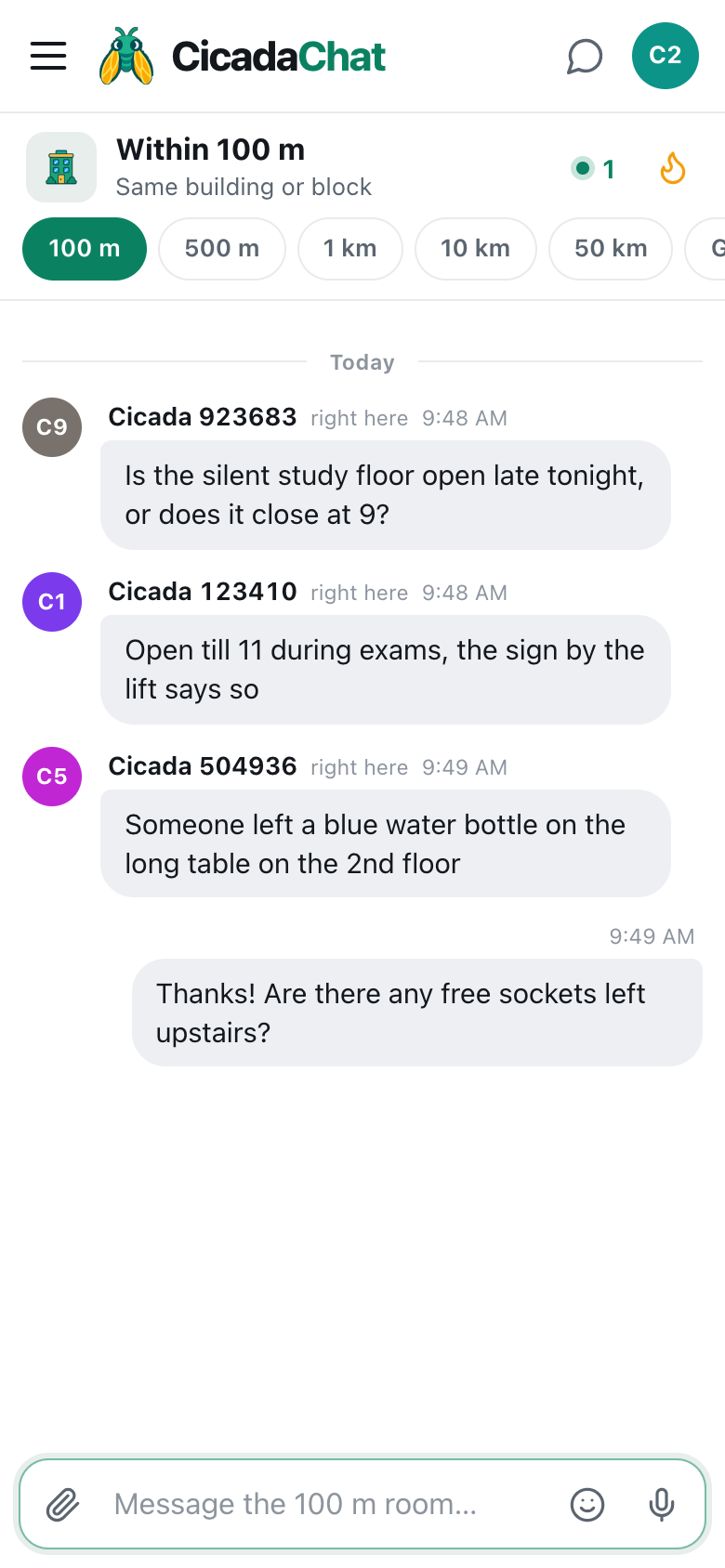
In a library or a study hall, you can't ask out loud. That's where the smaller 100 m room comes in: it's just your building, so "is anyone using the group study room on floor 2?" reaches the people who'd know. The 100 m article quiet questions in the library and the study hall: the 100 m room on campus covers that side of campus life. Use 100 m for your building, and 500 m for the campus.
Societies, clubs and campus events
Every campus has more going on than any noticeboard can hold: society talks, club taster sessions, film nights, matches on the sports field, charity bake sales. Most of it is advertised on posters that people walk past. The 500 m room reaches the people walking past.
- On the day, not weeks before. "Film society showing starts in 20 minutes in lecture theatre 1, free entry" works because it's about now, and everyone reading it is a few minutes' walk away.
- Say where and when. Building, room, time. First-years don't know what "the usual place" is.
- Post from a society account. Create an account with the society's name, so people know who's posting. Anyone who taps the name opens a private chat to ask questions.
- Once or twice, not every ten minutes. The room is everyone's. A reminder shortly before the start is plenty.
Watching a match on the sports field? The 500 m room is the touchline: "Second half starting, come and cheer, we're 2-1 up."
Different times of day, different rooms
The campus 500 m room has a rhythm:
- Morning: lectures, room changes, "which way to building K?" from first-years.
- Lunch: queues, food, free things, where to sit in the sun.
- Afternoon: the library, study groups, broken printers.
- Evening: society events, the student bar, sport, and people from the halls asking who's going where.
- Exam season: library hours, quiet spaces, and a lot of mutual encouragement.
Because the room is a circle around you, it follows you as you cross the campus. When you open it, it loads what's been said within reach of where you are. As you walk from the lecture hall to the library, new messages reach you based on where you are now.
Hot: the campus noticeboard
The flame button in the header opens Hot, the most-reacted messages in the room from the past week. On a campus, it becomes a noticeboard written by students: the library's exam hours, the working printers, the free coffee, the society event everyone went to. If you've been away for a few days, Hot is the quickest way to catch up.
Keeping the campus room good
A campus room is only as good as the people in it, and the people in it are your fellow students, and sometimes your lecturers.
- Answer questions. Especially first-years' questions. You were one once.
- No gossip about named people. A message about a named student, or a named lecturer, reaches everyone within 500 m, and stays. There's no way to delete it later.
- No cheating. Sharing answers during an online test is cheating, even in a chat app.
- Don't describe strangers. "The guy in the red jumper in the library is so loud" might be read by the guy in the red jumper.
- React instead of repeating. If someone has already said the printers are down, a 👍 confirms it without adding noise.
Privacy on campus
Campuses are communities where people will see you again tomorrow. It's worth knowing what others can see:
- Your name, which as a guest is something like Cicada 123456, and with an account is whatever full name you choose. A first name or a nickname is fine.
- A distance rounded to the nearest 50 m, or right here under 50 m. Never your coordinates.
- What you post. Including any photo, which CicadaChat re-encodes on your device to strip its hidden GPS data, but whose content is up to you. A photo out of your window in halls shows which window it is.
Keep your room number in halls, your timetable and your plans to walk home alone out of the public room.
Guest or account?
Everything in the 500 m room works as a guest. A free account adds friends (who see when you're online, never where you are), private rooms for study groups, flatmates and societies, and a name and photo of your choosing. When you create an account, your guest history comes with you. If you're new to campus and wondering how to use the room to meet people, the next article is for you: freshers' week: making friends on a new campus with the 500 m room.
No comments yet. Start the conversation.